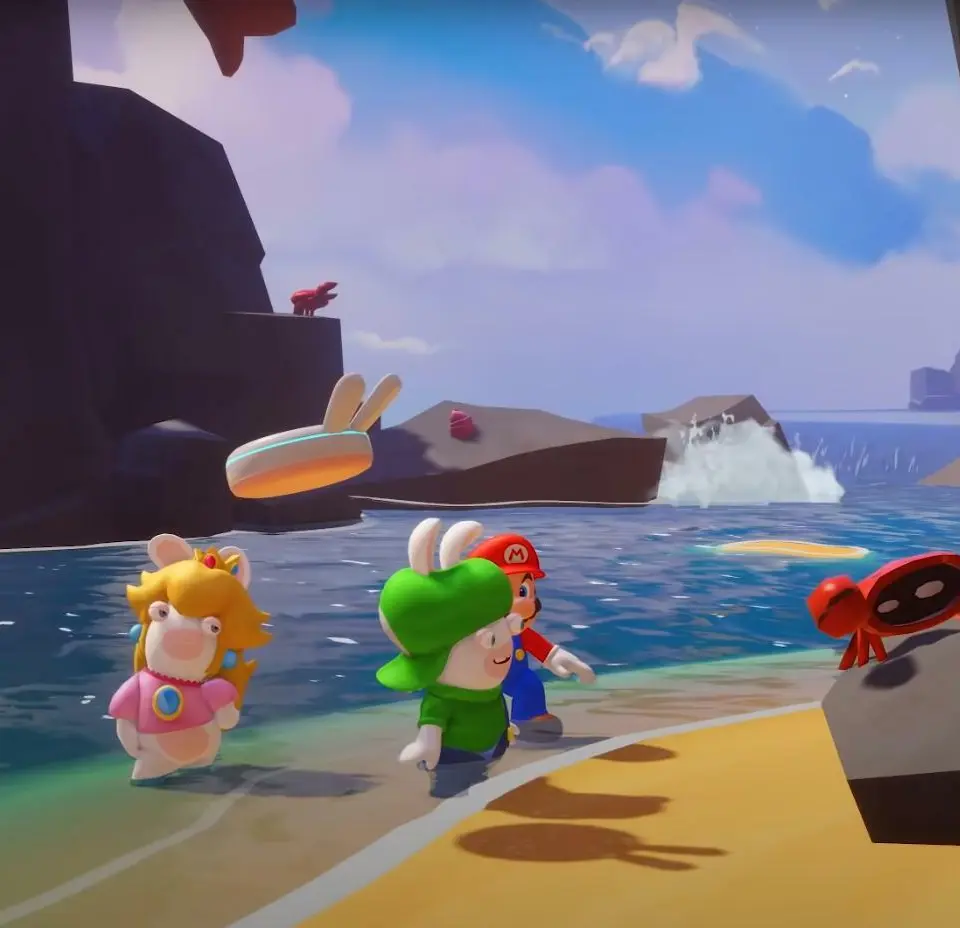
The game's UI provides vital information during both exploration and combat. On the overworld, you'll see your current objective in the top left, your team's health bars in the bottom left, and a mini-map in the top right. During combat, the UI becomes more detailed. Each hero's portrait displays their health, current status effects, and available action points. The enemy's health and status are shown when you target them. The bottom of the screen will show your available actions (Move, Attack, Technique, Spark, Item). Pay close attention to the turn order displayed at the top of the screen, as this dictates the flow of battle. Understanding these elements will help you make informed decisions and react effectively to changing battlefield conditions, ensuring you always know what's happening and what your options are.