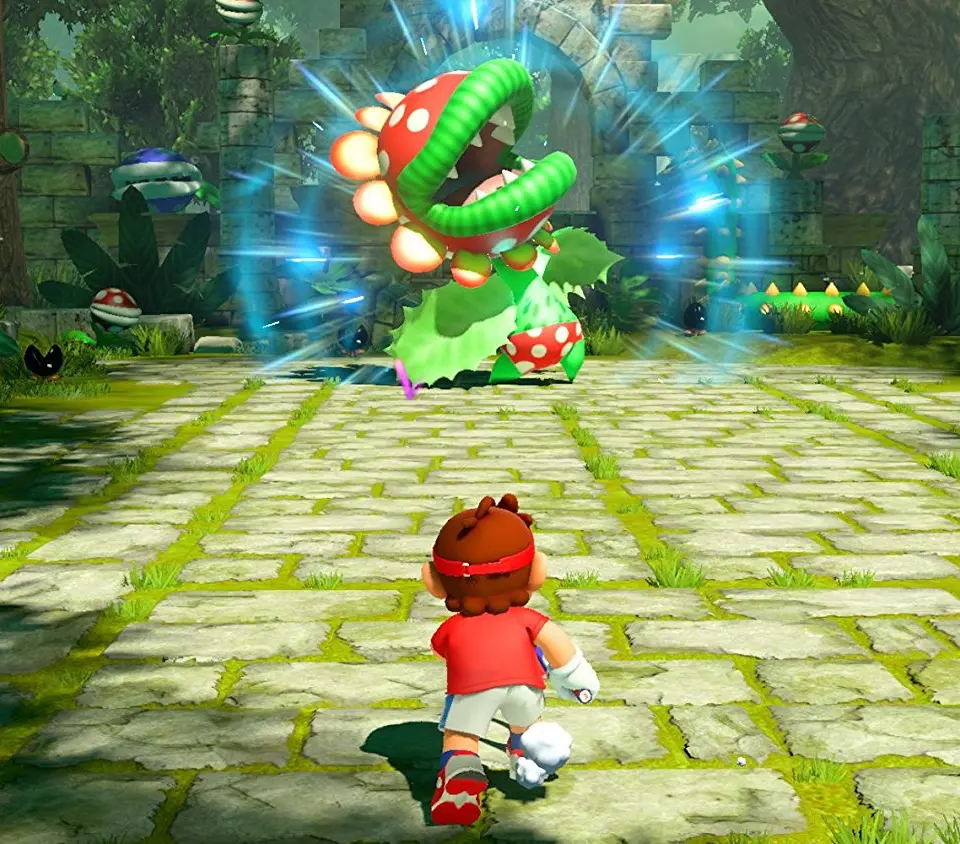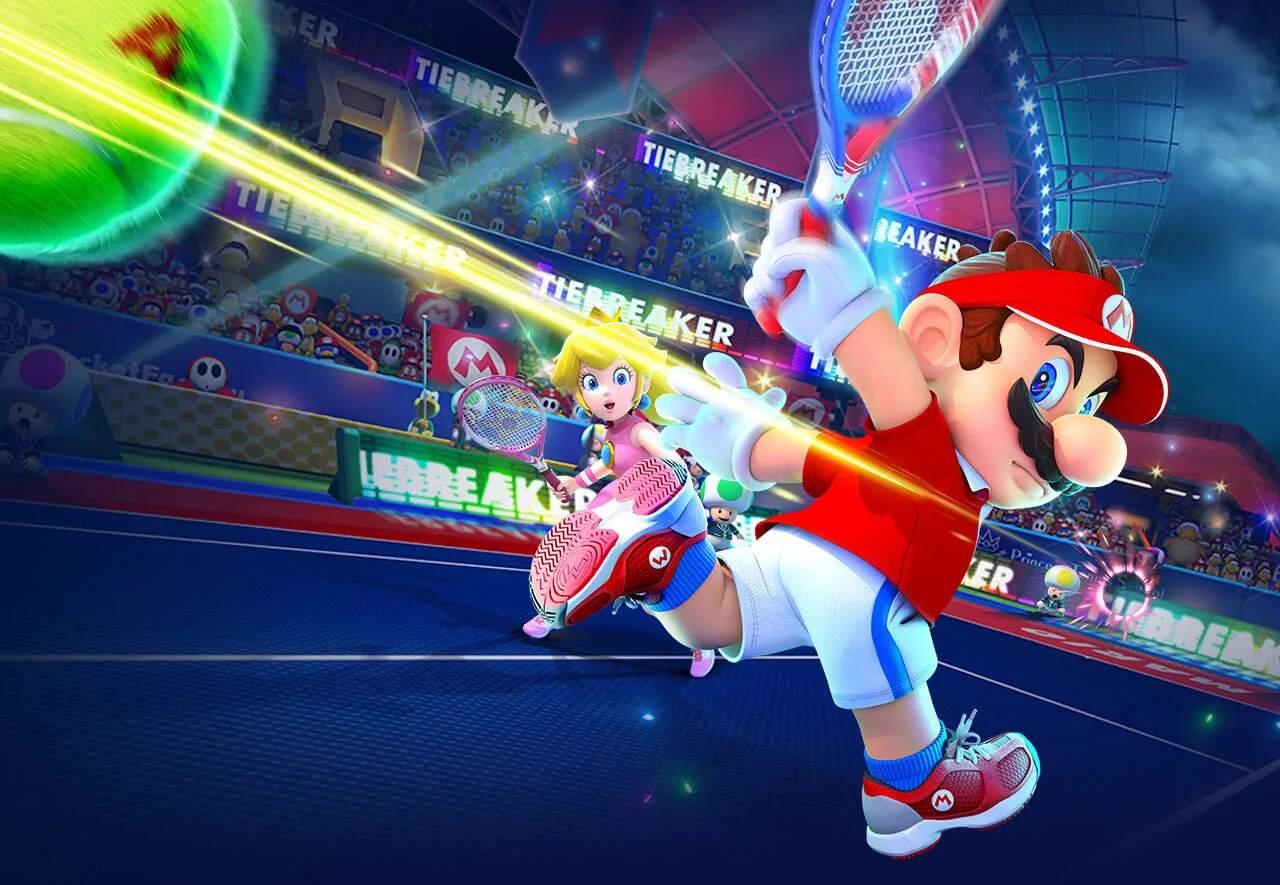
The user interface provides vital information during a match. Your Energy Gauge is at the bottom of the screen; it fills up as you rally and is used for special moves. The character icon shows your current position and stamina. Pay attention to the shot indicator on the court, which shows where the ball will land, helping you anticipate and position yourself for the perfect return. Keeping an eye on your opponent's gauge can also give you a strategic advantage.