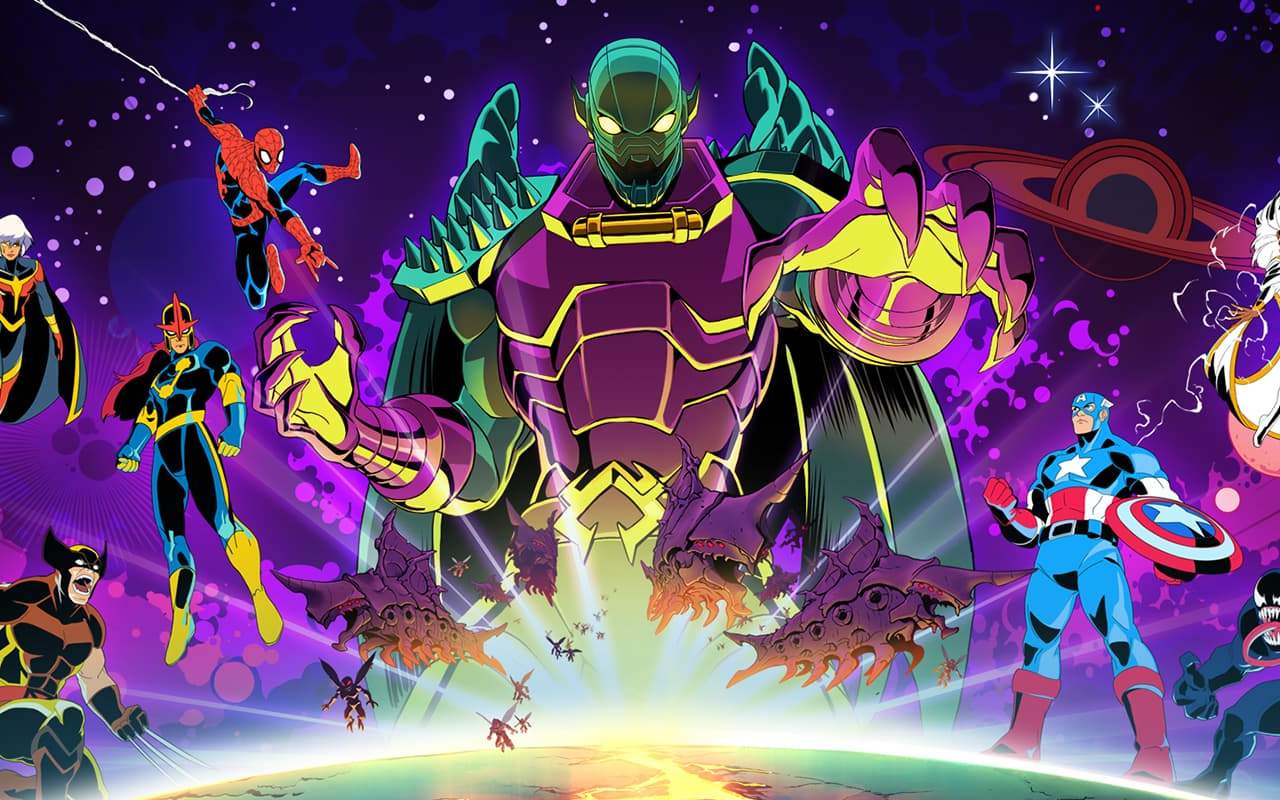
MARVEL Cosmic Invasion uses a robust saving system to ensure your progress is never lost. The game automatically saves your progress at key moments, such as after completing significant story beats, defeating major bosses, or reaching desated checkpoint areas. This allows you to pick up right where you left off without fear of losing hours of gameplay.
Automatic Checkpoints:
- The game features numerous automatic checkpoints throughout its levels and story progression. When you reach one of these points, a small icon will typically appear on your screen, indicating that your progress has been saved.
- These checkpoints are strategically placed to minimize the amount of content you'll need to replay if you happen to fail a section or quit the game.
Manual Saving:
- While the game autosaves frequently, there may be instances where you wish to manually save your progress, especially before attempting a particularly challenging section or making significant choices.
- To manually save, access the pause menu and look for the "Save Game" option. Select this to create a new save file or overwrite your most recent one. It's good practice to create multiple save files to have backups.
Quitting the Game:
- When you decide to quit MARVEL Cosmic Invasion, ensure that you have recently passed an autosave point or performed a manual save. The game will usually prompt you to save your progress before closing if there are unsaved changes.
Always be mindful of the save system. If you're unsure whether your progress is saved, look for the save icon or perform a manual save to be absolutely certain.