Troubleshooting & FAQs
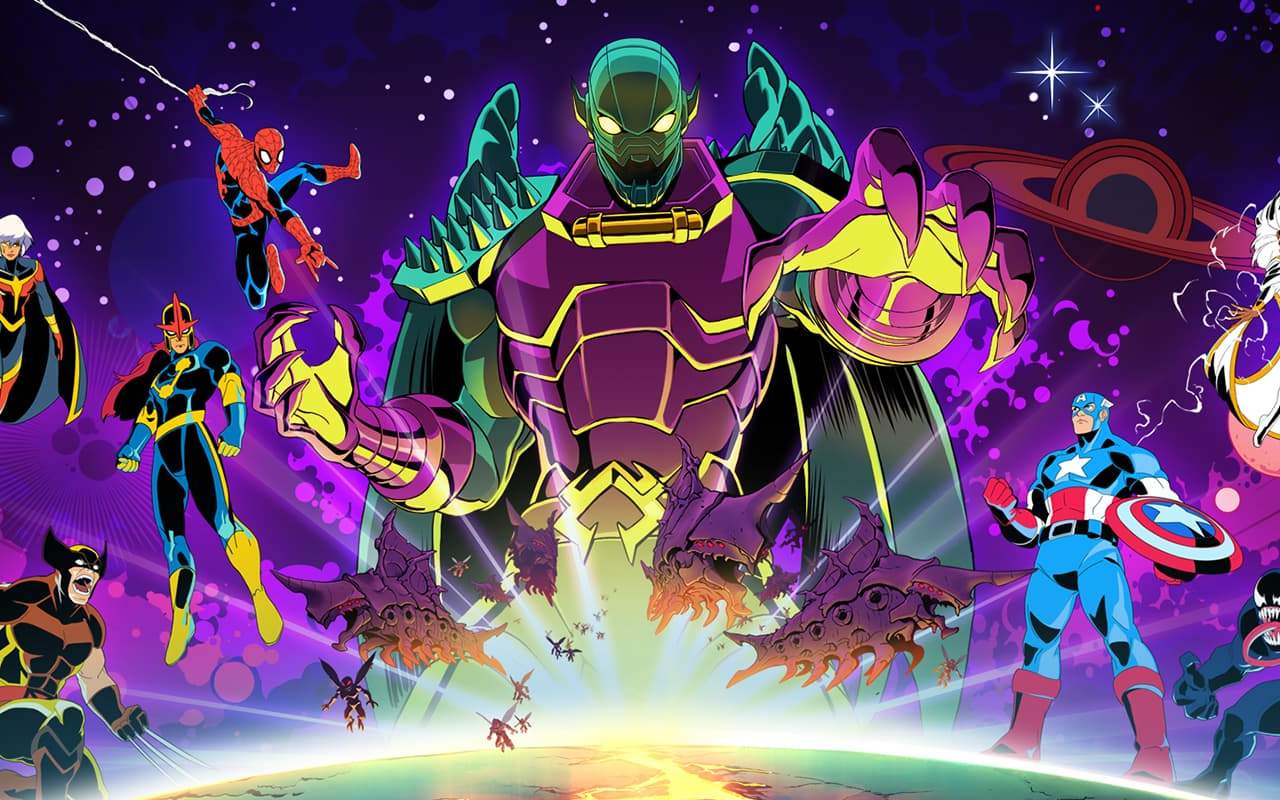
Even in the most polished cosmic adventures, players may encounter occasional hiccups or have questions about the game's mechanics. This section is dedicated to providing solutions to common issues and answering frequently asked questions about MARVEL Cosmic Invasion. Whether you're facing a persistent technical problem, are unsure about a specific game feature, or simply want to deepen your understanding of the game's systems, you'll find valuable information here. Our goal is to ensure your journey through the cosmos is as smooth and enjoyable as possible, allowing you to focus on saving the galaxy without unnecessary frustration.
We understand that every player's experience can be unique, and sometimes, the solutions aren't immediately obvious. This guide aims to cover a broad spectrum of potential problems, from minor graphical glitches to more complex gameplay queries. By addressing these common concerns proactively, we hope to empower you with the knowledge to overcome any obstacle. If you don't find the answer you're looking for here, don't worry – we also provide guidance on how to seek further assistance. Prepare to have your most pressing questions answered and your troubleshooting needs met.
Common Technical Issues
Here are some common technical issues players might encounter and their general solutions:
- Game Crashing: Ensure your system meets the minimum requirements, update your graphics drivers, and verify game file integrity through your platform's launcher (e.g., Steam, Epic Games Store). If the issue persists, try lowering graphical settings.
- Performance Drops (Low FPS): Similar to crashing, check system requirements and update drivers. Lowering graphical settings like shadows, anti-aliasing, and texture quality can significantly improve frame rates. Close unnecessary background applications.
- Input Lag / Unresponsive Controls: If playing with a controller, try a different USB port or a different controller. Ensure your controller drivers are up to date. For keyboard and mouse, check for conflicting software or input mapping issues.
- Graphical Glitches (Tearing, Artifacts): Update your graphics drivers. If using V-Sync, try disabling it or enabling it in your graphics card's control panel. Ensure your game is updated to the latest patch.
- Audio Issues (Missing Sound, Static): Check your audio device settings in Windows or your console. Ensure the game's audio drivers are correctly installed. Try different audio output devices if available.
Frequently Asked Questions (FAQs)
Q: How do I unlock new heroes?
A: New heroes can be unlocked by completing specific story missions, earning in-game currency through gameplay, or sometimes through special in-game events and challenges.
Q: What is the best way to farm Cosmic Shards?
A: Cosmic Shards are best farmed by replaying missions with high enemy density, completing daily and weekly challenges, and participating in limited-time events that offer shard rewards.
Q: Can I respec my hero's abilities?
A: Yes, most heroes allow for ability respecs using a specific in-game resource, often called "Ability Points" or "Respec Tokens," which can be earned through gameplay or purchased.
Q: How do I find hidden collectibles?
A: Collectibles are often hidden in hard-to-reach areas, behind destructible environments, or require specific hero abilities to access. Pay attention to environmental clues and explore thoroughly.
Q: Is there a New Game Plus mode?
A: Yes, MARVEL Cosmic Invasion features a New Game Plus mode that allows you to replay the story with your unlocked heroes and gear, facing tougher challenges and earning greater rewards.