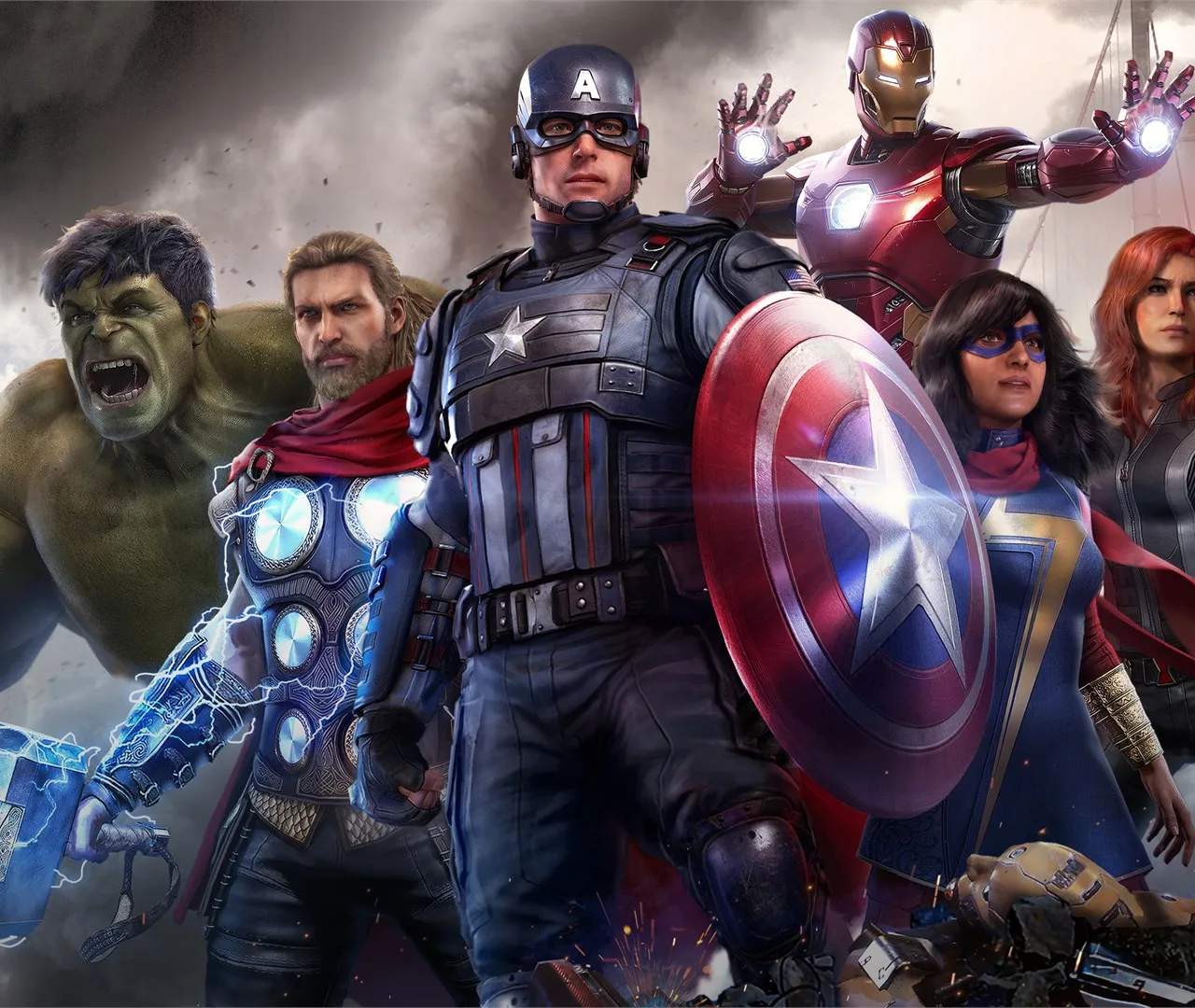
Understanding the basic controls is your first step to becoming a formidable Avenger. While each hero has unique abilities, the core movement and combat controls remain consistent across the roster. Familiarize yourself with these inputs to seamlessly transition between heroes and master their individual playstyles.

PC Controls (Default)
- Movement: W, A, S, D
- Jump: Spacebar
- Dodge: Alt (hold) / Left Shift (tap)
- Light Attack: Left Mouse Button
- Heavy Attack: Right Mouse Button
- Ranged Attack: Middle Mouse Button (hold to aim)
- Heroic Abilities: 1, 2, 3 (assignable)
- Interact: E
- Sprint: Left Shift (hold)
Console Controls (Default)
- Movement: Left Analog Stick
- Jump: X (PlayStation) / A (Xbox)
- Dodge: Circle (PlayStation) / B (Xbox)
- Light Attack: Square (PlayStation) / X (Xbox)
- Heavy Attack: Triangle (PlayStation) / Y (Xbox)
- Ranged Attack: L2 (PlayStation) / LT (Xbox) (hold to aim)
- Heroic Abilities: L1+R1 (Assault), R1 (Support), L1 (Ultimate)
- Interact: Square (PlayStation) / X (Xbox)
- Sprint: L3 (PlayStation) / Left Stick Click (Xbox)
Practice these controls in the HARM Room to get a feel for each hero's unique movement and combat flow. Experiment with dodging, parrying, and combining light and heavy attacks for effective combos.