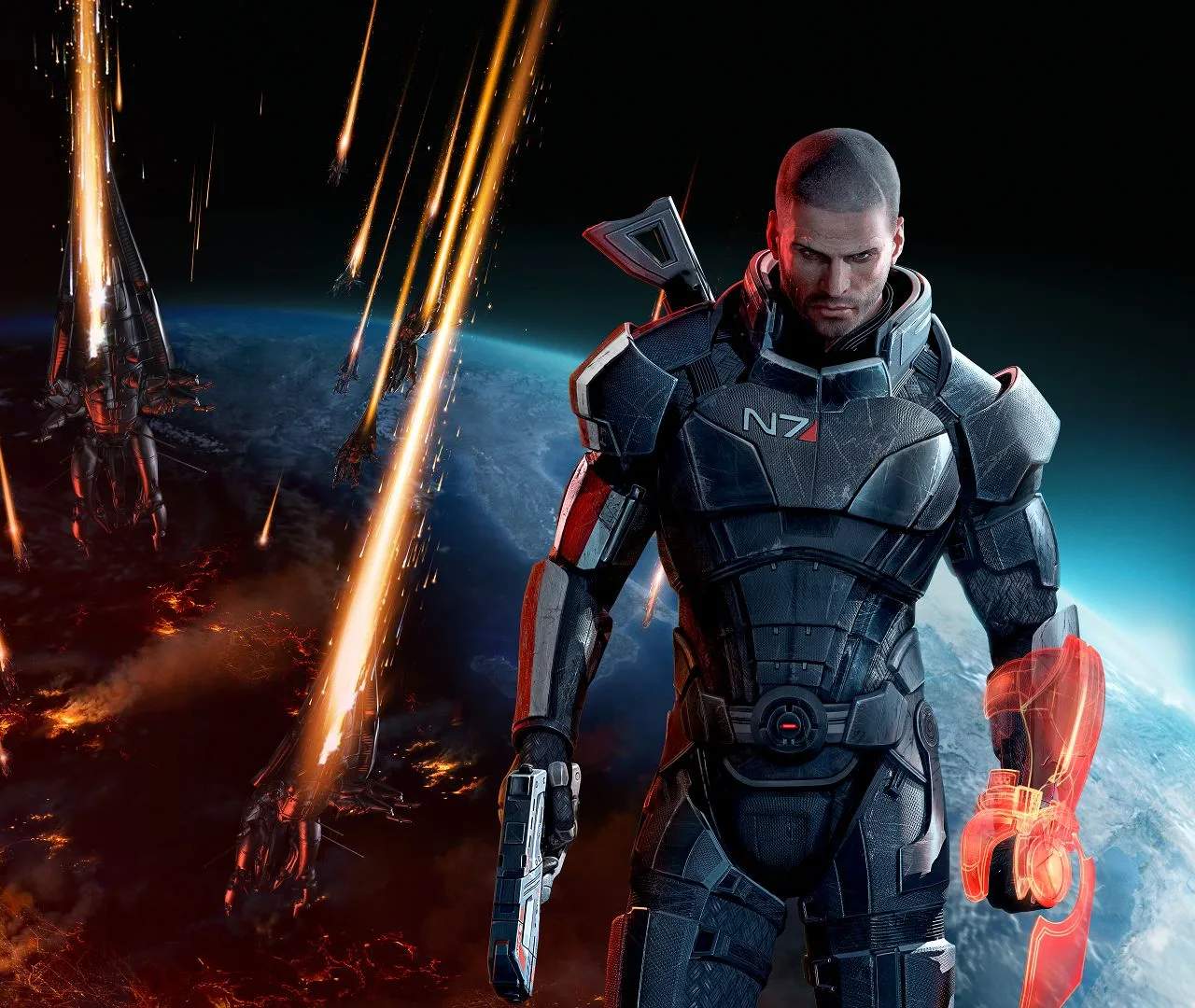
Customizing Shepard's Appearance
While Commander Shepard's core appearance is established at the beginning of the trilogy, Mass Effect 3 offers limited but impactful customization options. You can alter Shepard's hairstyle, facial features, and scars, allowing for a degree of personalization. These changes can be made at the beginning of the game and, in some cases, later through specific in-game features.
The primary opportunity for appearance customization occurs during the initial character creation screen. Here, You can select from a range of pre-set faces or use a more detailed editor to fine-tune Shepard's look. This includes choosing skin tone, eye color, hair color, and hairstyle. The Legendary Edition offers even more options for character creation.
Key customization elements:
- Shepard's Face: Choose from several distinct facial templates or customize features like jawline, nose, and cheekbones.
- Hair Style and Color: several hairstyles and colors are available to suit different preferences.
- Scars and Tattoos: Add scars or tattoos that reflect Shepard's past experiences and combat history.
- Armor and Outfits: While not a permanent appearance change, Shepard's armor and outfits can be customized throughout the game, offering visual variety.
The appearance of Shepard can influence how certain characters react and how players connect with their protagonist. While the core narrative remains the same, a personalized Shepard can enhance the immersion. Remember that choices made in previous games regarding Shepard's appearance will carry over if you import a save file.