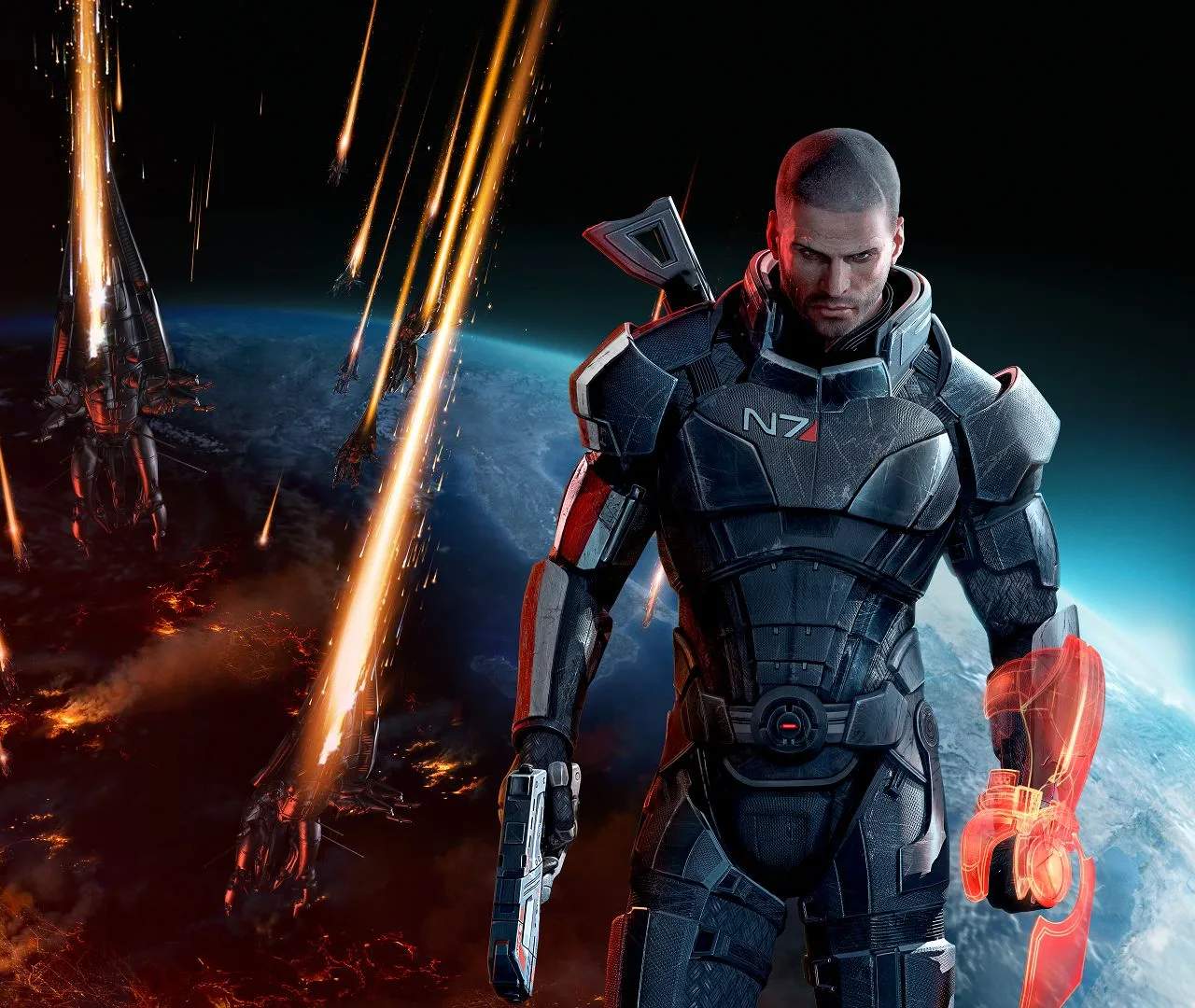
Familiarizing yourself with the controls and user interface (UI) is paramount. The game utilizes a third-person shooter perspective with a cover-based combat system. Key bindings for movement, shooting, biotic/tech powers, and squad commands are customizable on PC, while console controls are fixed. The UI provides vital information such as your health, shield, power cooldowns, and squadmates' status. Pay close attention to the mini-map for enemy positions and objectives.
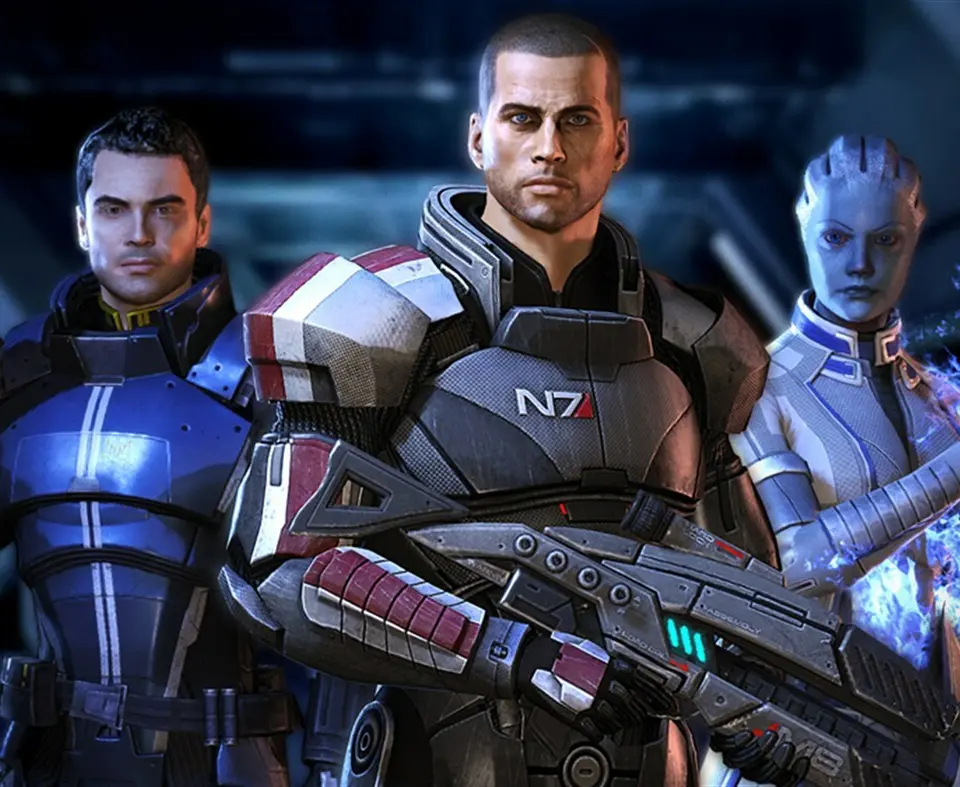
Key UI Elements:
- Health/Shield Bar: Located at the bottom left, indicates your current health and shield integrity.
- Power Wheel: Accessed by holding a designated button, allows you to select and activate biotic/tech powers.
- Squad Commands: Direct your squadmates to specific positions or target enemies.
- Mini-Map: Shows your location, objectives, and enemy contacts.