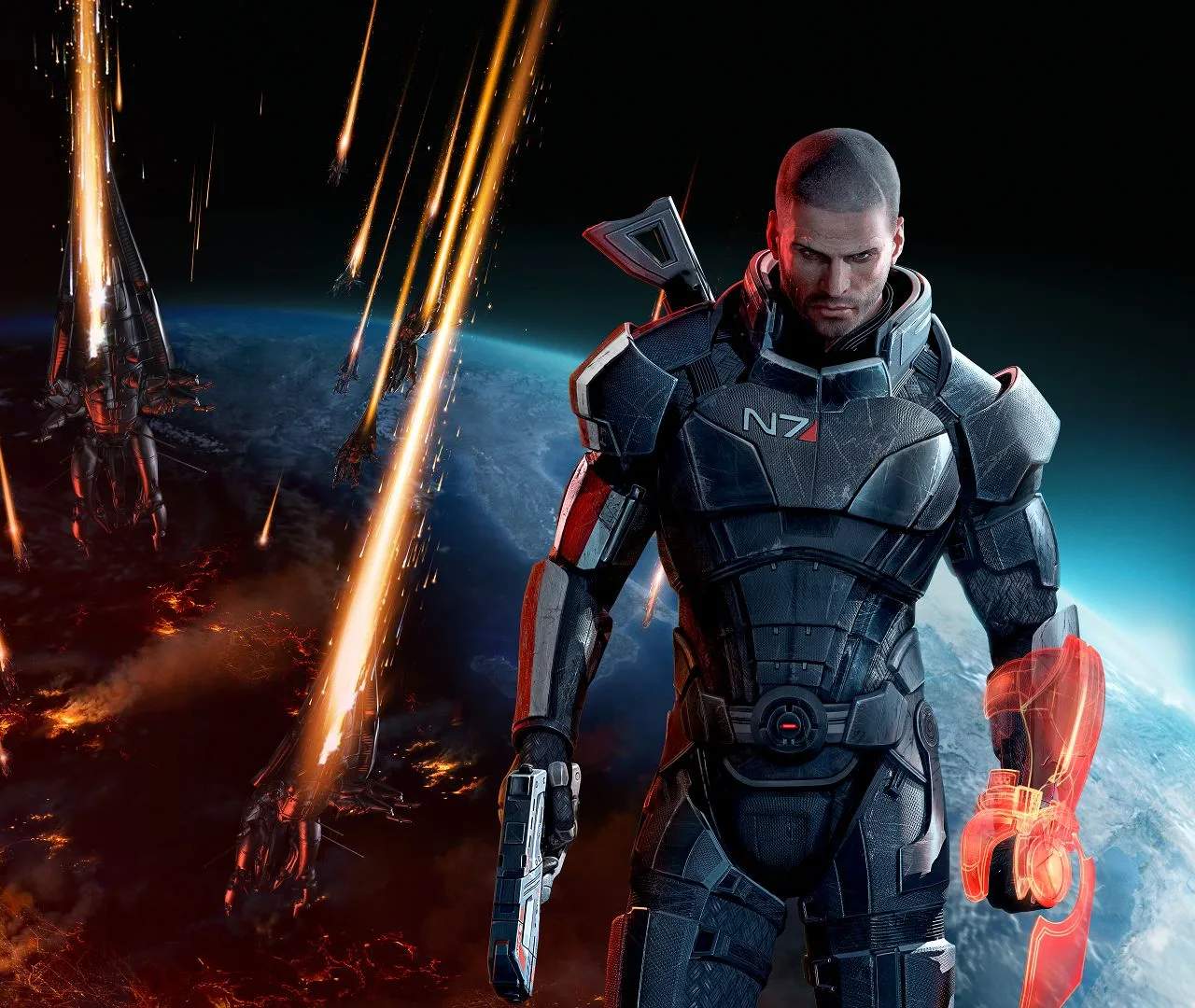
Installation & System Requirements — Mass Effect 3 Guide
Before embarking on your galactic crusade in Mass Effect 3, ensuring your system meets the installation and system requirements is paramount. This guide provides the necessary information to get the game up and running smoothly, whether you're playing the original release or the enhanced Legendary Edition.
For the original Mass Effect 3 on PC, the system requirements were relatively modest by today's standards. Typically, you would need an operating system like Windows XP, Vista, or 7, a dual-core processor (such as an Intel Core 2 Duo or AMD Athlon 64 X2), at least 2GB of RAM, and a graphics card with Shader Model 3.0 support and at least 512MB of VRAM (e.g., NVIDIA GeForce 8800 GT or ATI Radeon HD 4850). A minimum of 15GB of free hard drive space was also required.
The Mass Effect Legendary Edition, released in 2021, significantly updates the game with enhanced visuals and performance. As such, its system requirements are higher. For the Legendary Edition, a 64-bit operating system is mandatory (Windows 10). Recommended specifications often include a more powerful processor like an Intel Core i7-3770 or AMD FX-8350, 16GB of RAM, and a modern graphics card such as an NVIDIA GeForce GTX 1030 or AMD Radeon HD 7870. The storage space required is also considerably larger, often exceeding 100GB.
Installation is generally straightforward. For digital versions, you'll typically download the game through a platform like Steam, Origin, or the EA App. Once downloaded, the platform will usually handle the installation process automatically. For physical copies, follow the on-screen prompts after inserting the disc. Ensure you have enough disk space available before starting the download or installation.
It's also important to keep your system drivers, particularly graphics drivers, updated to ensure optimal compatibility and performance. Regularly checking for updates from NVIDIA, AMD, or Intel can prevent many common issues. If you encounter problems during installation or startup, verifying the integrity of game files through your respective game launcher is a common and effective troubleshooting step.
| Component | Minimum (Original ME3 PC) | Recommended (Legendary Edition) |
|---|---|---|
| OS | Windows XP, Vista, 7 | Windows 10 (64-bit) |
| Processor | Intel Core 2 Duo / AMD Athlon 64 X2 | Intel Core i7-3770 / AMD FX-8350 |
| RAM | 2 GB | 16 GB |
| Graphics Card | NVIDIA GeForce 8800 GT / ATI Radeon HD 4850 (512MB VRAM) | NVIDIA GeForce GTX 1030 / AMD Radeon HD 7870 |
| Storage | 15 GB | 120 GB |