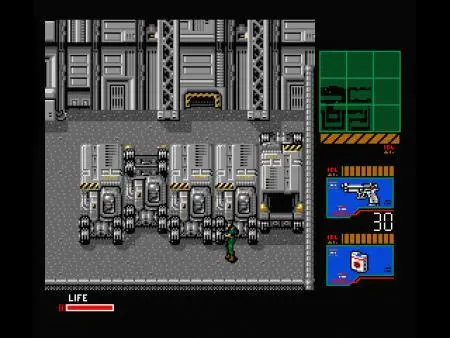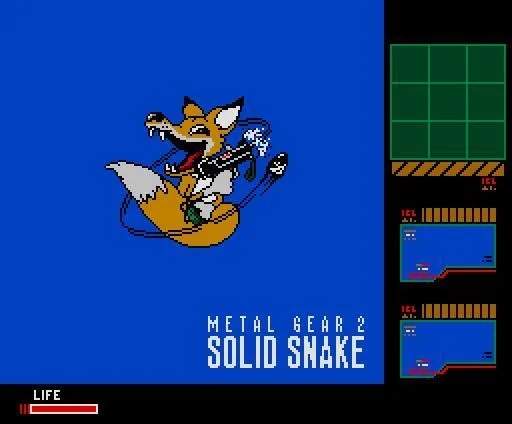
The UI in Metal Gear 2 provides critical information for your mission. The top-left corner of the screen displays your current health bar, which depletes when you take damage. Below that, you'll see your equipped weapon and its remaining ammunition. The top-right corner features the invaluable radar, which shows the positions of enemies (as red dots) and your own location (as a white dot). Understanding the radar's range and how enemy patrol patterns appear on it is key to planning your movements. The bottom of the screen often displays messages, item pickups, or codec communications. Regularly checking your radar and health is crucial for situational awareness and survival. access your inventory via the pause menu to manage your items and equipment.