Mastering the controls is paramount in Metal Gear Solid: Portable Ops. The game utilizes the PSP's unique control scheme, requiring a bit of adaptation for those used to console Metal Gear titles. Here's a breakdown of the essential controls:
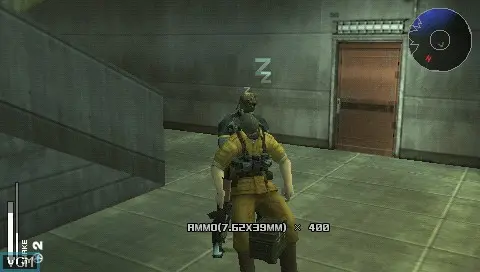
- Analog Stick: Movement (walk, run, crawl).
- D-Pad: Camera control (up/down/left/right). This is crucial for scouting areas and maintaining situational awareness.
- X Button: Action (pick up items, open doors, climb ladders, interrogate enemies).
- Square Button: Attack (melee, fire weapon). Hold for CQC.
- Triangle Button: First-person view / Aiming. Hold to aim, tap to switch to first-person.
- Circle Button: Crouch / Stand. Hold to go prone.
- L Button: Weapon/Item menu. Hold to bring up the menu, use D-Pad to select.
- R Button: Ready weapon / CQC stance. Hold to ready your equipped weapon.
- Start Button: Pause menu / Map.
- Select Button: Radio / Call for backup.
Practice these controls in the early missions to build muscle memory. Effective use of the D-Pad for camera control is especially important for stealth.