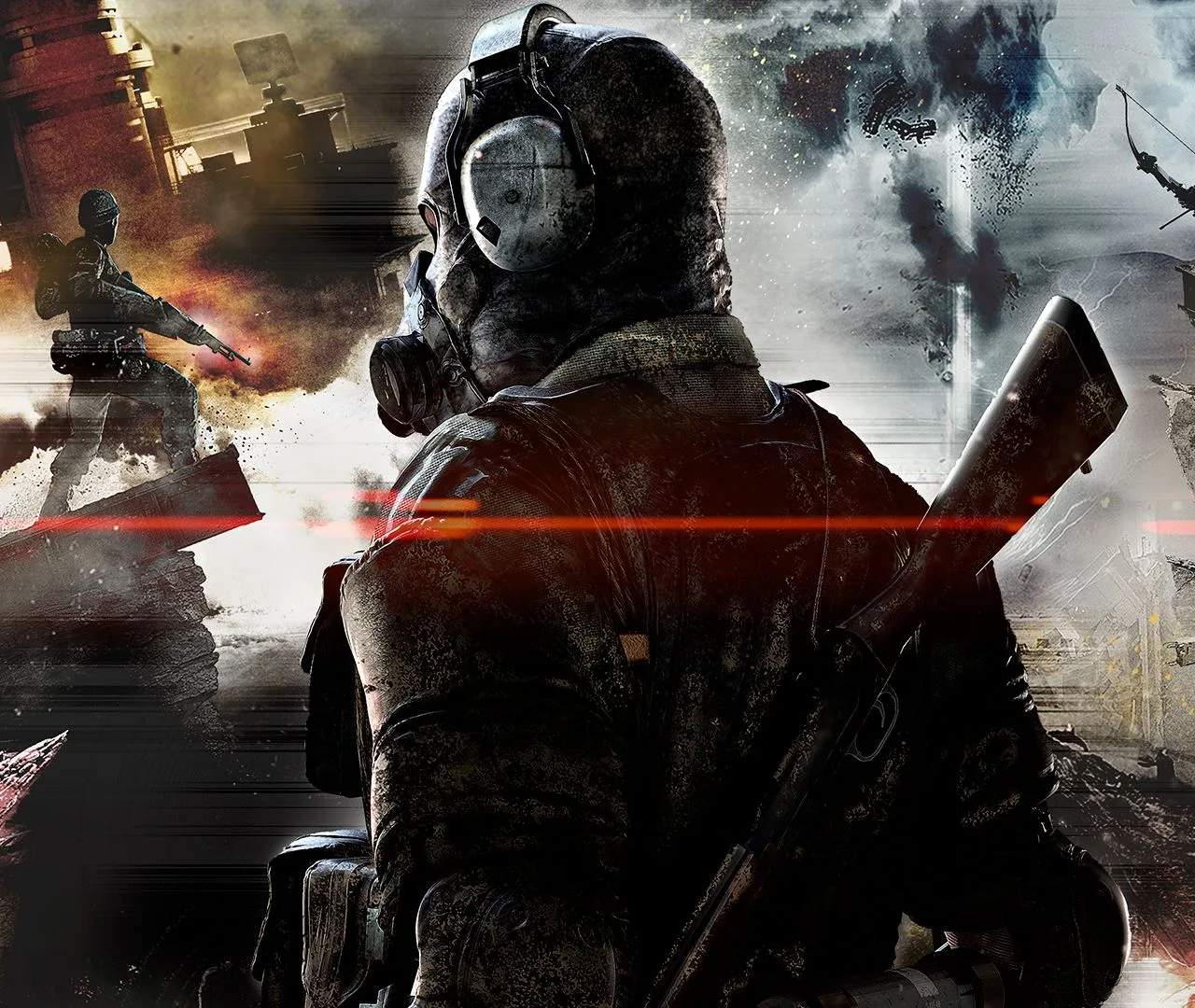
Understanding your survivor's movement and interaction capabilities is crucial for navigating the treacherous environments of Dite. The controls are largely familiar to Metal Gear Solid V players, but with some key differences. Use Left Stick to move, Right Stick to control the camera. Press X (PlayStation) / A (Xbox) to jump, and hold Circle (PlayStation) / B (Xbox) to crouch, which reduces your visibility to enemies and allows for stealth. Press L3 (PlayStation) / Left Stick Click (Xbox) to sprint, consuming stamina. Interacting with objects, picking up items, and opening doors is typically done with Square (PlayStation) / X (Xbox). Mastering these basic movements will allow you to traverse the landscape efficiently and avoid unnecessary encounters.
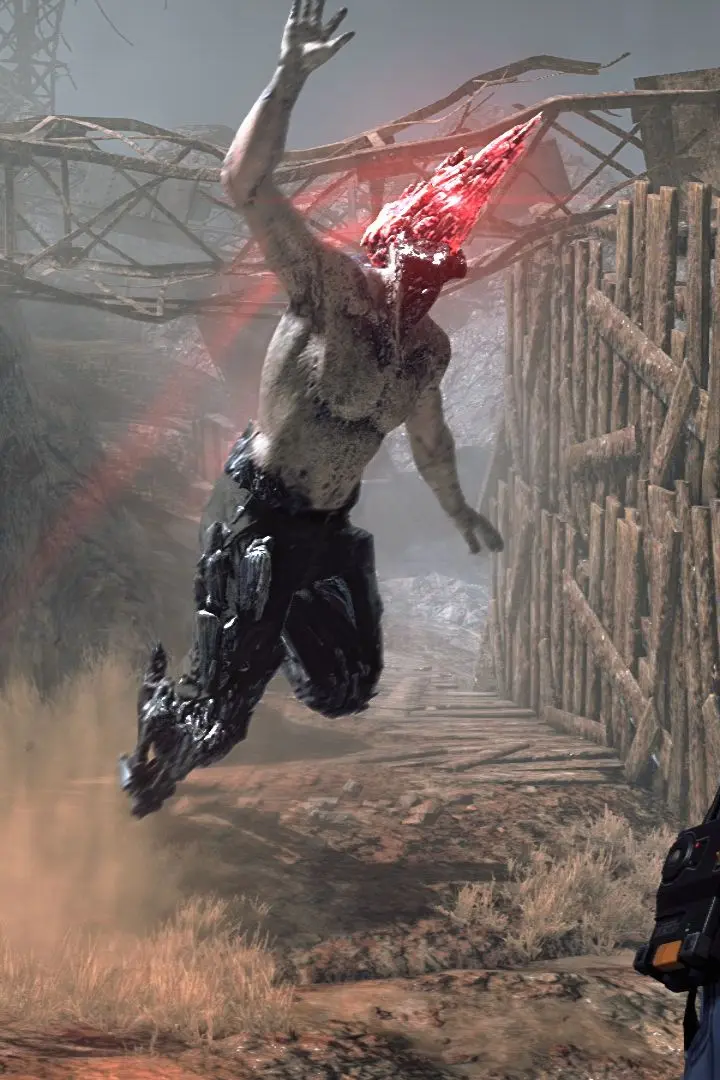
Combat controls involve aiming with L2 (PlayStation) / LT (Xbox) and firing/attacking with R2 (PlayStation) / RT (Xbox). Melee attacks are performed by pressing R1 (PlayStation) / RB (Xbox). Remember to manage your stamina during combat, as sprinting and heavy attacks will deplete it quickly, leaving you vulnerable. Dodging is performed by pressing Circle (PlayStation) / B (Xbox) while moving, which can be invaluable for avoiding enemy attacks. Practice these controls in a safe area before venturing into dangerous zones.