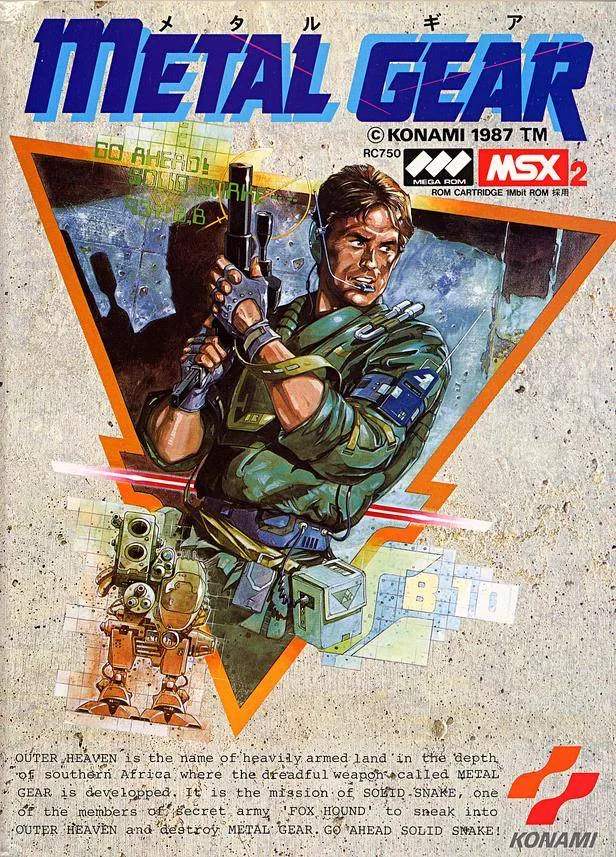
Understanding Solid Snake's movement and actions is paramount. The game uses a top-down perspective, and your movement is grid-based. Use the D-Pad (or arrow keys on emulators) to move Snake in four cardinal directions. Pressing the 'A' button (or equivalent) will initiate an action, such as punching, picking up items, or interacting with terminals. The 'B' button (or equivalent) is used to cycle through your equipped items.
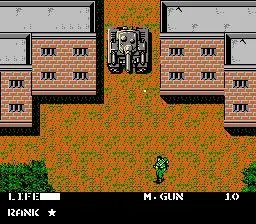
Key Controls:
- D-Pad/Arrow Keys: Move Solid Snake (Up, Down, Left, Right).
- A Button (Action): Punch (when unarmed), pick up items, interact with doors/computers, plant C4.
- B Button (Item Cycle): Cycle through your inventory of equipped items.
- Start Button (Pause/Menu): Access the pause menu, view your inventory, and check your current objective.
- Select Button (Radio): Contact your support team (Big Boss, Miller, Diane, Jennifer) for advice and mission updates.
Remember, stealth is your primary tool. Avoid direct confrontation whenever possible, as Snake is vulnerable to sustained enemy fire. Learn to use cover and the environment to your advantage.