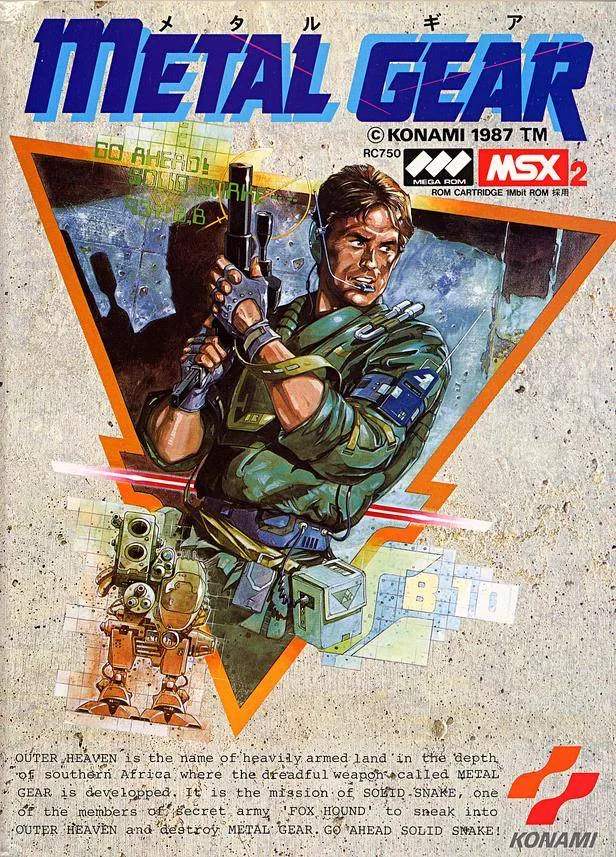
The Metal Gear UI is minimalist but provides all the essential information you need. Pay close attention to these elements to stay informed about Snake's status and the surrounding environment.
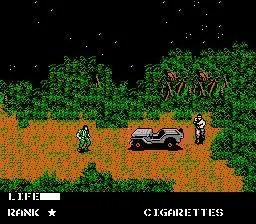
- Top Left Corner: Displays your current weapon/item equipped.
- Top Right Corner: Shows your current health bar (HP). When it depletes, Snake is defeated.
- Bottom Left Corner: Displays your current ammunition count for the equipped weapon.
- Bottom Right Corner: Shows your current security level (e.g., 'NORMAL', 'ALERT', 'EVASION').
- Radar (when available): A small radar in the top-right (after acquiring the Radar item) will show enemy positions and your location. This is an invaluable tool for stealth.
Understanding the security levels is critical. 'NORMAL' means enemies are unaware. 'ALERT' means you've been spotted, and enemies are actively searching for you. 'EVASION' means enemies are still searching, but the immediate threat has passed, and you can try to hide. Entering a new screen or hiding in a box can sometimes reset the alert status.