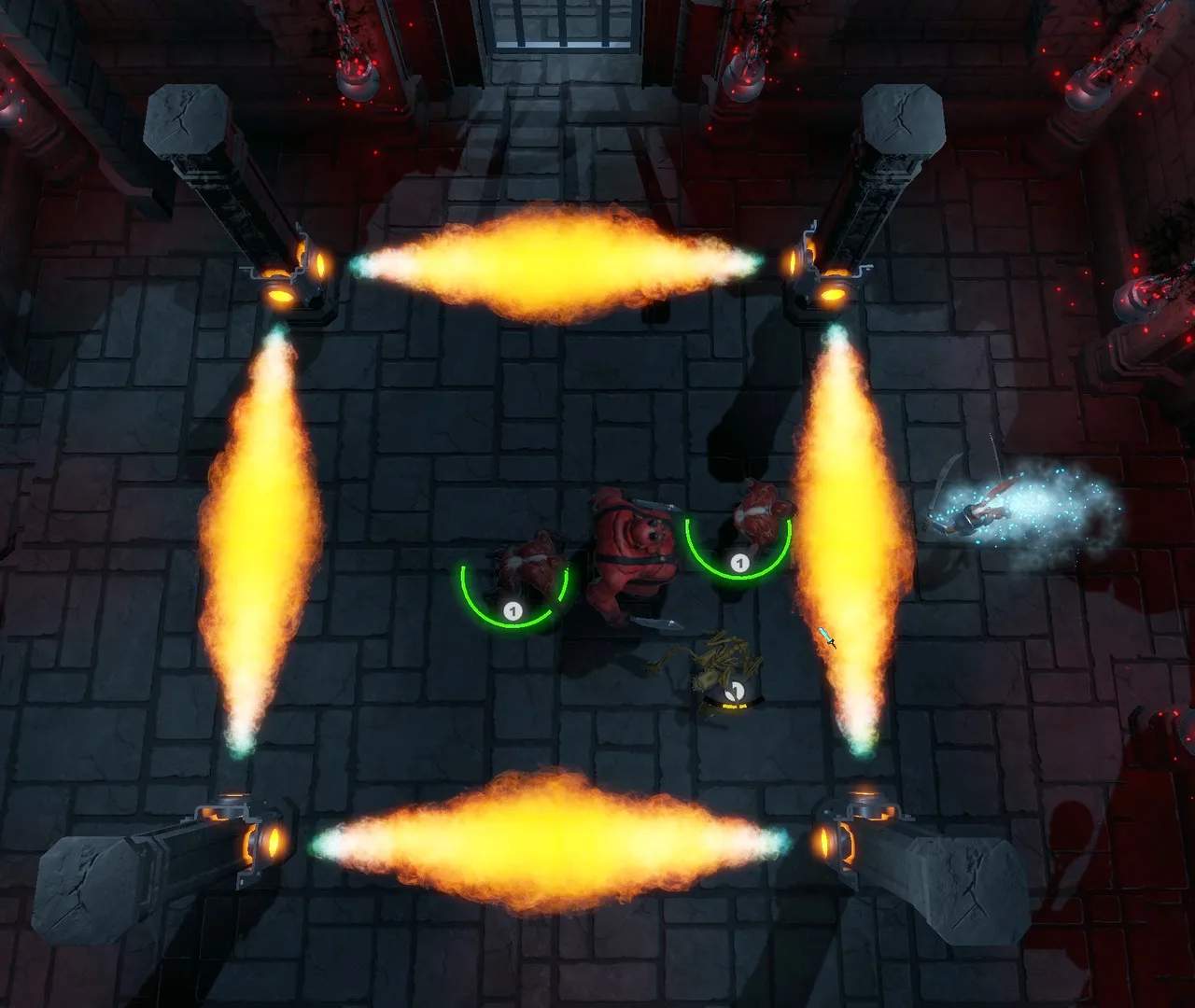
Mastering MetaMorph's controls and UI is your first step to survival and success. Understanding how to navigate menus, manage your inventory, and execute combat maneuvers efficiently will give you a sificant advantage. This guide breaks down the essential elements of the game's interface and control schemes.
Core Controls (PC Example)
While customizable, the default PC controls are desed for intuitive gameplay:
- Movement: WASD keys for directional movement. Spacebar for jump/dodge.
- Camera: Mouse for camera control.
- Interaction: E key to interact with objects, NPCs, and loot.
- Combat: Left Mouse Button (LMB) for primary attack, Right Mouse Button (RMB) for secondary attack/ability. Number keys (1-5) for activating skills.
- Inventory/Character: I key to open inventory, C key for character sheet.
- Map: M key to open the world map.
User Interface (UI) Elements
The MetaMorph UI provides crucial information at a glance:
- Health Bar: Displays your current health. Depletion indicates damage taken.
- Stamina Bar: Governs your ability to perform actions like sprinting and dodging. Regenerates over time.
- Ability Hotbar: Shows your equipped skills and their cooldowns.
- Minimap: Located in the top-right corner, shows your immediate surroundings, quest markers, and points of interest.
- Quest Tracker: Typically on the left side, displays active quest objectives.
- Buffs/Debuffs: Icons indicating active positive or negative status effects.
Navigating Menus
The game features several key menus:
- Inventory: Manage your collected items, equip gear, and use consumables.
- Character Sheet: View your stats, attributes, and equipped items.
- Skill Tree: Allocate skill points to unlock new abilities and passive bonuses.
- Crafting Menu: Combine resources to create new items, potions, and gear.
- Map: Plan your routes, fast travel to discovered locations, and view region information.
Tips for Efficient Play
- Keybinding Customization: Rebind keys to suit your playstyle for maximum efficiency.
- UI Scaling: Adjust UI elements for better readability on different screen resolutions.
- Practice Combat: Spend time in less dangerous areas to get a feel for attack timings and skill usage.
- Regularly Check Quests: Ensure you're always aware of your current objectives.
A solid understanding of MetaMorph's controls and UI will sificantly smooth your journey through its vast and challenging world.