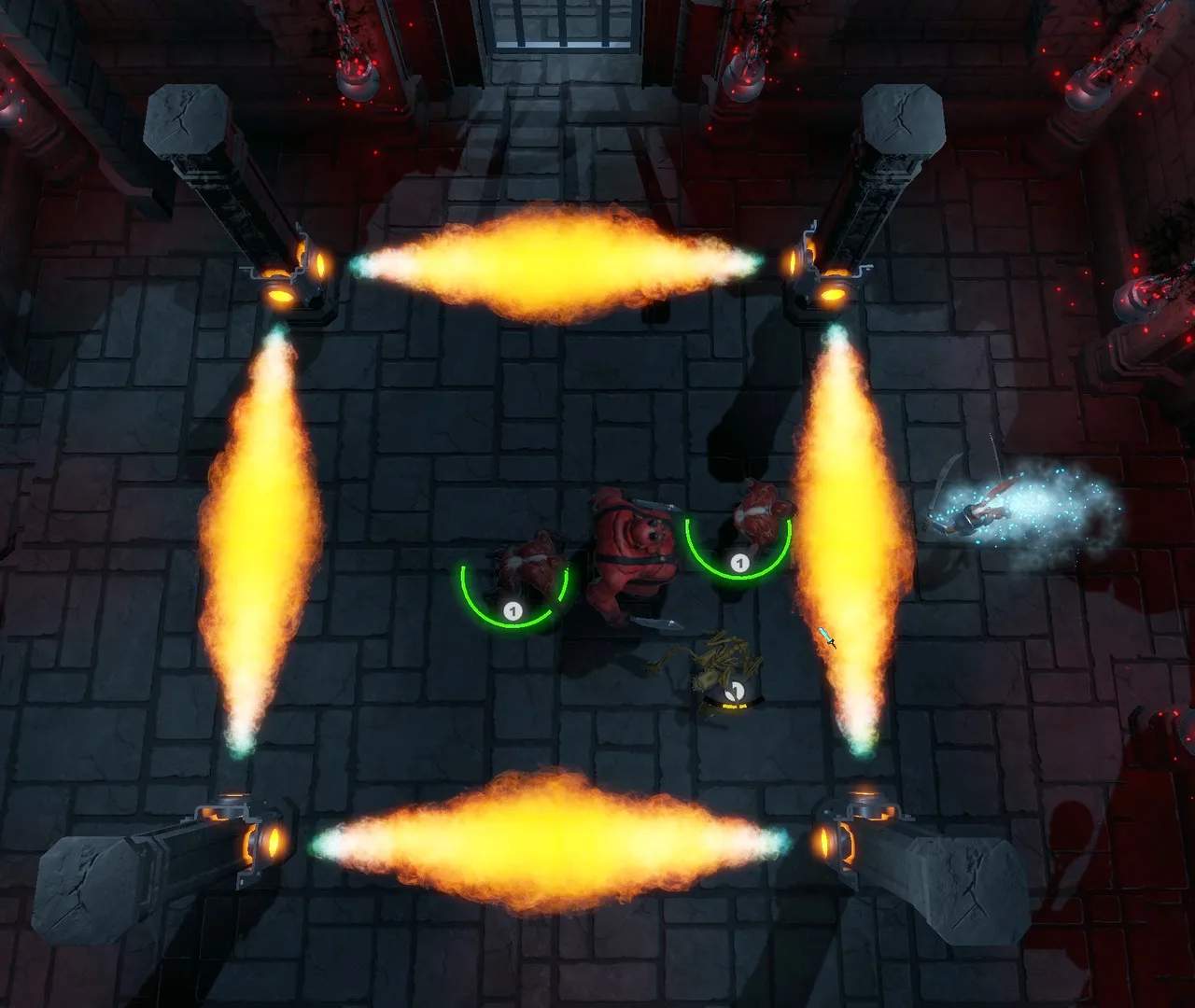
The User Interface (UI) and Heads-Up Display (HUD) provide vital information during gameplay. Familiarize yourself with these elements to make informed decisions and react quickly to threats.
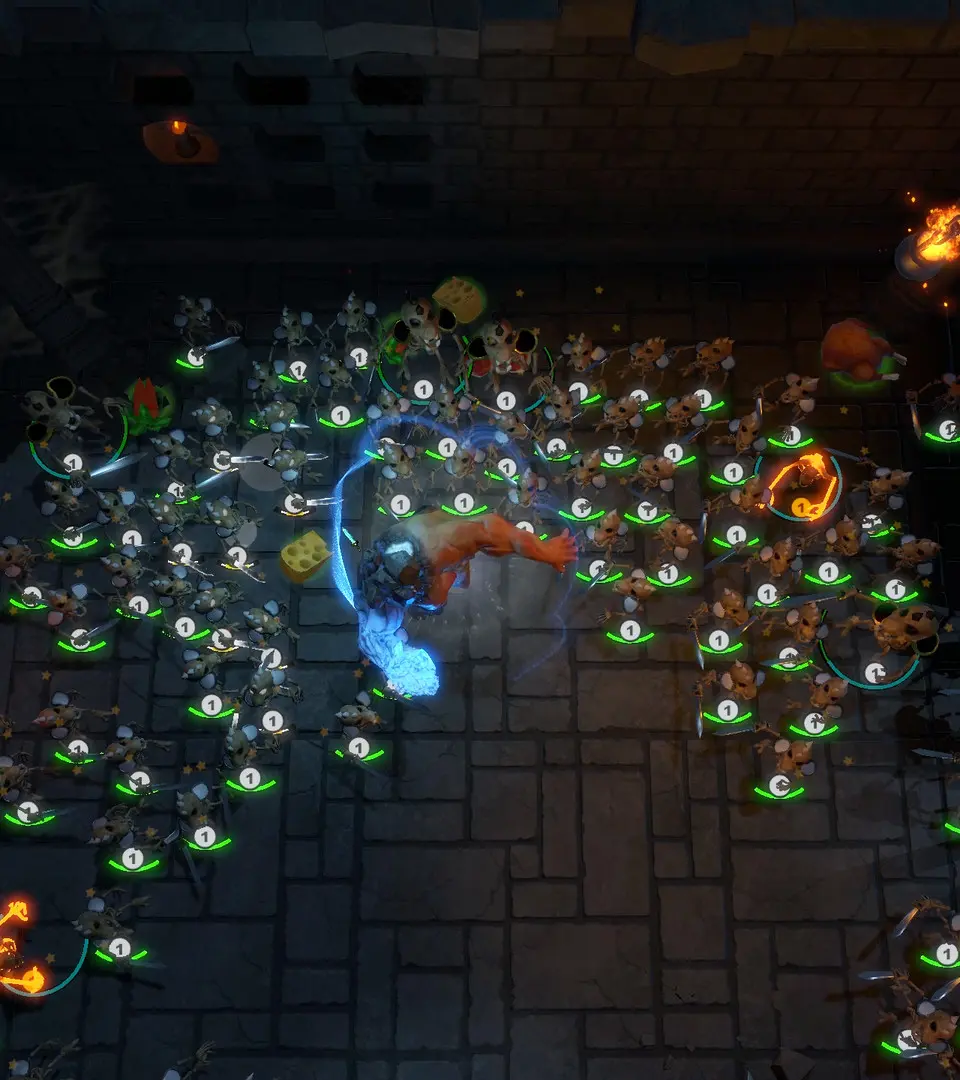
Key UI Elements:
- Health Bar (Green): Located bottom-left. Depletes when you take damage. Replenished by potions, abilities, or resting.
- Essence Bar (Blue): Located below the Health Bar. Used for shapeshifting and special abilities. Regenerates slowly over time or through specific actions/items.
- Active Form Icon: Next to your health/essence bars. Shows your current Prime Form.
- Shapeshift Wheel: Appears when holding the shapeshift button. Displays all unlocked Prime Forms for quick selection.
- Ability Cooldowns: Icons above your health bar indicate active ability cooldowns.
- Buffs/Debuffs: Small icons above your health bar showing temporary status effects. Green for buffs, red for debuffs.
- Mini-Map: Top-right corner. Shows your immediate surroundings, quest markers (yellow exclamation marks), and enemy locations (red dots).
- Objective Tracker: Top-left corner. Displays your current main quest objective and any active side quest objectives.
- Experience Bar: Bottom-center. Fills as you gain experience, indicating progress towards your next level.
- Quick Slot Bar: Bottom-center, above the experience bar. Allows quick access to consumables (potions, bombs) or frequently used items. Ass items in your inventory.
Regularly glance at your HUD, especially during combat, to monitor your health, essence, and ability cooldowns. The mini-map is invaluable for navigation and avoiding ambushes. Don't let crucial information pass you by!