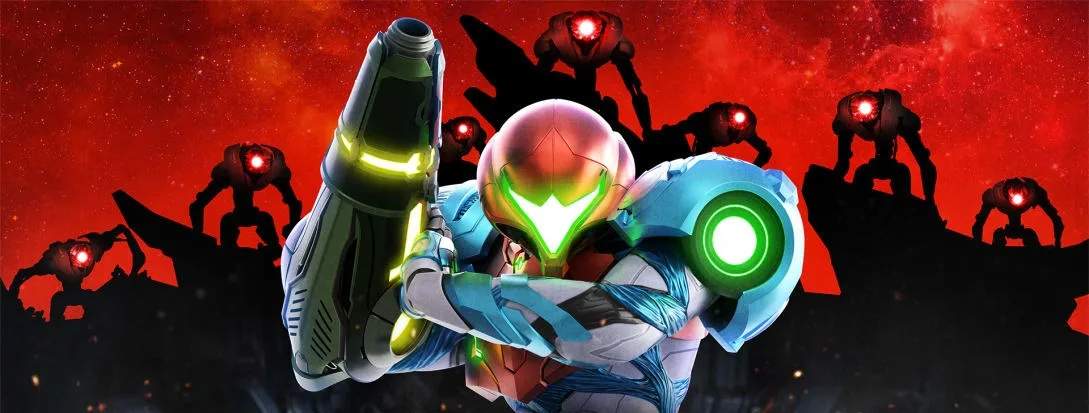
Mastering Samus's movements and abilities is crucial for survival. Here's a quick rundown of the default controls:
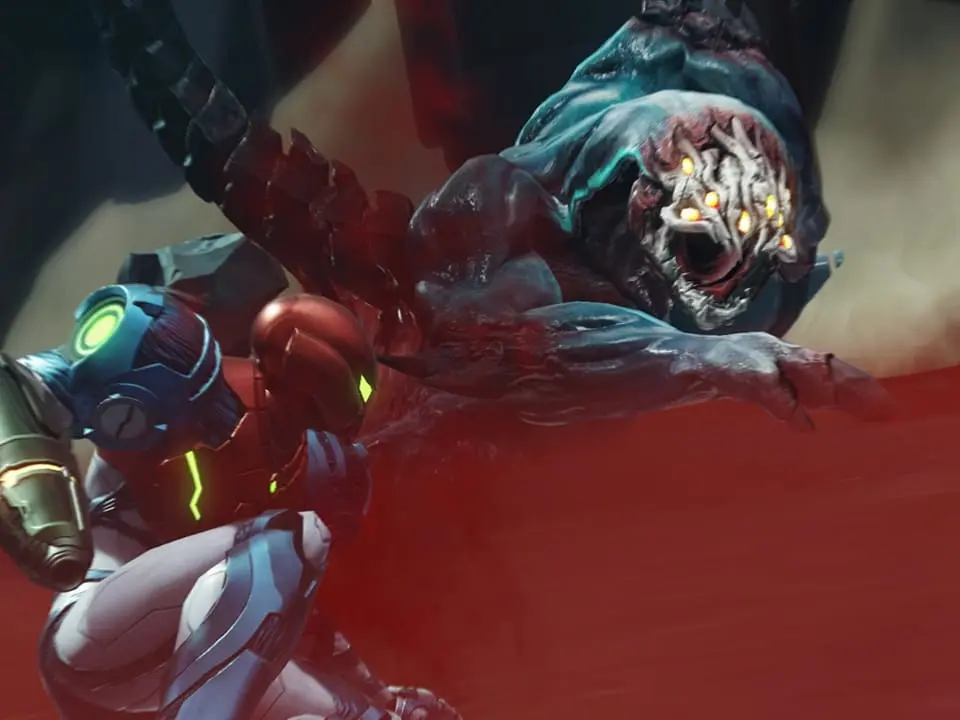
- Left Stick: Move Samus
- Right Stick: Aim (360 degrees)
- A Button: Jump / Wall Jump
- B Button: Shoot Beam / Charge Beam (hold)
- X Button: Melee Counter / Dash Melee (while running)
- Y Button: Missile (tap) / Storm Missile (hold)
- L Button: Free Aim / Lock On (hold)
- R Button: Grapple Beam (when acquired) / Slide (while running)
- ZL Button: Morph Ball (when acquired)
- ZR Button: Flash Shift (when acquired)
- Minus Button (-): Map
- Plus Button (+): Pause Menu / Inventory
Practice these movements early on to build muscle memory.