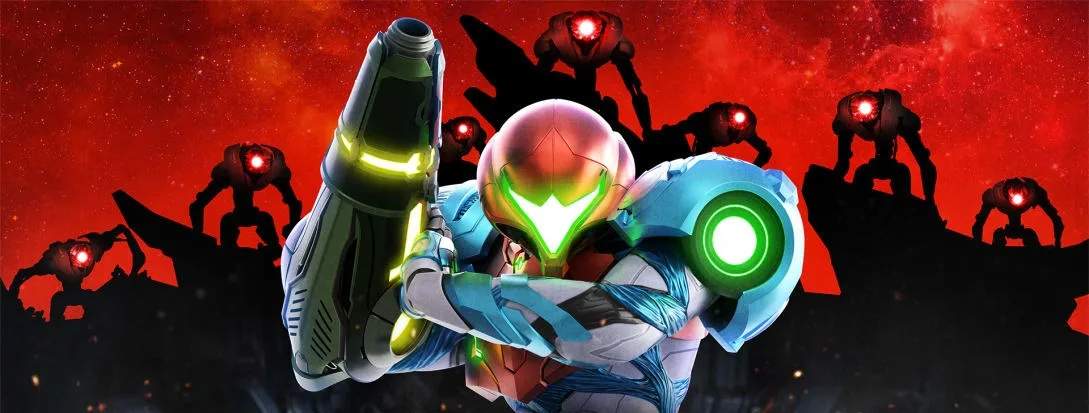
The Heads-Up Display (HUD) provides vital information during your exploration. Keep an eye on these elements:
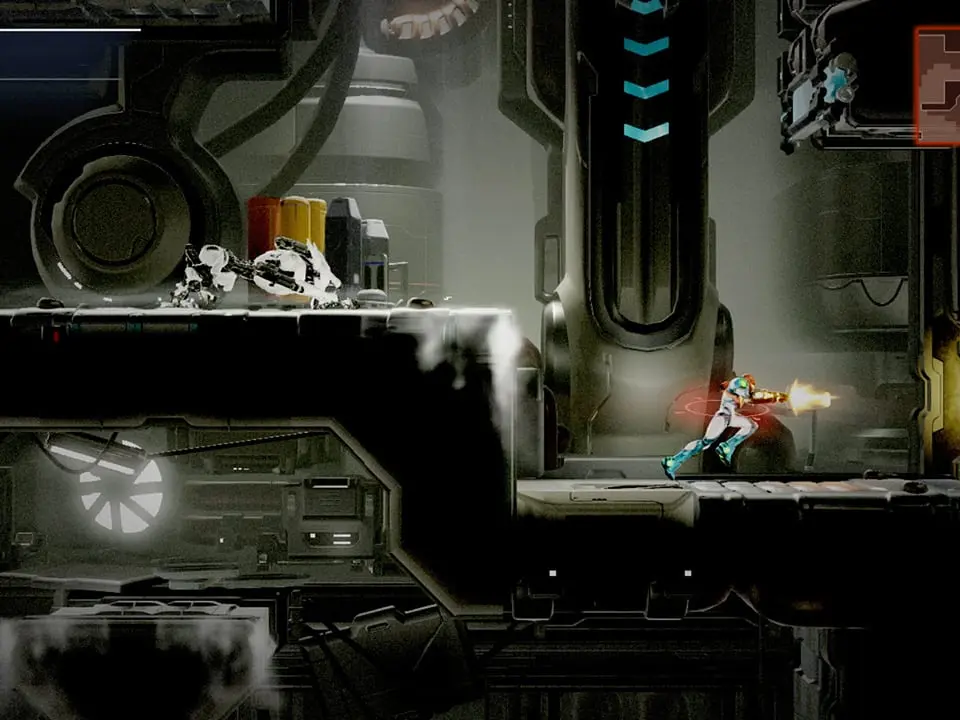
- Energy Tank: Located in the top-left, this bar represents Samus's health. Collect Energy Tanks to increase its maximum capacity.
- Missile Count: Below the Energy Tank, this displays your current missile reserves. Collect Missile Tanks to increase your maximum.
- Map: The mini-map in the top-right shows your immediate surroundings, unexplored areas, and points of interest. Press the Minus button to open the full map.
- Ability Icons: As you acquire new abilities, their icons will appear, often indicating their current status or cooldown.
- Targeting Reticle: Your aiming reticle will change color to indicate if an enemy is targetable or if a counter opportunity is available.
Familiarize yourself with these indicators to make informed decisions.