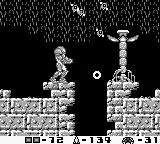
Understanding Samus's movements is paramount. The Game Boy's simple button layout belies a surprising amount of maneuverability. Here's a breakdown:
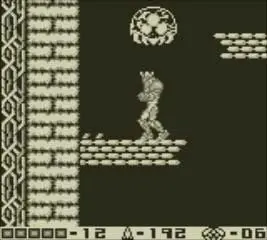
- D-Pad: Moves Samus left and right. Pressing down allows Samus to crouch, which is essential for dodging projectiles and entering small passages.
- A Button: Jumps. Holding the A button allows for a higher jump. Combine with the D-Pad for directional jumps.
- B Button: Fires your Arm Cannon. Hold B to charge your shot once you acquire the Charge Beam.
- Select Button: Cycles through your equipped special weapons (Missiles, Spider Ball, Spring Ball, Space Jump, Screw Attack).
- Start Button: Pauses the game and brings up your inventory screen, showing your current energy, missile count, and equipped items.
Practice these movements in the initial areas of SR388 to get a feel for Samus's agility. Mastering the jump mechanics, especially the Space Jump later on, will be crucial for navigating complex environments and reaching hidden areas.