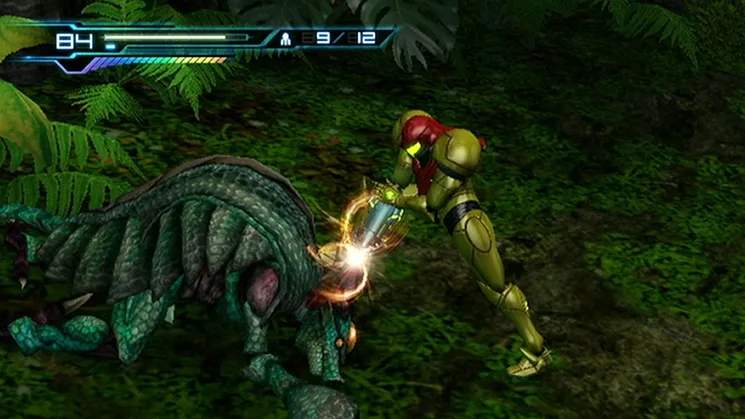
Metroid: Other M utilizes a unique control scheme primarily focused on the Wii Remote held horizontally. This section details the various inputs and their corresponding actions. Mastering these controls is essential for fluid combat and exploration. Pay close attention to the transition between third-person exploration and first-person aiming, as this is a core mechanic.
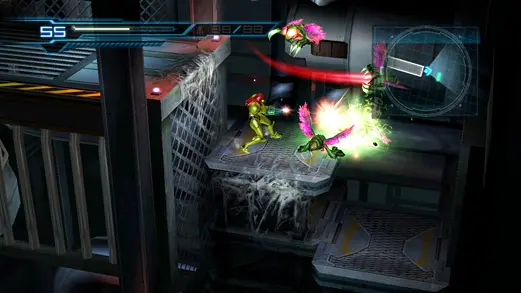
- D-Pad: Move Samus (Up, Down, Left, Right).
- 1 Button: Fire Beam Weapon. Hold for Charge Beam.
- 2 Button: Jump. Press again in mid-air for Screw Attack (once acquired).
- A Button: Morph Ball (when standing still). Confirm selections in menus.
- B Button (Pointing at screen): First-Person View/Missile Aim.
- Minus Button: Access Map.
- Plus Button: Access Pause Menu/Inventory.
- Shake Wii Remote: SenseMove (evade attacks).
- Hold 1 + Shake Wii Remote: Overblast (melee attack after SenseMove).
Practice these controls in a safe area to build muscle memory before facing tougher enemies.