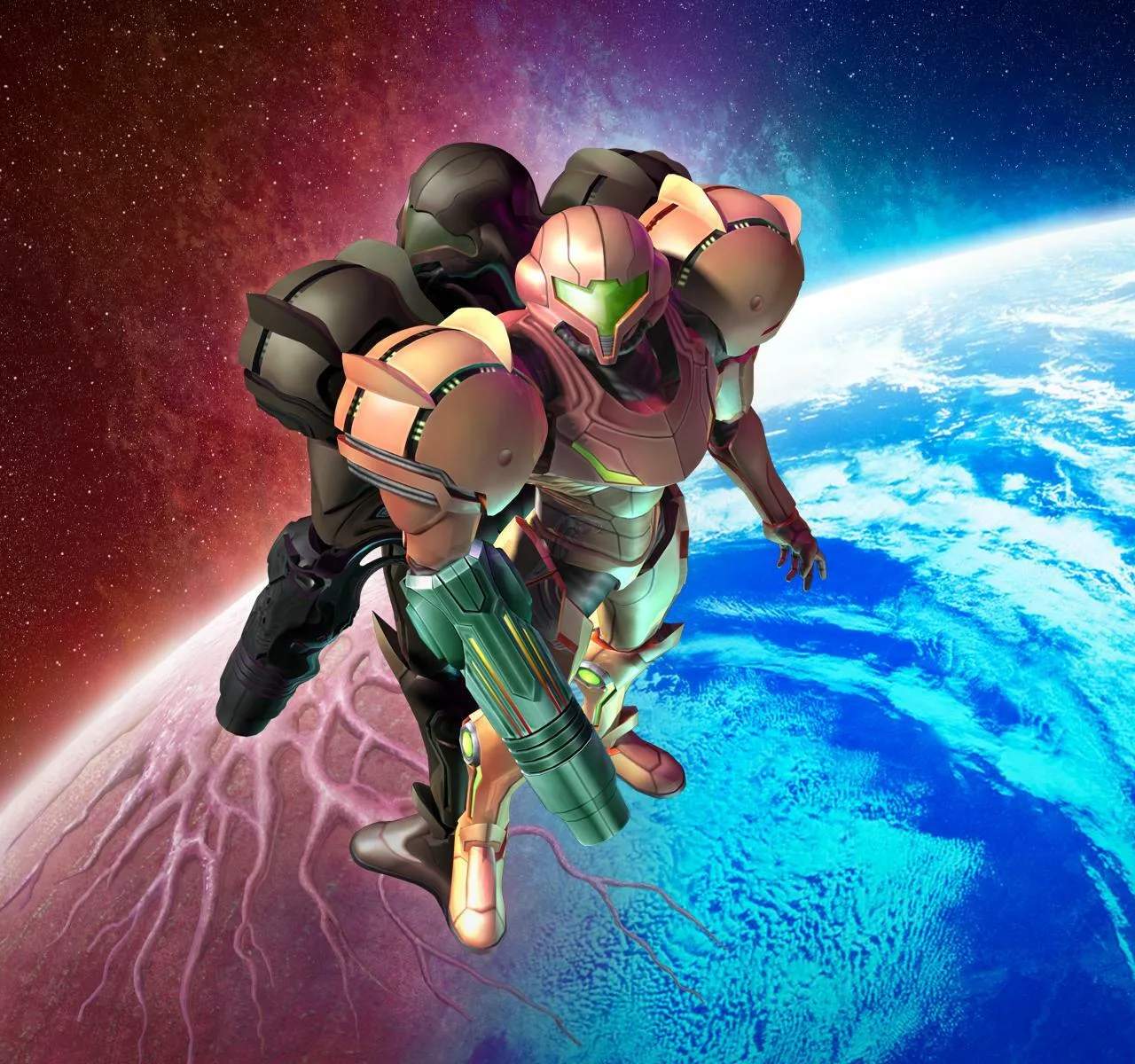
Game Controls
Mastering the controls in Metroid Prime 3: Corruption is crucial for navigating Tallon IV, battling corrupted foes, and uncovering its many secrets. This section will detail the default control scheme and offer tips for optimal play. Remember, you can always adjust sensitivity and other options in the game's menu.
Wii Remote Controls
- Pointing/Aiming: Point the Wii Remote at the screen to control Samus's reticle. This is your primary method for targeting enemies, interacting with environmental objects, and navigating menus. Precision is key, especially during intense combat sequences or when scanning small details.
- A Button (Front):
- Fire Beam: Tap to fire Samus's current beam weapon.
- Charge Beam: Hold to charge your beam for a more powerful shot. Release to fire.
- Confirm/Interact: Used to confirm selections in menus and interact with objects in the environment (e.g., opening doors, activating terminals).
- B Button (Underneath):
- Lock-On: Hold to lock onto an enemy or specific target. This is invaluable for maintaining accuracy during fast-paced battles and for strafing around larger foes.
- Grapple Lasso: When the Grapple Lasso is equipped, hold B and point at a grapple point to activate it.
- C Button (Nunchuk):
- Morph Ball: Tap to transform into the Morph Ball. Tap again to revert to human form. Essential for traversing tight spaces and utilizing Morph Ball Bombs.
- Scan Visor: Hold to activate the Scan Visor. Point at objects or enemies to gather valuable lore and tactical information.
- Z Button (Nunchuk):
- Strafe/Sidestep: Hold Z and use the Nunchuk's Control Stick to strafe left or right. This is vital for dodging incoming attacks and maintaining a lock-on while moving.
- Free Look: When not locked on, holding Z allows you to look around independently of your movement.
- D-Pad (Wii Remote):
- Up/Down: Cycle through beam weapons (e.g., Power Beam, Plasma Beam, Nova Beam).
- Left/Right: Cycle through visors (e.g., Combat Visor, Scan Visor, X-Ray Visor).
- Plus (+) Button (Wii Remote):
- Pause Menu: Accesses the main menu, allowing you to save your game, view your map, check your logbook, and adjust options.
- Minus (-) Button (Wii Remote):
- Map: Quickly brings up the area map.
- Home Button (Wii Remote):
- Wii Menu: Returns to the Wii System Menu.
Nunchuk Controls
- Control Stick:
- Movement: Move Samus forward, backward, and turn left or right.
- Shake Nunchuk:
- Melee Attack: A quick shake of the Nunchuk will perform a melee attack. Useful for stunning smaller enemies or breaking certain environmental objects.
Advanced Techniques & Tips
- Hypermode Activation: When your Phazon Meter is sufficiently charged, press the D-Pad Down to activate Hypermode. This grants temporary invincibility and enhanced firepower but drains your energy. Use it strategically against tough bosses or overwhelming enemy groups.
- Missile Launch: To fire a missile, hold the A Button to charge your beam, then press D-Pad Up while still holding A. Release A to unleash a missile. Remember to collect Missile Expansions to increase your capacity.
- Morph Ball Bomb: While in Morph Ball form (activated with C Button), press the A Button to drop a Morph Ball Bomb. These are essential for destroying bomb blocks and propelling Samus upwards.
- Sense of Control: Experiment with the "Control Options" in the pause menu. Adjusting pointer sensitivity and turning speed can significantly impact your gameplay experience. Find what feels most comfortable and responsive for you.