Game Controls
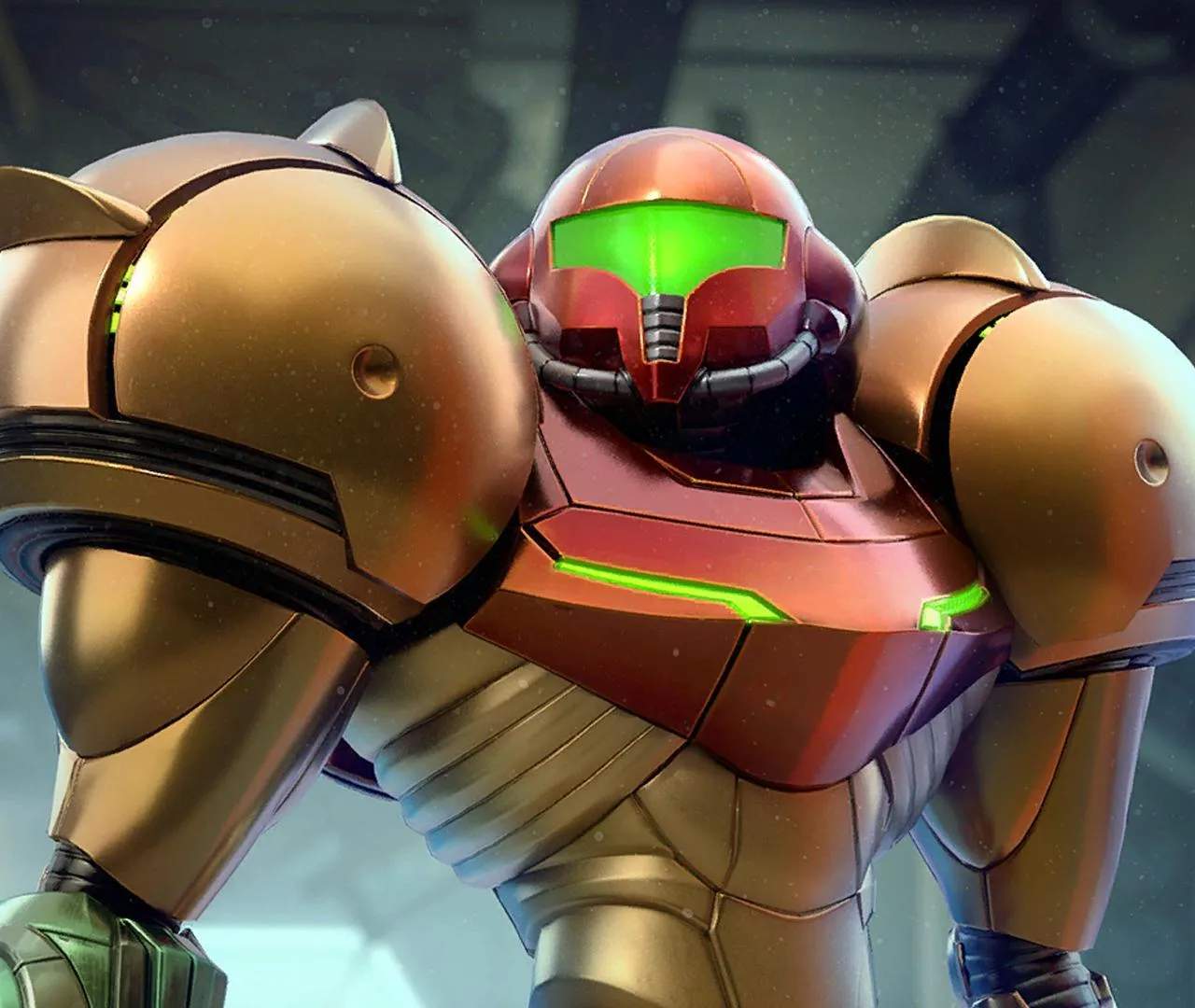
Mastering Samus Aran's versatile suit and weaponry is paramount to surviving the hostile environments of Tallon IV. Metroid Prime Remastered offers a refined control scheme, building upon the original's foundation while providing modern sensibilities. This section will detail the various inputs and their functions, ensuring you're ready to tackle any challenge the Space Pirates or indigenous creatures throw your way.
Control Schemes
Metroid Prime Remastered provides several control options to suit your playstyle. You can adjust these in the game's options menu. Experiment to find what feels most comfortable for you.
- Modern Controls: This scheme utilizes dual analog sticks for movement and camera control, similar to contemporary first-person shooters.
- Classic Controls: For purists, this option emulates the original GameCube controls, focusing on lock-on mechanics and strafing.
- Hybrid Controls: A blend of both, offering dual analog movement with a more traditional lock-on aiming system.
Basic Movement & Interaction
These are your fundamental actions for navigating Tallon IV.
- Left Analog Stick:
- Move Samus: Pushes Samus in the direction indicated. Essential for traversing corridors, dodging enemy attacks, and positioning yourself for jumps.
- Right Analog Stick (Modern/Hybrid Controls):
- Camera Control: Adjusts your view, allowing you to look around freely. Crucial for spotting hidden details, scanning environments, and aiming precisely.
- A Button:
- Jump: Initiates a jump. Hold for a higher jump. Combine with the Left Analog Stick for directional jumps.
- Confirm/Interact: Used to confirm selections in menus or interact with certain environmental objects, such as opening doors or activating terminals.
- B Button:
- Morph Ball: Transforms Samus into her compact Morph Ball form. This is vital for navigating tight passages, activating Morph Ball launchers, and deploying bombs.
- Cancel/Back: Used to cancel selections in menus or go back to a previous screen.
- X Button:
- Scan Visor: Activates the Scan Visor. This is an indispensable tool for gathering lore, identifying enemy weaknesses, and solving environmental puzzles. Remember to scan everything new you encounter!
- Y Button:
- Missile/Super Missile: Fires a Missile. If you have the Super Missile upgrade, holding Y will charge and then fire a Super Missile. Missiles are crucial for opening Missile Locks and dealing heavy damage to bosses.
Combat & Targeting
Effective combat requires precise aiming and strategic use of Samus's arsenal.
- ZR Button (Right Trigger):
- Fire Beam Weapon: Fires Samus's currently equipped beam weapon. Hold to charge a shot for increased damage or to activate certain beam-specific abilities (e.g., Charge Beam for opening Charge Beam doors).
- ZL Button (Left Trigger):
- Lock-On: Locks onto the nearest enemy or targetable object. This is essential for accurate firing, especially against fast-moving foes. While locked on, Samus will strafe around the target when moving with the Left Analog Stick.
- Free Aim (Modern/Hybrid): When not locked on, holding ZL allows for more precise aiming with the Right Analog Stick, independent of Samus's movement.
- R Button (Right Bumper):
- Cycle Beam Weapons: Cycles through your available beam weapons (Power Beam, Wave Beam, Ice Beam, Plasma Beam). Choose the appropriate beam for enemy weaknesses or environmental puzzles.
- L Button (Left Bumper):
- Cycle Visors: Cycles through your available visors (Combat Visor, Scan Visor, Thermal Visor, X-Ray Visor). Each visor provides unique information and capabilities.
Morph Ball Actions
Once in Morph Ball form (press B), your controls shift slightly.
- Left Analog Stick:
- Move Morph Ball: Rolls Samus in the indicated direction.
- A Button:
- Drop Bomb: Deploys a Morph Ball Bomb. Bombs are used to destroy cracked blocks, activate Bomb Slots, and propel Samus into the air for Bomb Jumps.
- Y Button:
- Power Bomb: If you have Power Bombs, pressing Y will deploy one. Power Bombs are devastating and can destroy large, reinforced blocks or clear out groups of enemies.
Advanced Techniques & Contextual Actions
- Space Jump: After acquiring the Space Jump Boots, press A twice in quick succession to perform a double jump, reaching higher ledges.
- Grapple Beam: Once you have the Grapple Beam, aim at a Grapple Point (indicated by a distinct glow) and press ZL to latch on. Use the Left Analog Stick to swing.
- Boost Ball: With the Boost Ball upgrade, hold A in Morph Ball form to charge a boost, then release to launch Samus forward at high speed. This is crucial for navigating half-pipes and reaching distant platforms.
- Spider Ball: After obtaining the Spider Ball, transform into Morph Ball form and roll onto a magnetic track. Samus will automatically adhere. Use the Left Analog Stick to navigate the tracks.
Familiarize yourself with these controls early on. Practice makes perfect, and a fluid understanding of Samus's abilities will be your greatest asset in uncovering the mysteries of Tallon IV.