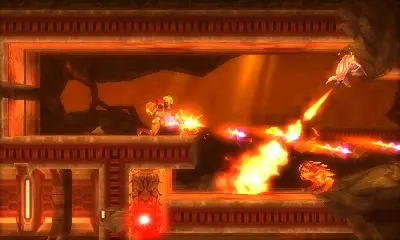
Saving your game is critical in Metroid: Samus Returns, as death can set you back significantly. There are two primary ways to save: Save Stations and Teleporters. Save Stations are glowing, cylindrical devices found throughout SR388. Simply stand on them and press A to save your progress and fully restore your Energy and Missiles. Teleporters, while primarily used for fast travel between areas, also act as Save Stations when you activate them. Always save before entering a new, unknown area or after a particularly challenging encounter. The game also features an autosave function, but relying solely on it is not recommended for critical moments. Look for the save icon on the bottom screen to confirm your progress has been recorded.