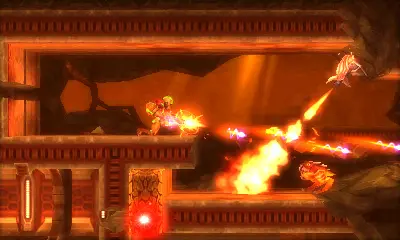
The Nintendo 3DS's dual screens provide a wealth of information. The top screen displays the main gameplay, while the bottom screen is dedicated to your map, inventory, and Aeion Abilities. On the top screen, you'll see Samus's Energy Tank display (green bars), Missile count, and current Beam/Aeion Ability selection. The bottom screen's map is invaluable; it shows your current location, unexplored areas, save stations, teleporters, and item locations (once revealed by the Scan Pulse). Pay close attention to the color coding on the map: red indicates a locked door, blue an open one, and yellow often signifies a destructible block. Regularly check your map to plan your route and identify potential secrets.