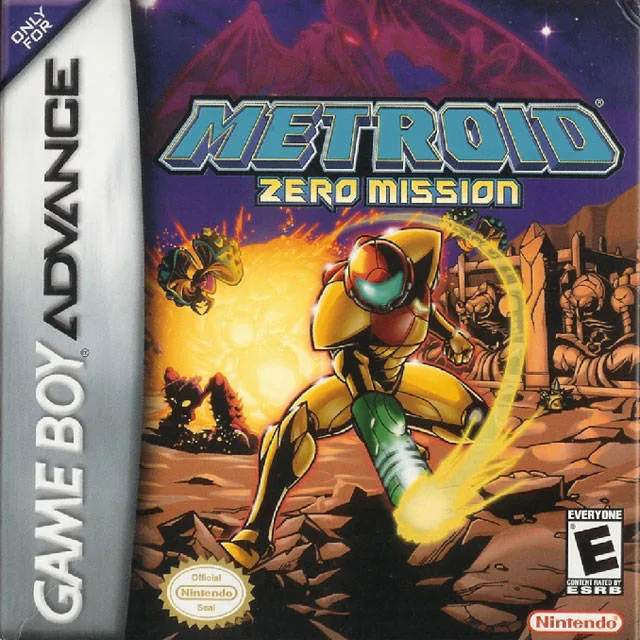
Mastering Samus's controls is crucial for survival on Zebes. Here's a breakdown of the default controls:
- D-Pad: Move Samus (left/right), aim (up/down).
- A Button: Jump. Hold for a higher jump.
- B Button: Fire Beam Weapon. Hold for rapid fire.
- L Button: Aim diagonally up/down (while holding R).
- R Button: Hold to aim diagonally.
- Select Button: Cycle through equipped secondary weapons (Missiles, Super Missiles, Power Bombs).
- Start Button: Open the Map Screen/Pause Menu.
Practice these basic movements to get a feel for Samus's agility. You'll need to be precise with your jumps and shots to overcome the challenges ahead. Remember that Samus can also crouch by pressing down on the D-Pad, which is useful for avoiding certain attacks and entering small passages once you acquire the Morph Ball.