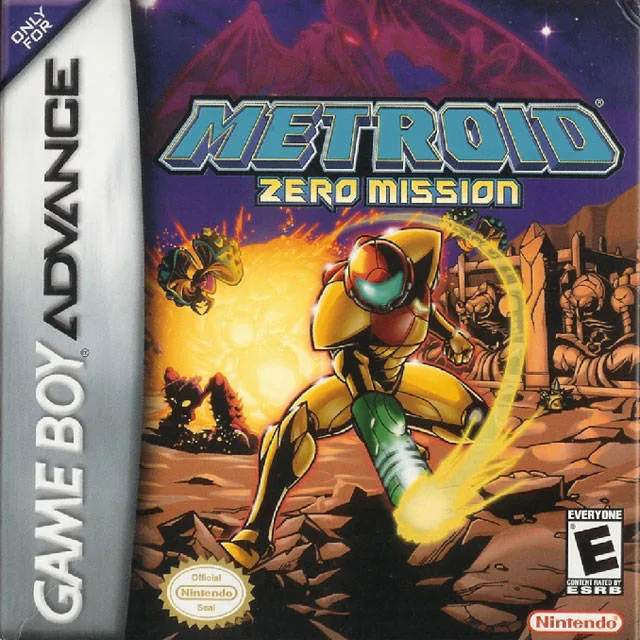
The Heads-Up Display (HUD) provides vital information during gameplay. Familiarize yourself with these elements:
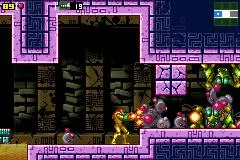
- Energy Tank Display: Located in the top-left corner, this shows your current energy (HP). Each full tank represents 99 energy. When one tank is depleted, the next one activates.
- Missile Count: Below the Energy Tanks, this displays your remaining Missiles.
- Super Missile Count: Once acquired, this will appear next to the Missile count.
- Power Bomb Count: Once acquired, this will appear next to the Super Missile count.
- Beam Weapon Icon: In the top-right, this shows your currently active beam weapon (e.g., Power Beam, Long Beam, Ice Beam).
- Map Icon: A small radar in the bottom-right corner indicates nearby rooms and exits.
Keeping an eye on your energy and ammunition is critical. Always be on the lookout for energy and missile refills dropped by enemies or found in hidden blocks. The map icon is particularly useful for navigating new areas and ensuring you don't miss any hidden paths.