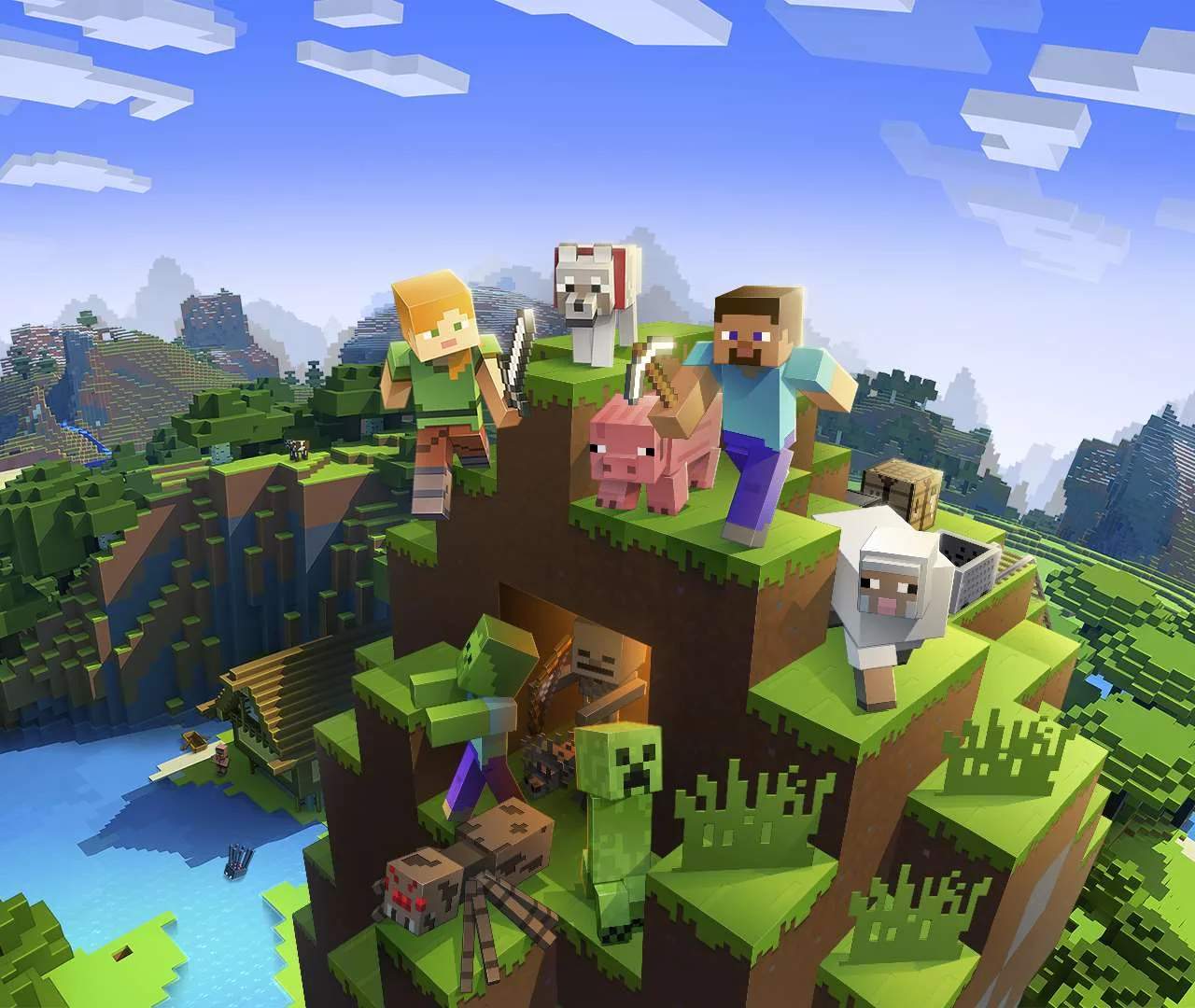
Upon starting a new world, you'll spawn in a random location. Your immediate goal is to understand your surroundings and how to move. The world is vast and procedurally generated, meaning every new world is unique.
Controls Overview
- W, A, S, D: Move forward, left, backward, right.
- Spacebar: Jump. Double-tap to fly in Creative mode.
- Left-Click: Break blocks, attack entities.
- Right-Click: Place blocks, use items, interact with objects.
- E: Open inventory.
- Shift: Sneak (prevents falling off blocks, reduces visibility to some mobs).
- Ctrl (or Cmd on Mac) + Q: Drop entire stack of items.
- Q: Drop single item.
- Mouse Wheel: Scroll through hotbar.