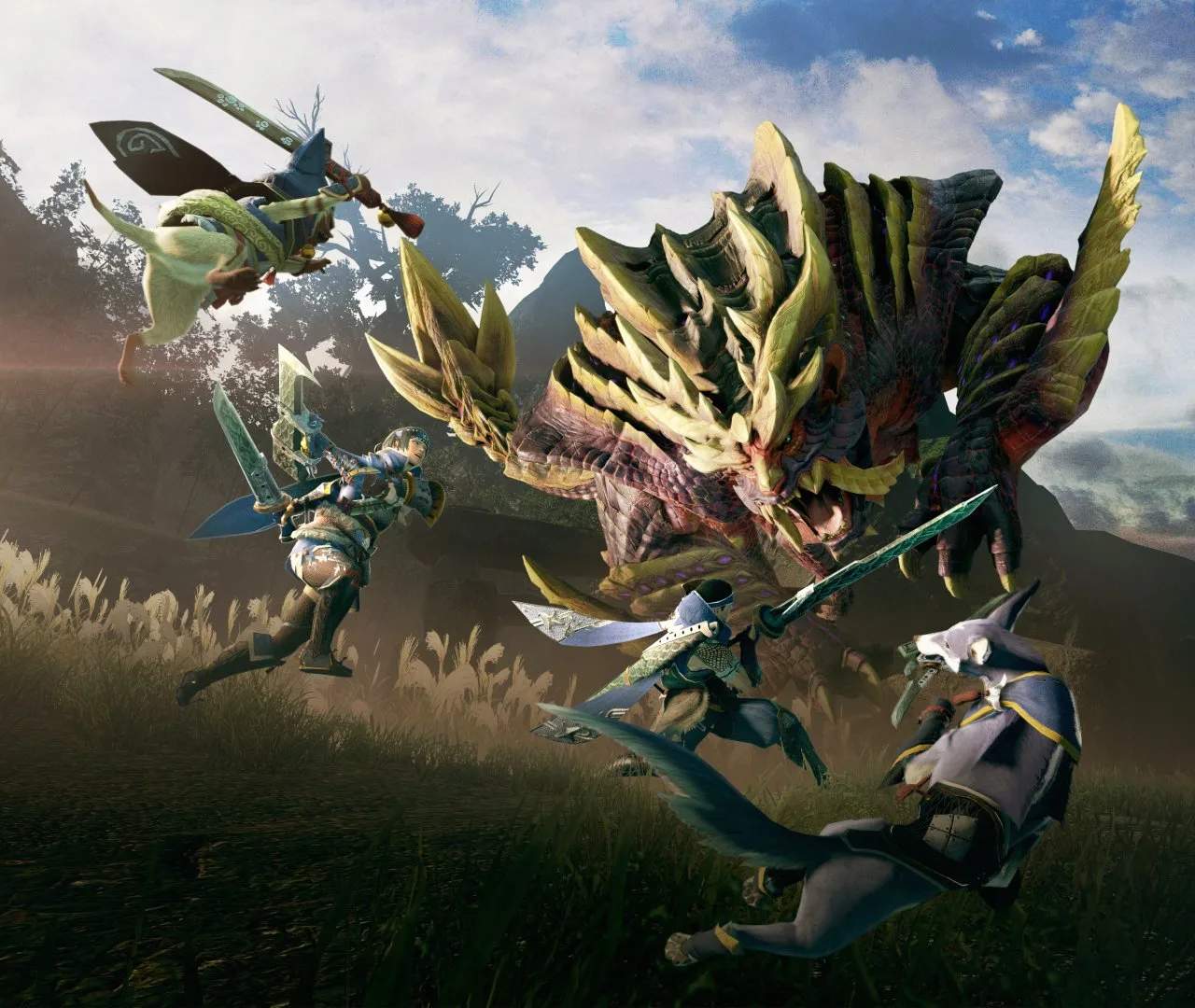
Optimize your Monster Hunter Rise experience by diving into the extensive Settings and Options menu. From visual fidelity and audio balance to control schemes and accessibility features, tailoring these settings is crucial for comfortable and efficient hunting. Discover how to fine-tune your gameplay for peak performance and enjoyment.
Display Settings
The Display Settings menu allows you to adjust various visual aspects of the game. You can toggle options like V-Sync, frame rate limits, and graphical presets (Low, Medium, High, Maximum). Resolution and aspect ratio can also be modified here. For those experiencing performance issues, lowering settings like Shadow Quality, Bloom, and Anti-Aliasing can significantly improve frame rates. The game also offers a 'Quality' and 'Performance' mode for the Nintendo Switch version, prioritizing visual detail or smoother gameplay respectively.
Audio Settings
Manage your audio experience in the Audio Settings. Here, you can adjust the volume for music, sound effects, and voice chat. You can also choose between different audio output options if your system supports them. Ensuring that monster roars and attack cues are clearly audible is vital for reacting effectively in combat.
Control Settings
The Control Settings are paramount for effective hunting. You can remap your button inputs for both controller and keyboard/mouse setups. Camera sensitivity, lock-on behavior, and the radial menu settings can all be adjusted. Experimenting with these options can help you find a control scheme that feels intuitive and allows for quick execution of complex combos and evasive maneuvers. Consider enabling the 'Target Camera' for easier monster tracking.
Game Settings
This section houses several gameplay-related options. You can toggle UI elements, enable or disable certain notifications, and adjust the behavior of your companions. Options like 'Auto-Equip Best Defense' for armor and 'Auto-Sharpen' can be found here, though many experienced hunters prefer manual control. The 'Buddy Sort Order' allows you to organize your Palicoes and Palamutes for easier selection.
Accessibility Options
Monster Hunter Rise includes several accessibility features. These can include options for text size, colorblind modes, and subtitle customization. The 'Input Display' option can be helpful for new players to understand button prompts. Ensuring these are set to your preference can make the game more approachable and enjoyable for a wider range of players.
Online Settings
For multiplayer, the Online Settings allow you to manage your communication preferences, join lobbies, and set up your player profile. You can also adjust privacy settings to control who can join your quests.