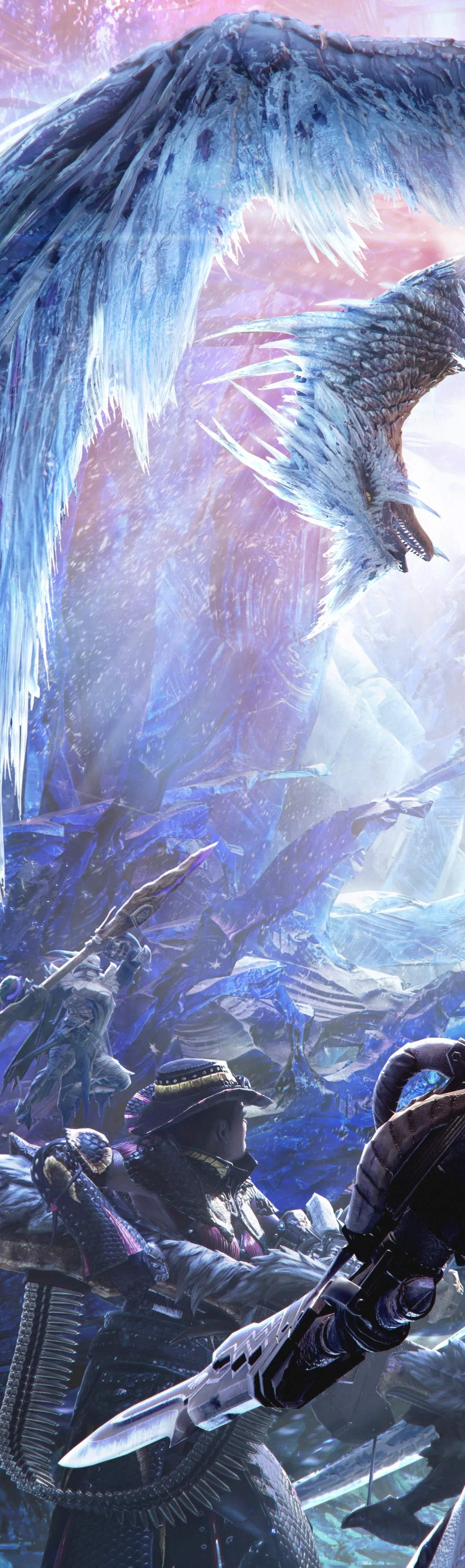
Embarking on your Monster Hunter World: Iceborne adventure requires a smooth installation and setup process. Whether you're on PC, Xbox One, or PlayStation 4, the core steps are similar, but some platform-specific considerations are worth noting. Ensure you have ample free storage space, as Iceborne is a substantial expansion that, when combined with the base game, demands a significant download. It's recommended to have at least 50-70 GB of free space to accommodate the game and future updates.
PC Installation:
- Digital Purchase: If you purchased Iceborne digitally through Steam, the process is straightforward. Launch your Steam client, navigate to your Library, and select Monster Hunter: World. The Iceborne expansion should be listed, with an option to install. Ensure your Steam client is up-to-date before proceeding.
- Physical Purchase: For physical copies, you'll typically insert the Blu-ray disc (PS4/Xbox One) or the provided code (PC) into the respective platform's digital storefront. Follow the on-screen prompts to download and install the expansion. You will still need to download a significant portion of the data.
Console Installation (PlayStation 4 & Xbox One):
- Digital Purchase: Navigate to the PlayStation Store or Xbox Games Store on your console. Search for "Monster Hunter World: Iceborne" and proceed with the purchase and download. Once downloaded, the expansion will integrate seamlessly with your base game installation.
- Physical Purchase: Insert the Iceborne disc into your console. The console should automatically detect the disc and prompt you to install. If not, navigate to your game library, find Monster Hunter: World, and look for an option to install the Iceborne expansion.
Initial Setup & Game Launch:
After installation, launch Monster Hunter: World. If you own Iceborne, the game will automatically recognize it. You'll likely be prompted to download a Day One patch or subsequent updates, which are crucial for stability and online play. Ensure your console or PC is connected to the internet for these downloads. Once all updates are applied, you can start a new save file or load your existing one. Your progress from the base game will carry over, allowing you to continue your Master Rank journey immediately.
Important Considerations:
- Internet Connection: A stable internet connection is vital for downloading the expansion, updates, and for engaging in online multiplayer.
- Storage Space: Always double-check your available storage before initiating any downloads. Running out of space mid-download can cause corruption.
- Base Game Requirement: Iceborne is an expansion and requires the base game, Monster Hunter: World, to be installed and owned.