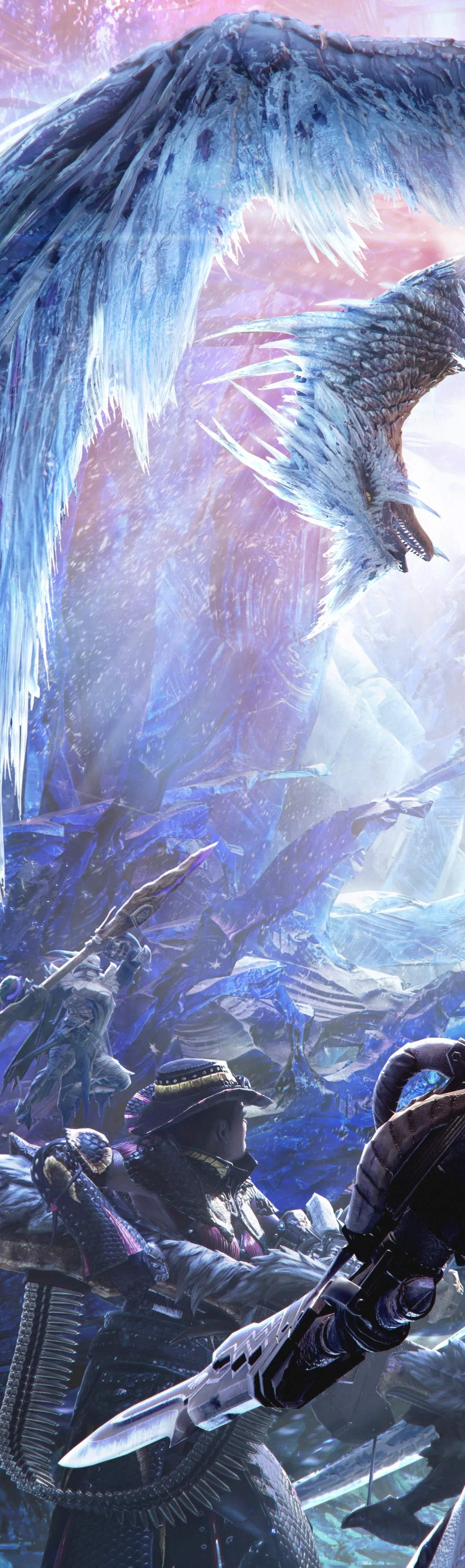
Embarking on your Monster Hunter World: Iceborne journey on PC requires a solid understanding of the system requirements to ensure a smooth and enjoyable experience. While the base game was demanding, Iceborne introduces new environments and monsters that push hardware further. Ensure your system meets or exceeds the recommended specifications for optimal performance, especially when venturing into the frigid Hoarfrost Reach. Key areas to focus on for optimization include graphics settings. Lowering effects like volumetric lighting, shadow quality, and screen space reflections can significantly boost frame rates without drastically impacting visual fidelity. Texture quality can often be kept high if your GPU has sufficient VRAM. For those on slightly older hardware, consider disabling features like High Dynamic Range (HDR) if not essential for your display. Furthermore, keeping your graphics drivers updated is paramount. Nvidia and AMD regularly release driver optimizations for new game releases and major updates, which can provide substantial performance gains.
Beyond graphics, CPU performance plays a crucial role, particularly in busy areas or during intense monster battles with multiple effects on screen. Closing unnecessary background applications can free up valuable CPU resources. If you experience stuttering or frame drops, monitoring your CPU and GPU usage in real-time using tools like MSI Afterburner can help identify bottlenecks. For PC players, consider the benefits of an SSD. Installing Monster Hunter World: Iceborne on an SSD will dramatically reduce loading times, from booting up the game to fast traveling between camps and returning from quests. This is especially noticeable in the Hoarfrost Reach, which features larger, more complex environments. Experiment with the in-game graphics options; the game offers a robust set of sliders and toggles that allow for fine-tuning. Don't be afraid to adjust settings until you find a balance between visual quality and consistent frame rates. A stable frame rate is generally more important for gameplay than minor visual enhancements.
Key Optimization Tips:
- Update Graphics Drivers: Always ensure you have the latest drivers from Nvidia or AMD.
- Lower Demanding Settings: Volumetric lighting, shadows, and screen space reflections can be reduced for performance.
- Close Background Applications: Free up CPU resources by closing unnecessary programs.
- Install on an SSD: Sificantly reduces loading times.
- Monitor Performance: Use tools like MSI Afterburner to identify bottlenecks.
- Experiment with Graphics Options: Find the best balance between visuals and frame rate.