Installation & First Launch
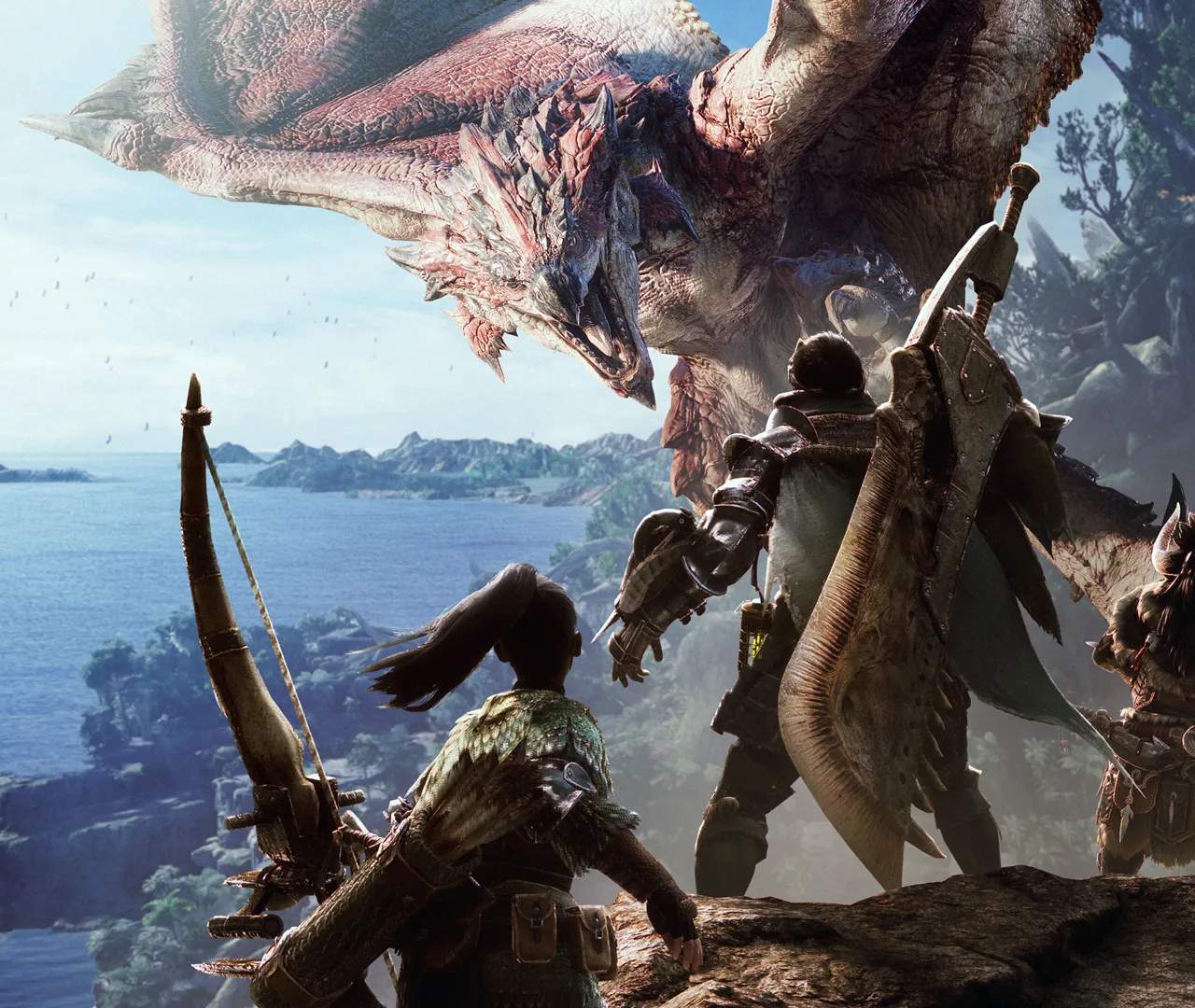
Welcome, aspiring Hunter! Before you can embark on your perilous journey through the vibrant ecosystems of the New World, you'll need to get Monster Hunter: World up and running. This section will guide you through the installation process and what to expect during your very first launch, ensuring a smooth start to your epic adventure.
Pre-Installation Checklist: System Requirements
Before you even begin the download, it's crucial to ensure your system meets the game's requirements. Running the game on an underpowered machine can lead to frustrating performance issues, crashes, and a less enjoyable experience. Always check these specifications against your PC's hardware.
- Operating System: Windows 7, 8, 8.1, 10 (64-bit required)
- Processor:
- Minimum: Intel Core i5-4460, 3.20GHz or AMD FX-6300
- Recommended: Intel Core i7 3770 (3.4GHz) or Intel Core i3 8350 (4GHz) or AMD Ryzen 5 1500X
- Memory:
- Minimum: 8 GB RAM
- Recommended: 8 GB RAM
- Graphics:
- Minimum: NVIDIA GeForce GTX 760 or AMD Radeon R7 260x (VRAM 2GB)
- Recommended: NVIDIA GeForce GTX 1060 (VRAM 3GB) or AMD Radeon RX 570 (VRAM 4GB)
- DirectX: Version 11
- Network: Broadband Internet connection (for online features and updates)
- Storage: Approximately 48 GB available space for the base game. With the Iceborne expansion, this can increase significantly to over 80 GB. Ensure you have ample free space to accommodate future updates and DLC.
Tip: If you're unsure about your PC's specifications, you can usually find them by right-clicking "This PC" or "My Computer" and selecting "Properties" (Windows). For graphics card details, check your display adapter settings.
Installation Process
Once you've confirmed your system is ready, the installation is straightforward:
- Purchase & Download: Acquire Monster Hunter: World from your preferred platform's digital storefront (Steam for PC, PlayStation Store for PS4, Xbox Games Store for Xbox One). The game will then begin downloading to your system. This can take a considerable amount of time depending on your internet speed, given the large file size.
- Disk Space Check: Your platform will typically alert you if you do not have sufficient disk space. If this happens, you'll need to free up space by uninstalling other games or applications.
- Automatic Installation: On consoles, the game usually installs automatically once the download is complete. On PC (Steam), the download and installation are typically integrated. Follow any on-screen prompts if they appear.
- Updates: After the initial installation, the game client will likely check for and download any available game updates or patches. These are crucial for bug fixes, performance improvements, and new content. Allow these to complete before attempting to launch the game.
First Launch & Initial Setup
With the game installed and updated, it's time to dive in!
- Launch the Game: Click on the Monster Hunter: World icon from your desktop, console dashboard, or Steam library.
- Capcom & Cinematic Introduction: You'll typically be greeted by the Capcom logo, followed by a stunning cinematic introduction to the New World. This sets the stage for your adventure as a member of the Fifth Fleet. Enjoy the spectacle!
- Graphics Settings (PC Specific):
- After the initial cinematics, PC players will often be prompted to adjust their graphics settings.
- Recommendation: Start with the game's "Recommended" settings. These are usually a good balance between visual quality and performance for your detected hardware.
- Tweaking: You can always fine-tune these settings later from the in-game options menu. If you experience frame rate drops or visual stuttering, try lowering settings like Volumetric Rendering Quality, Anti-Aliasing, or Texture Quality. If performance is excellent, gradually increase settings for a more immersive experience.
- Key Settings to Consider:
- Resolution: Match your monitor's native resolution for the sharpest image.
- Frame Rate Cap: Set this to match your monitor's refresh rate (e.g., 60Hz = 60fps) or slightly above if you have a high refresh rate monitor.
- DirectX 12 (PC): If your system supports it, enabling DirectX 12 can sometimes offer performance improvements, but it can also introduce instability on some setups. Test it out.
- Online Connectivity Check: The game will perform a quick check to ensure it can connect to the online servers. A stable internet connection is required for most online features, including multiplayer.
- Terms of Service & Privacy Policy: You will likely be prompted to accept the game's Terms of Service and Privacy Policy. Read through them if you wish, then accept to proceed.
- Character Creation:
This is your very first major interaction with the game! After the initial setup, you'll be taken to the character creation screen. This is where you design your unique Hunter and your trusty Palico companion.
- Hunter Customization: Take your time here. You can adjust facial features, hairstyles, body type, voice, and more. While some aspects can be changed later (like hairstyle and makeup at your room's item box), core facial structure and gender are permanent.
- Palico Customization: Your feline companion, the Palico, is invaluable. You can customize their fur pattern, color, eyes, and voice. Like your Hunter, some aspects are permanent, so choose wisely.
- Name Your Hunter & Palico: Choose names that you'll be happy with throughout your journey.
- Appearance Vouchers: If you later regret your Hunter's core appearance, limited "Character Edit Vouchers" can be purchased from your platform's store, but it's best to get it right the first time.
- Save Data Creation: Once you finalize your character, the game will create your initial save data. Ensure you do not turn off your system during this process.
- Embark on Your Journey: With your Hunter and Palico ready, you'll be thrust into the opening tutorial sequence, learning the basic controls and mechanics as you arrive in Astera, the main hub of the New World.
Congratulations! You've successfully installed and launched Monster Hunter: World and created your character. The hunt for colossal beasts and legendary gear now officially begins!