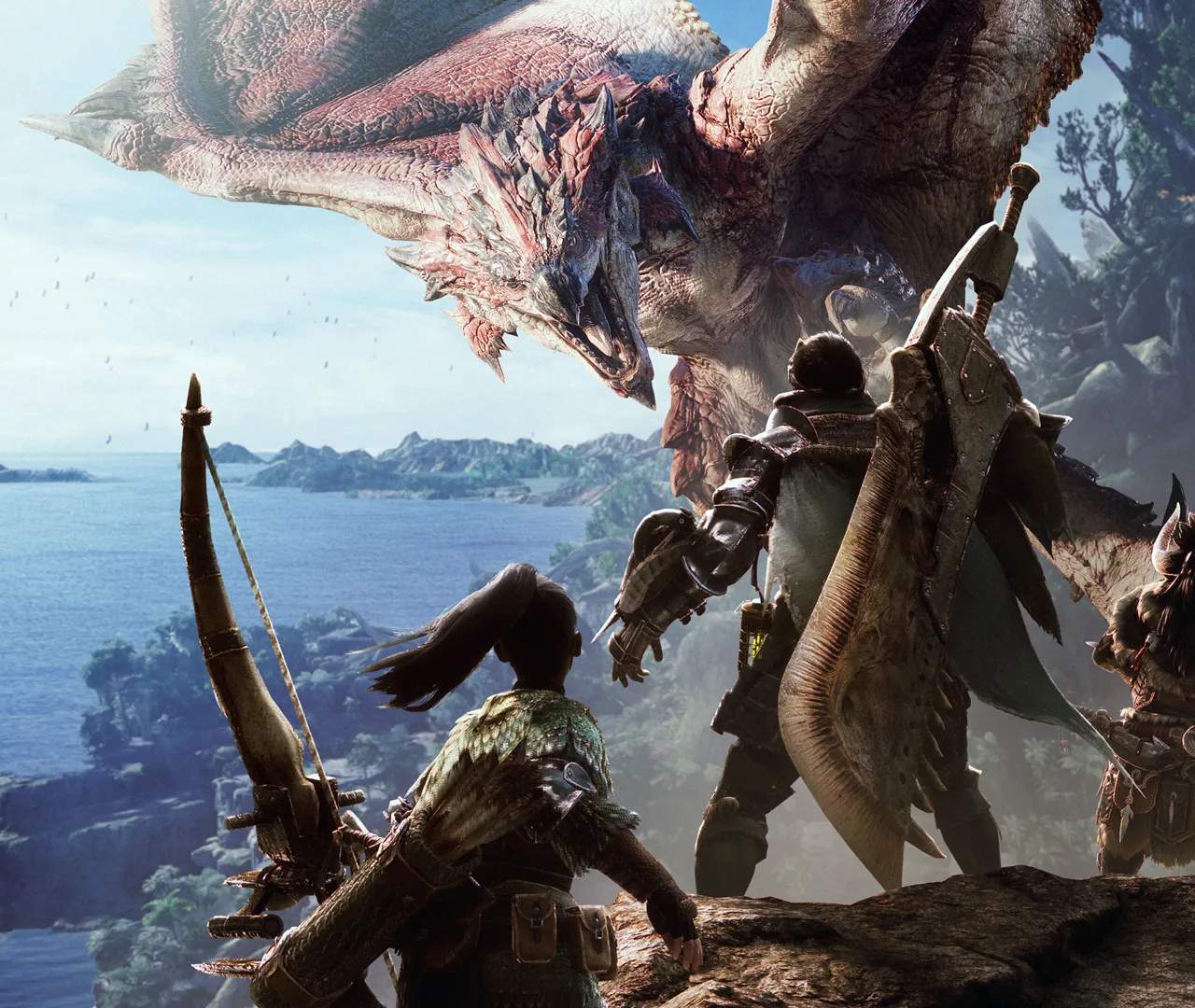
Multiplayer & SOS Flares
Monster Hunter: World is an incredible experience solo, but some of its most thrilling moments come from hunting alongside other players. Whether you're tackling a particularly tough monster, farming for rare materials, or just enjoying the camaraderie, multiplayer adds a dynamic layer to the hunt. The primary way to engage in impromptu multiplayer is through the use of SOS Flares.
Joining a Multiplayer Session
There are a few ways to jump into a hunt with other players:
1. Responding to SOS Flares
This is the most common and flexible way to join ongoing quests. When a player is in a quest and needs assistance, they can fire an SOS Flare, making their quest visible to other hunters.
- Accessing SOS Quests:
- From Astera or Seliana, interact with the Quest Board or your Handler.
- Select "Join a Quest."
- Choose "Respond to SOS."
- You can filter by Quest Type (e.g., Assigned, Optional, Investigations, Expeditions), Target Monster, or Reward Type. For specific hunts, filtering by Target Monster is highly recommended.
- Select the quest you wish to join. Be mindful of the "Players" column, which shows how many hunters are currently in the quest.
- Preparation is Key: Before joining, ensure your equipment is appropriate for the target monster. Check your item loadout for essential items like Potions, Mega Potions, Flash Pods, and any elemental resistances that might be beneficial.
- Joining Mid-Hunt: When you join an SOS, the quest timer will already be running, and the monster's health may be partially depleted. However, the monster's health and damage will scale up to account for additional players, so be prepared for a challenge.
2. Joining a Specific Session
If you have friends or a specific group you want to play with, you can join their online session directly.
- From the Main Menu:
- Select "Online Session."
- Choose "Search for an Online Session" or "Join Friend's Session."
- If searching, you can filter by Quest Preference, Language, or even specific Session IDs if provided by a friend.
- Within a Session: Once in the same online session, you can join quests posted by other players at the Quest Board or Handler. Look for quests with the "Joinable" icon.
Firing an SOS Flare
If you find yourself struggling with a monster or simply want company on a hunt, firing an SOS Flare is your best friend.
- When to Fire: You can fire an SOS Flare at any point after starting a quest, whether it's an Assigned Quest, Optional Quest, Investigation, or even an Expedition.
- How to Fire:
- Open your in-game menu (Options/Start button).
- Navigate to the "Quest" tab.
- Select "Fire SOS Flare."
- Confirm your choice.
- Important Considerations:
- Monster Scaling: Once an SOS Flare is fired and another player joins, the monster's health and damage will scale up to multiplayer difficulty. This scaling persists even if all other players leave, so be sure you're ready for a tougher fight if you plan to solo after firing.
- Quest Rewards: All participating hunters receive quest rewards upon completion, though individual rewards may vary slightly based on performance and luck.
- Fainting: The shared Faint Counter (typically 3 for most quests) applies to all players. If the team collectively faints too many times, the quest will fail.
- Assigned Quests & Cutscenes: For Assigned Quests, you must watch any initial cutscenes related to the monster before you can fire an SOS Flare or join another player's SOS for that specific quest. This often means engaging the monster briefly before the option becomes available.
Multiplayer Strategies & Etiquette
- Communication: Use quick chat messages or the in-game voice chat to coordinate strategies, call out monster status effects (e.g., "Sleep!"), or warn teammates of incoming attacks.
- Bring Support Items: Consider bringing items like Life Powders, Dust of Life, or Wide-Range skills to heal your teammates. This significantly increases the team's survivability.
- Respect Weapon Spacing: Melee weapons should generally focus on the monster's legs or tail, while ranged weapons can target the head or wings. Avoid tripping or interrupting teammates with your attacks, especially with weapons like Greatswords or Longswords.
- Mounting: If you're a weapon type that can easily mount (e.g., Insect Glaive, Sword & Shield), try to get mounts when the monster is enraged or moving erratically to provide free damage opportunities for your team.
- Flinch Free: Consider equipping the Flinch Free decoration (Level 1) to prevent minor flinching from teammates' attacks, allowing you to maintain your attack combos.
- Don't Abandon: If you join a quest, try to see it through. Abandoning a quest mid-hunt can leave the remaining players in a difficult situation due to the scaled monster difficulty.
Embrace the chaos and cooperation of multiplayer in Monster Hunter: World. It's an essential part of the experience that offers both challenges and immense satisfaction!