Basic Controls & Movement
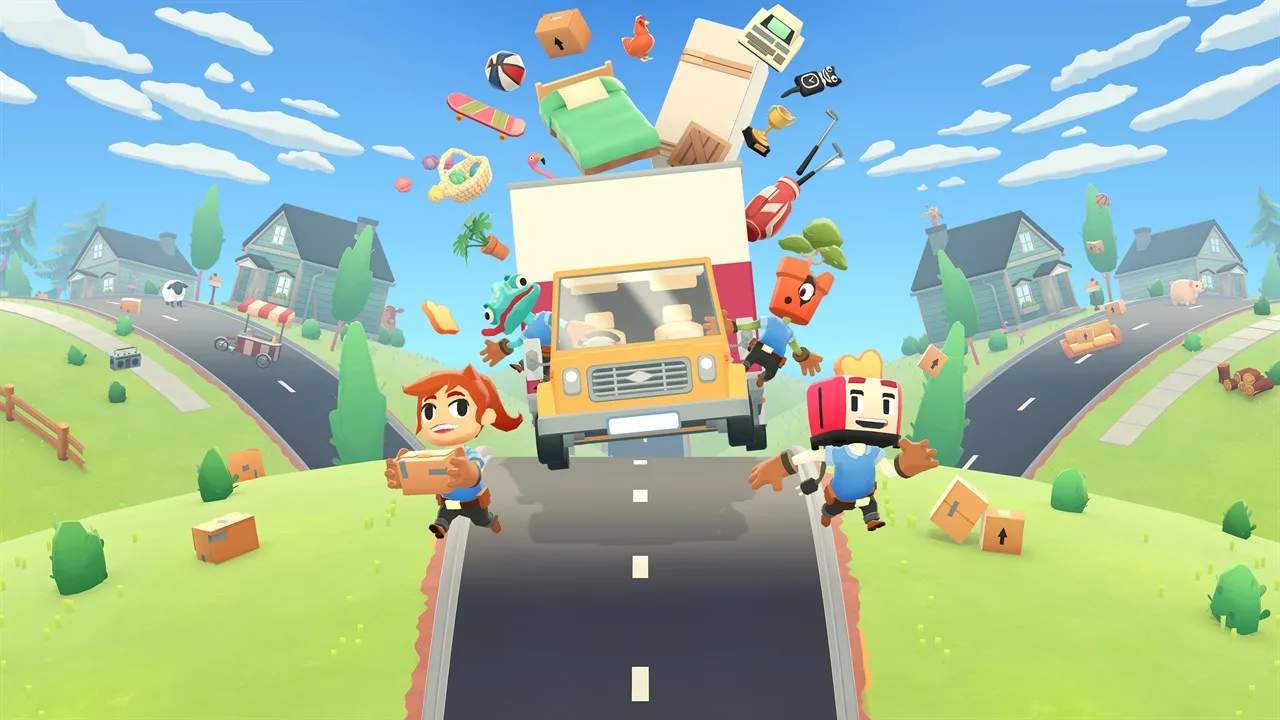
Moving Out is a chaotic and hilarious physics-based moving simulator where players take on the role of Furniture Arrangement and Relocation Technicians (F.A.R.Ts). The core gameplay revolves around picking up, carrying, and throwing various objects from a starting location to a desated truck. Understanding the basic controls is paramount to successfully completing levels within the time limits and achieving gold medals. The game emphasizes teamwork and coordination, especially when playing with others, as many larger items require multiple players to move effectively. Mastering these fundamental actions will lay the groundwork for tackling more complex challenges and discovering hidden objectives.
The game's controls are desed to be intuitive yet allow for a surprising amount of physical comedy. You can move their character around the environment, interact with objects, and use special actions to facilitate the moving process. The physics engine plays a sificant role, meaning that how you handle an object can have unpredictable and often amusing consequences. For instance, throwing an item carelessly might result in it bouncing off walls or landing in an inconvenient spot, costing valuable time. The game features several items, from small, easily manageable objects like the Mailbox to larger, more cumbersome ones like the Ghost, which requires specific handling. Each item's weight and size will affect how it can be moved and the effort required.
Movement
- Standard Movement: You can move their character in all directions using the analog stick or directional keys.
- Running: Holding down a specific button allows the character to run, increasing movement speed. This is crucial for quickly repositioning or reaching distant items.
- Jumping: A dedicated jump button allows characters to leap over small obstacles or reach slightly elevated platforms. This can be combined with other actions for more dynamic movement.
Interaction
- Picking Up/Dropping: A primary interaction button is used to pick up most objects. Holding this button while near an object will allow the character to grab it. Releasing the button will drop the object.
- Throwing: Once an object is held, You can throw it by pressing and holding the interaction button and then releasing it. The direction and force of the throw are influenced by the character's facing and movement.
The game also features unique environmental interactions. For example, some levels may have breakable elements or specific hazards that players must navigate around or use to their advantage. The Ghost, for instance, is an object that should not be slapped, indicating a unique mechanic associated with it. Successfully navigating these basic controls and interactions is the first step towards mastering the art of moving.