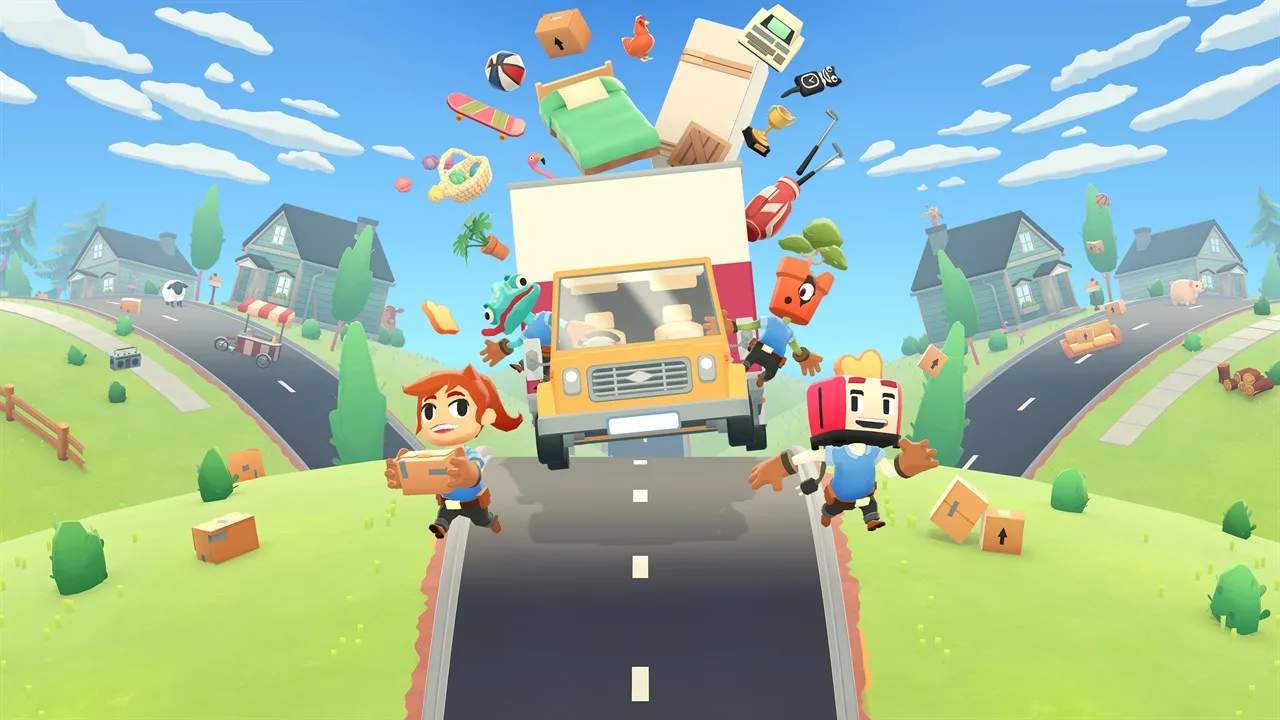
Console Installation Guide
Moving Out is readily available on major gaming consoles, including the Xbox One, PlayStation 4, and Nintendo Switch. The installation process for these platforms is generally straightforward and managed through their respective digital storefronts. For Xbox One and PlayStation 4 users, the game can be purchased and downloaded directly from the Microsoft Store and PlayStation Store, respectively. Once you have purchased the game, navigate to your library or the store page, select "Download," and your console will handle the rest. The game will be installed to your console's internal storage or any connected external hard drive. For Nintendo Switch players, the process is similar via the Nintendo eShop. After purchasing, the game will appear in your system's software list, ready for download and installation.
Upon completion of the download, the game icon will appear on your console's home screen or in your game library. Simply select the icon to launch Moving Out. The first time you start the game, you may be presented with a brief introductory sequence or a prompt to accept terms of service. If you are playing on Xbox One or PlayStation 4, ensure your console is connected to the internet for the download and for any potential online features or updates. For the Nintendo Switch, a stable internet connection is also required for eShop purchases and downloads. It is good practice to ensure your console's system software is up-to-date, as this can prevent compatibility issues and ensure the best possible performance for all your games, including Moving Out. Updates are typically downloaded and installed automatically when your console is in standby mode or when you manually check for them.
Moving Out supports both single-player and local multiplayer modes. If you plan to play with friends on the same console, ensure you have the necessary controllers connected and recognized by the system before starting a co-op session. The game's interface will guide you through selecting game modes and setting up your play session. If you encounter any issues during the installation or initial launch, such as the game not starting or experiencing errors, common troubleshooting steps include restarting your console, checking your internet connection, and ensuring there is sufficient free storage space. For persistent issues, you may consider uninstalling and then reinstalling the game. The digital storefronts also often have a "troubleshoot" or "support" section that can provide further assistance specific to your console platform.