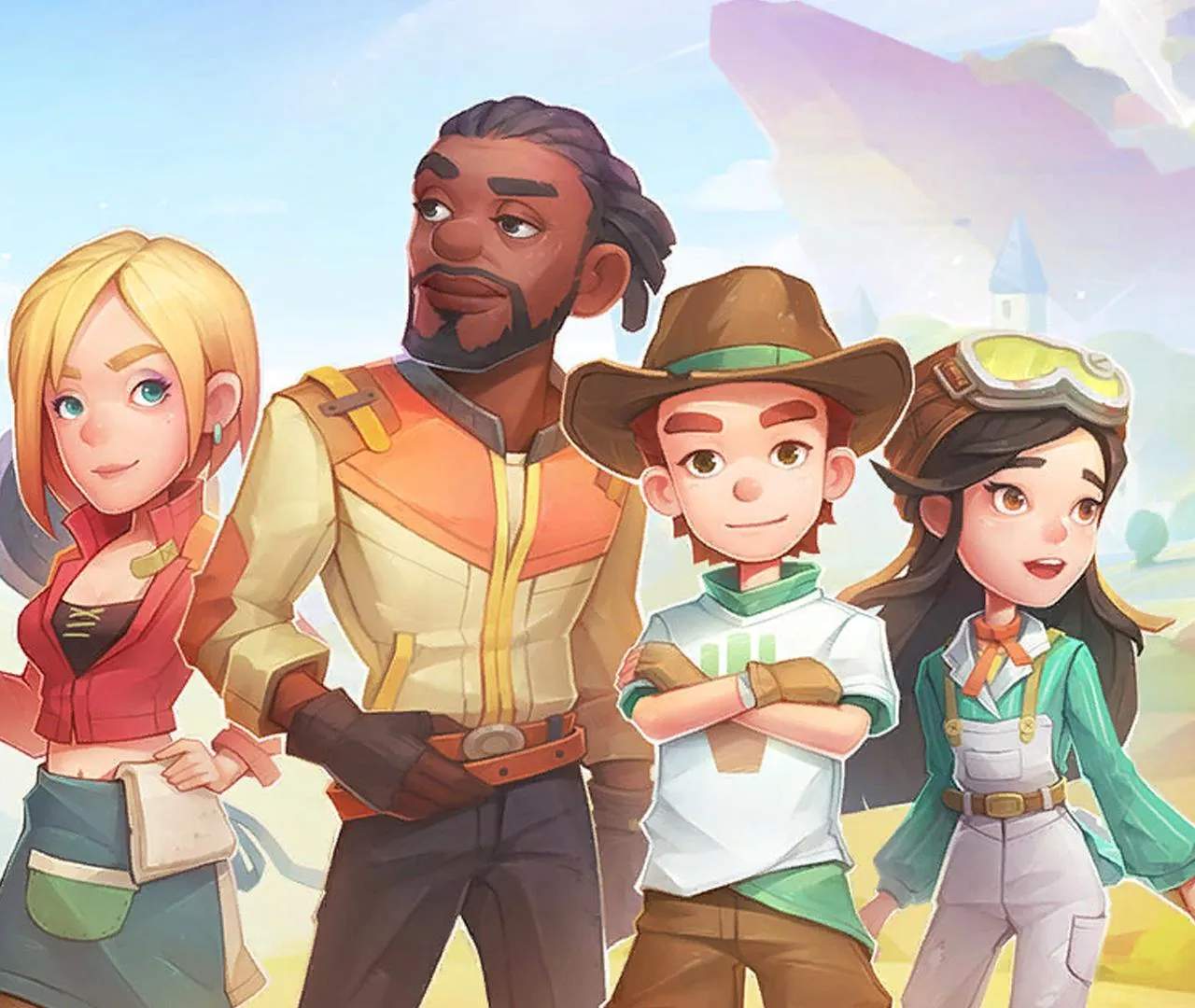
Character Customization
While your initial character creation sets the foundation, My Time at Sandrock offers numerous ways to continually refine and express your Builder's unique style. From changing your hairstyle to acquiring entirely new outfits, you'll find plenty of options to stand out in the Eufala Desert.
Appearance Modifications
Want a fresh look without starting a new game? Sandrock has you covered. Several services allow you to alter your Builder's physical characteristics.
Hair & Makeup
- Location: Grace's Hair Salon, located in the Commerce Guild area, just past the Blue Moon Saloon.
- Services: Grace offers a comprehensive range of hair services, including new hairstyles, hair color changes, and even eyebrow adjustments. She also provides makeup options, allowing you to fine-tune your Builder's facial features with various cosmetics.
- Cost: Services typically range from 50 to 200 Gols, depending on the complexity of the change. Hair color changes are generally cheaper than entirely new styles.
- Strategy: Consider visiting Grace's before major social events or after unlocking new hair colors through story progression or special events. Keep an eye on the in-game calendar for potential sales or free makeover days!
Facial Reconstruction
- Location: Dr. Fang's Clinic, situated near the Sandrock Civil Corps headquarters.
- Services: For more drastic changes to your Builder's facial structure, Dr. Fang offers "Facial Reconstruction" services. This allows you to re-access the initial character creation sliders for features like nose shape, eye size, jawline, and more.
- Cost: This is a more expensive service, usually costing around 500-1000 Gols, reflecting the significant alteration.
- Strategy: This is ideal if you've played for a while and feel your initial choices no longer suit your evolving vision for your Builder. It's a one-time fee per session, so make all desired changes before confirming.
Outfit & Accessory Customization
Your wardrobe is a key component of your Builder's identity. Sandrock provides ample opportunities to acquire and equip various clothing items and accessories.
Acquiring New Clothes
There are several primary methods to expand your fashion repertoire:
- Bying from Stores:
- By the Stairs: Located in the main plaza, this boutique run by Vivi offers a rotating selection of fashionable clothing items, including shirts, pants, dresses, and hats. Their inventory changes seasonally, so check back often!
- Commerce Guild Store: While primarily for crafting materials, the Commerce Guild sometimes stocks basic clothing items or utility-focused apparel like work gloves or sturdy boots.
- Special Vendors: Keep an eye out for temporary vendors during festivals or special events. They often sell unique, limited-time outfits.
- Crafting:
- As you progress and unlock new blueprints, you'll gain the ability to craft your own clothing items at the Tailoring Machine. This requires various fabrics and dyes, often obtained from processing raw materials or defeating certain enemies.
- Key Materials: Look for Cotton, Silk, and various plant-based fibers for fabric. Dyes can be crafted from flowers and other natural pigments.
- Quest Rewards: Many main quests and side quests offer unique clothing items or accessories as rewards. Pay close attention to quest descriptions! For example, completing certain tasks for the Civil Corps might reward you with a uniform piece.
- Treasure Chests: While primarily containing Gols and materials, some treasure chests scattered throughout the Eufala Desert and its ruins can contain rare clothing items or blueprints.
Equipping & Managing Outfits
- Inventory Screen: Access your inventory (default key 'I' on PC) and navigate to the 'Equipment' tab. Here, you can drag and drop clothing items into their respective slots (Head, Torso, Legs, Feet, Accessory 1, Accessory 2).
- Wardrobe: Once you've built a Wardrobe for your workshop, you can store and quickly change between multiple saved outfits. This is incredibly convenient for switching between work clothes, social attire, or combat gear.
- Dyeing Clothes: Many crafted and purchased clothing items can be dyed to your preferred color. Use the Dyeing Vat, typically found near your Tailoring Machine, and combine a clothing item with a dye to change its color.
Experiment with different combinations and express your inner fashionista as you build your legacy in Sandrock!