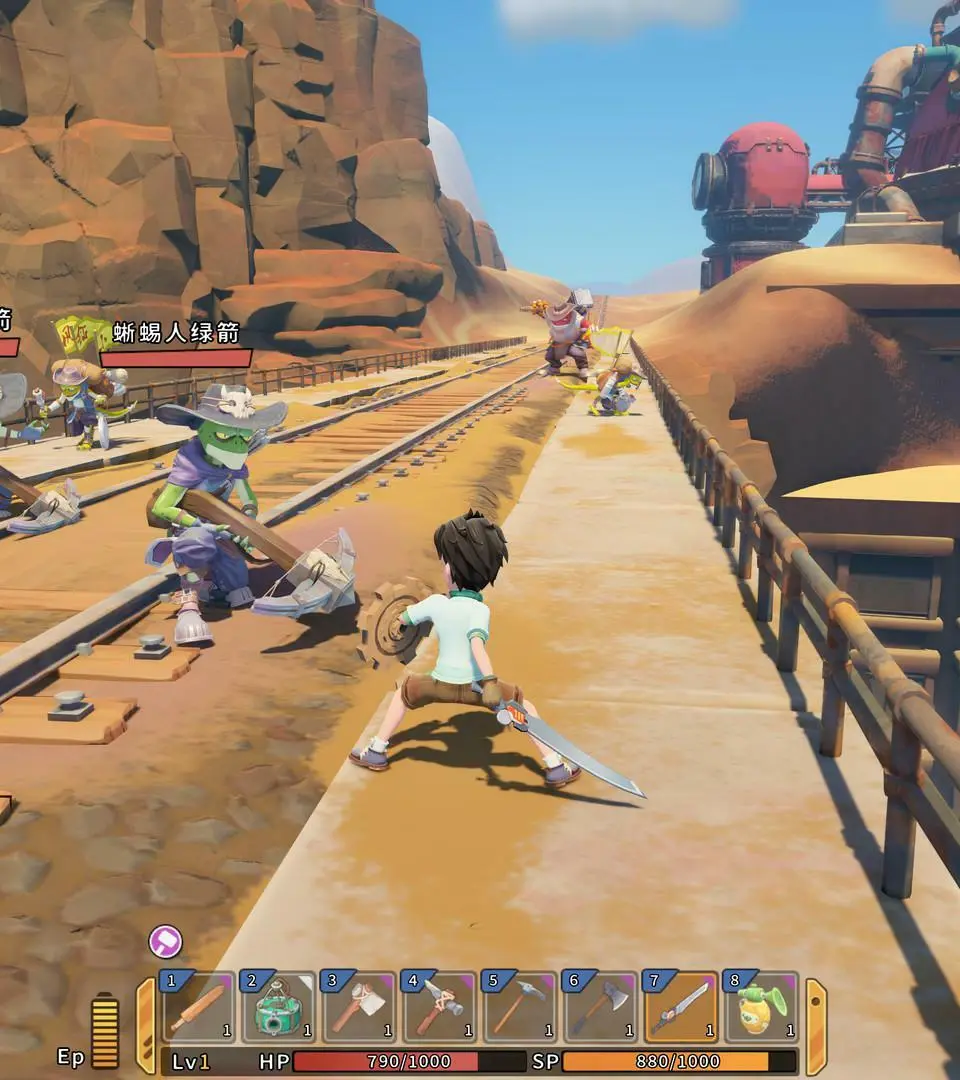
The UI provides vital information. Your health and stamina bars are at the bottom left. The hotbar at the bottom center displays your equipped tools and items; use the scroll wheel or number keys to switch. The top right shows the current time, date, and weather. Pay attention to quest markers on your compass at the top center. Notifications for new mail or social events will appear on the left side of the screen. Understanding these elements will help you manage your time and resources effectively.