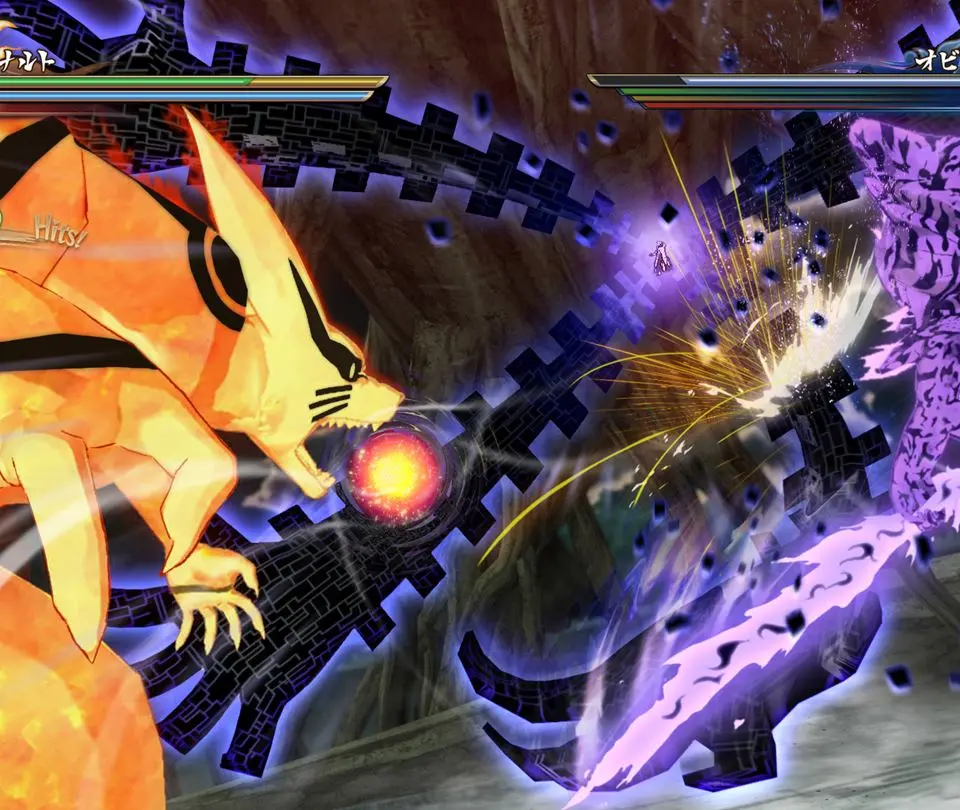
The UI provides vital information during battles. At the top of the screen, you'll see your health bar (green) and your opponent's. Below that is your Chakra Gauge (blue), which depletes when using Jutsu, Secret Techniques, or Chakra Dashes. The Substitution Jutsu gauge (yellow bars) indicates how many substitutions you have left. On the left and right sides, you'll see your support characters' portraits, indicating their availability. Pay close attention to these indicators to manage your resources and plan your attacks effectively.