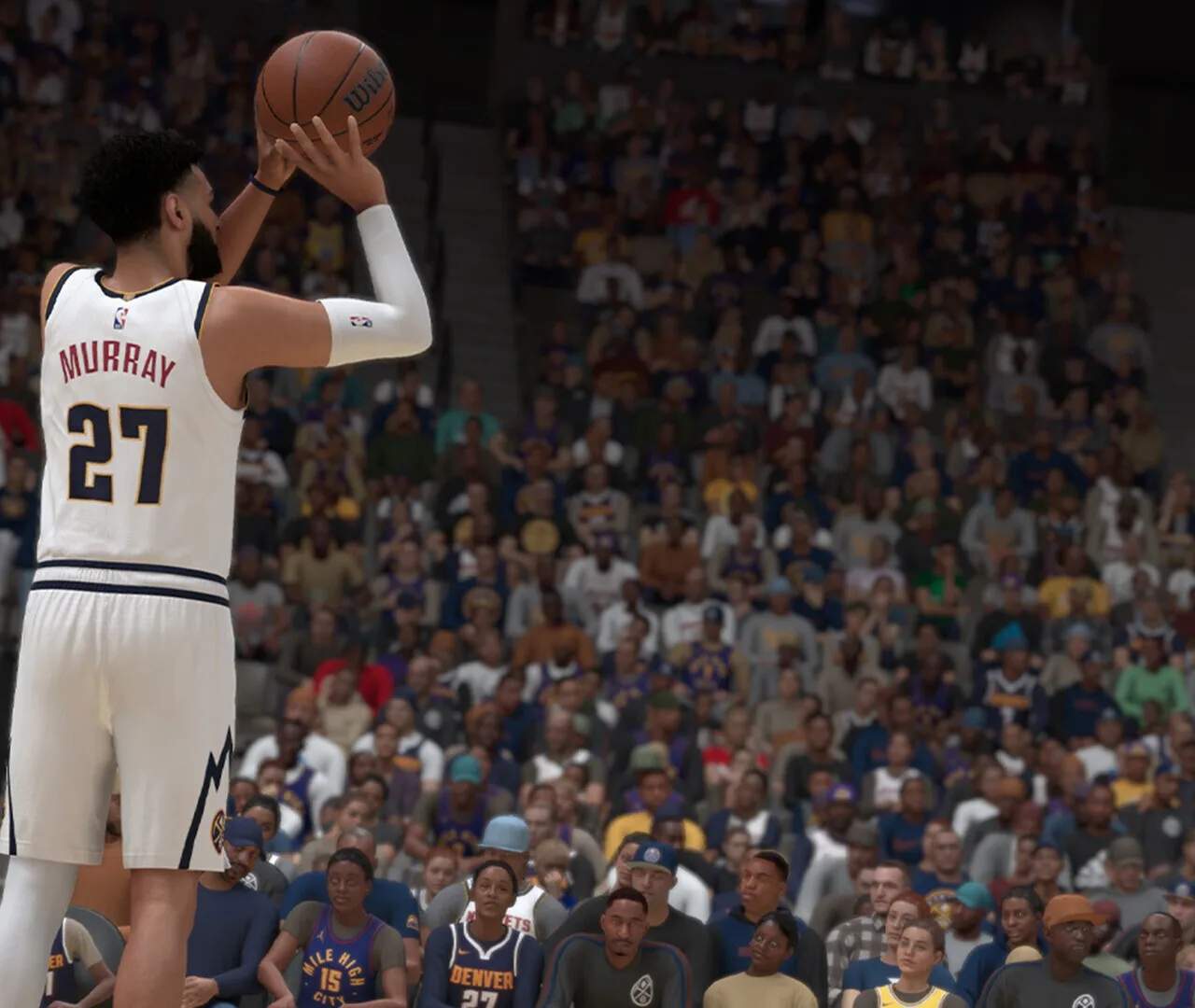
Understanding Difficulty Settings
NBA 2K25 offers a robust suite of difficulty settings, allowing players to tailor the challenge to their skill level and desired experience. Whether you're a casual player looking for an immersive narrative in MyCAREER or a seasoned veteran aiming for competitive online play, understanding these options is crucial.
Accessing Difficulty Settings
You can adjust difficulty in several key locations:
- Main Menu: Navigate to . This will apply to most offline modes like Quick Play, MyNBA, and MyTEAM challenges (unless specified otherwise).
- MyCAREER: Within your MyCAREER save, pause the game and go to . Changes made here are specific to your MyCAREER progression.
- Play Now/Quick Play: Before starting a game, look for the "Game Settings" or "Difficulty" option on the team selection screen.
- MyTEAM: For specific challenges or modes within MyTEAM, the difficulty is often pre-set or selectable before starting the event.
Standard Difficulty Levels
NBA 2K25 features the following standard difficulty tiers:
- Rookie: Ideal for new players or those looking for a very relaxed experience. AI opponents make frequent mistakes, and your players receive significant boosts to shooting, defense, and ball handling. Perfect for practicing controls and strategies.
- Pro: A balanced experience for most players. AI is more competent but still forgiving. This is a good starting point for MyCAREER to get accustomed to your player's abilities.
- All-Star: The recommended difficulty for experienced players seeking a challenge. AI becomes more aggressive, makes fewer errors, and executes plays more effectively. This is often the default for competitive online modes.
- Superstar: A significant step up from All-Star. AI players exhibit near-perfect execution, rarely miss open shots, and play lockdown defense. Expect intense, grindy games.
- Hall of Fame: The ultimate challenge. AI is at its absolute peak, replicating real NBA-level performance with minimal flaws. Only recommended for the most skilled and dedicated players. Expect to be punished for every mistake.
Customizing Gameplay Sliders
For the ultimate control over your NBA 2K25 experience, delve into the Gameplay Sliders. These allow you to individually adjust over 50 different parameters, affecting everything from shot success rates to foul frequency. This is located under .
Key Slider Categories & Strategies:
- Offense:
- User/CPU Shot Success (Close/Mid/3PT): Adjust these to fine-tune how often shots go in. Lowering CPU values makes the game harder; raising User values makes it easier.
- User/CPU Layup/Dunk Success: Similar to shot success, but specifically for inside scoring.
- User/CPU Ball Security: Controls how often turnovers occur. If you're struggling with dribbling, increase your User Ball Security.
- Offensive Rebounding: Increase CPU Offensive Rebounding for a tougher challenge on the boards.
- Defense:
- User/CPU Defensive Awareness: Affects how quickly players react to offensive movements and plays.
- User/CPU Steal/Block Success: Adjust these to make steals and blocks more or less frequent.
- Defensive Rebounding: Crucial for controlling the pace of the game.
- Help Defense Strength: Determines how effectively AI teammates rotate and help on defense. Lowering this for the CPU can create more scoring opportunities for you.
- Fouls:
- Reach-In Foul Frequency: If you find yourself getting too many reach-in fouls, lower this slider.
- Shooting Foul Frequency (User/CPU): Adjust to control how often free throws are awarded.
- Attributes: These sliders directly impact how player attributes (e.g., Speed, Strength, Vertical) translate into in-game performance. Adjusting these can significantly alter the feel of the game.
Actionable Steps for Slider Customization:
- Start with a Baseline: Choose a standard difficulty (e.g., All-Star) that is close to your desired challenge level.
- Identify Pain Points: Play a few games. Are you missing too many open shots? Is the CPU hitting everything? Are fouls too frequent?
- Make Small Adjustments: Go to the Gameplay Sliders and adjust only 1-2 relevant sliders by 5-10 points at a time.
- Test and Repeat: Play another game or two to see the impact of your changes. Continue to fine-tune until you achieve your ideal balance.
- Save Your Settings: Once satisfied, remember to save your custom slider set. You can often save multiple profiles, which is useful for different modes or playstyles. Look for the "Save Settings" or "Load/Save Sliders" option within the Gameplay Sliders menu.
Impact on Rewards and Progression
higher difficulty settings often correlate with increased rewards in modes like MyCAREER and MyTEAM. Playing on Hall of Fame will yield significantly more VC (Virtual Currency) and MyPOINTS compared to Rookie difficulty, making it a viable strategy for faster progression once you've honed your skills.
Experiment with these settings to find your perfect NBA 2K25 experience, whether you're chasing championships in MyNBA or building your legend in MyCAREER.