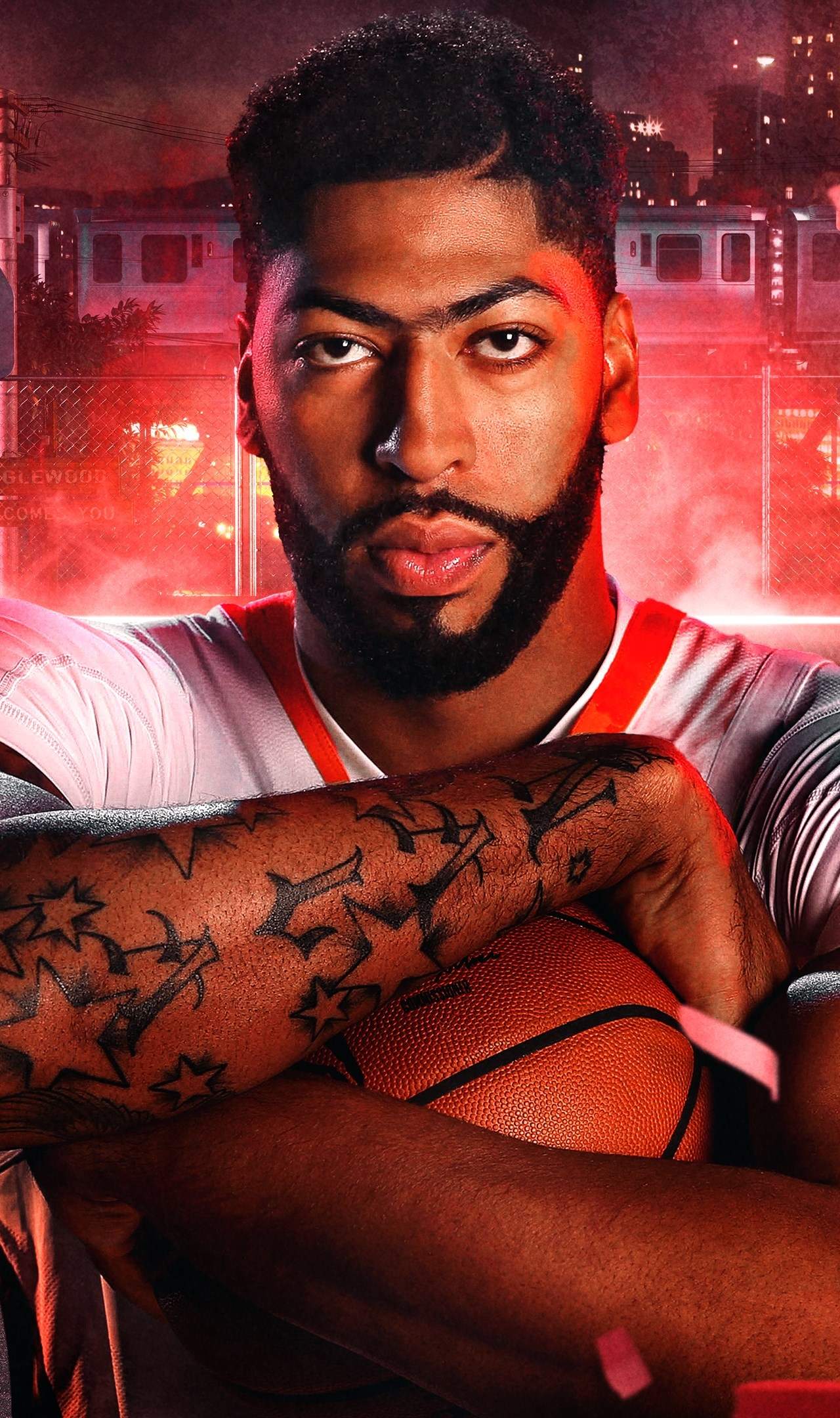
Installation & Setup
Embarking on your NBA 2K27 journey is a straightforward process, but ensuring a smooth installation and setup is crucial for an optimal gaming experience. This game is available across a wide range of platforms, including Android, PlayStation 4, PC, iOS, Xbox One, and Nintendo Switch. Regardless of your chosen platform, the initial steps involve acquiring the game and initiating the installation. For digital purchases, this typically means downloading the game through the respective platform's digital storefront. Physical copies will require inserting the disc or cartridge and following on-screen prompts. Once the download or installation is complete, the game will be ready to launch. It's always a good practice to ensure your system has sufficient free storage space before beginning the download, as NBA 2K27, like most modern titles, can be quite large in file size. We'll cover platform-specific nuances where applicable, but the core process remains consistent.
Before diving into the fast-paced action, it's essential to configure your game settings to match your preferences and hardware capabilities. This includes setting up your controller or keyboard and mouse, adjusting graphical fidelity, and ensuring your network connection is stable if you plan on engaging in online multiplayer. For those on PC, system requirements are a critical factor, which we will detail in a separate section. On consoles, the process is generally more streamlined, with the system handling most of the optimization. However, understanding the available in-game options for graphics and audio will allow you to tailor the experience to your liking. We'll also touch upon the initial setup of your player profile and any necessary account linking for online services. This initial setup phase is your first opportunity to make NBA 2K27 truly your own, ensuring that when you step onto the virtual court, you're ready for anything.
Platform-Specific Installation Notes
While the core installation process for NBA 2K27 is similar across all platforms, there are minor variations to be aware of. On PlayStation 4 and Xbox One, after inserting the disc or completing the digital download, the console will guide you through the installation. Ensure you have enough free space on your hard drive. For PC users, the installation process will depend on the digital storefront used (e.g., Steam, Epic Games Store). Follow the on-screen instructions provided by the launcher. Nintendo Switch owners will either insert the game card or download from the eShop, with the console managing the installation. For Android and iOS devices, the game is downloaded and installed directly from the Google Play Store or Apple App Store, respectively. After installation, the game may require additional data downloads or updates, so a stable internet connection is recommended. Always check for the latest game patches after installation to ensure you have the most up-to-date version with bug fixes and potential gameplay enhancements, especially if you're looking to master advanced techniques or improve dribbling in NBA 2K27.
Initial Game Configuration
Upon launching NBA 2K27 for the first time, you'll be prompted to configure several key settings. This includes accepting the End User License Agreement (EULA) and Privacy Policy. You'll then likely be guided through a brief tutorial or asked to set up your player profile. If you intend to play online, you'll need to s in to your platform's online service (e.g., PlayStation Network, Xbox Live, Nintendo Switch Online) or create an NBA 2K account. This is also where you'll typically set your initial camera angles and audio preferences. For PC players, this is also when you might be prompted to adjust basic graphical settings before entering the main menu. Pay attention to any prompts regarding game updates, as installing the latest patches is crucial for a smooth experience, especially if you're aiming to learn NBA 2K27 advanced techniques or improve dribbling skills. A stable internet connection is highly recommended during this phase to ensure all necessary files are downloaded and installed correctly.
Controller and Input Setup
Setting up your preferred input method is a critical step in NBA 2K27. Whether you're using a traditional controller, a keyboard and mouse on PC, or even touch controls on mobile devices, ensuring your inputs are mapped correctly will sificantly impact your ability to execute complex moves. For console players, the game generally recognizes standard controllers automatically. However, NBA 2K27 offers extensive controller customization options, allowing you to remap buttons and adjust analog stick sensitivity. This is particularly important for mastering dribbling skills and executing advanced techniques. PC players will have the option to use a controller or a keyboard and mouse. The game typically provides default keybinds for keyboard and mouse, but these can also be customized to suit your playstyle. For mobile users, touch controls are the primary input method, and the game will offer on-screen button layouts that can often be adjusted in the settings menu. Experimenting with different configurations is key to finding what feels most intuitive for you, especially when trying to perform intricate dribble moves or defensive maneuvers.