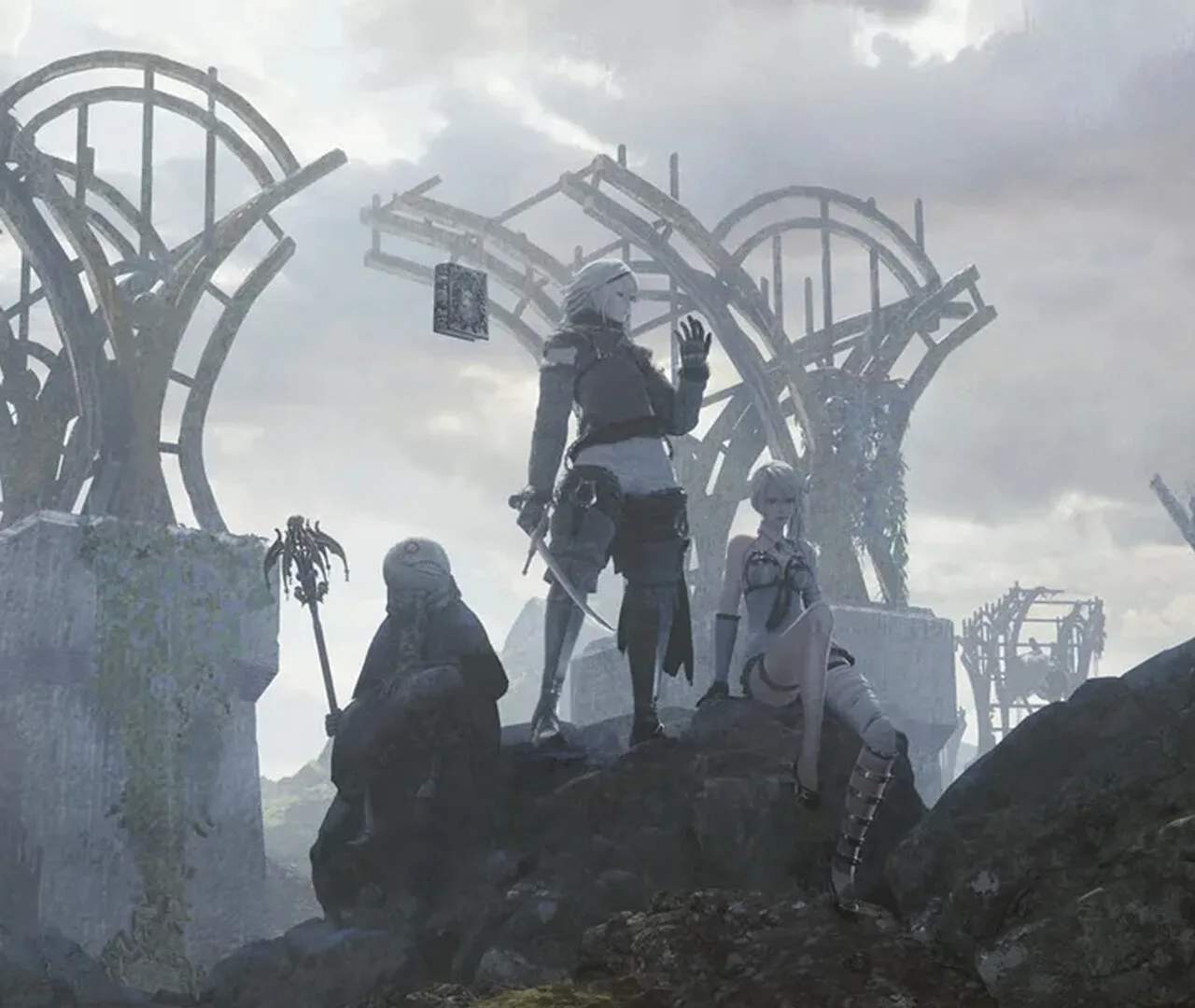
Navigating the world of NieR Replicant ver.1.22474487139... is made intuitive through its control scheme and user interface. On PlayStation controllers, movement is handled by the left analog stick, while the right analog stick controls the camera. The face buttons are primarily used for combat actions: the 'X' button (or equivalent) for light attacks, the 'Square' button for heavy attacks, and the 'Circle' button for dodging. The 'R1' button is dedicated to targeting enemies, which is essential for keeping track of foes during intense combat encounters. Grimoire Weiss's magic is accessed via the 'L1' button in conjunction with the face buttons. Holding 'L1' and pressing 'X' casts your primary spell, while other combinations might be assed to different magical abilities as you acquire them. The D-pad is typically used for navigating menus and selecting items from your quick-select inventory.
The User Interface (UI) provides vital information at a glance. In the top-left corner, you'll find your character's health bar (HP) and mana bar (MP). Below that, the current weapon equipped and its associated damage value are displayed. The minimap, usually located in the top-right corner, shows your immediate surroundings, including quest markers, points of interest, and the location of nearby enemies. When Grimoire Weiss is active, his magical gauge will also be visible, indicating his readiness to cast spells. During combat, enemy HP bars will appear above their heads. The bottom of the screen often displays prompts for interacting with the environment or using specific abilities. Pay attention to the quick-select menu, accessible by holding the 'Triangle' button, which allows you to rapidly switch between potions, items, and even different weapon loadouts. Understanding these UI elements is crucial for efficient gameplay, especially when facing challenging bosses like the Shades in the Junk Heap or navigating the labyrinthine Forest of Myth.
Key Controls Summary (PlayStation Example):
| Action | Button |
|---|---|
| Movement | Left Analog Stick |
| Camera Control | Right Analog Stick |
| Light Attack | X |
| Heavy Attack | Square |
| Dodge | Circle |
| Target Lock | R1 |
| Cast Magic (Primary) | L1 + X |
| Quick Select Menu | Hold Triangle |