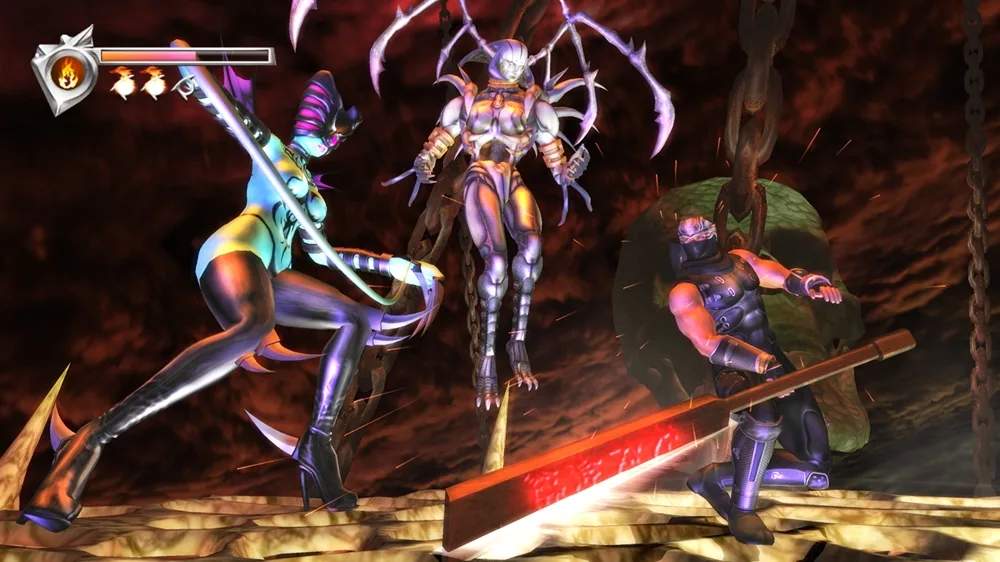
The UI in Ninja Gaiden Black is minimalist but provides all necessary information. In the top-left corner, you'll find Ryu's health bar (red) and Ki meter (blue) for Ninpo. Below that, your currently equipped weapon and Ninpo are displayed. The bottom-right corner shows your item inventory. Pay close attention to enemy health bars, which appear above their heads when targeted. A flashing health bar indicates a critical state, often allowing for an instant kill with a well-timed attack. Understanding these elements at a glance is vital for making split-second decisions in combat.