
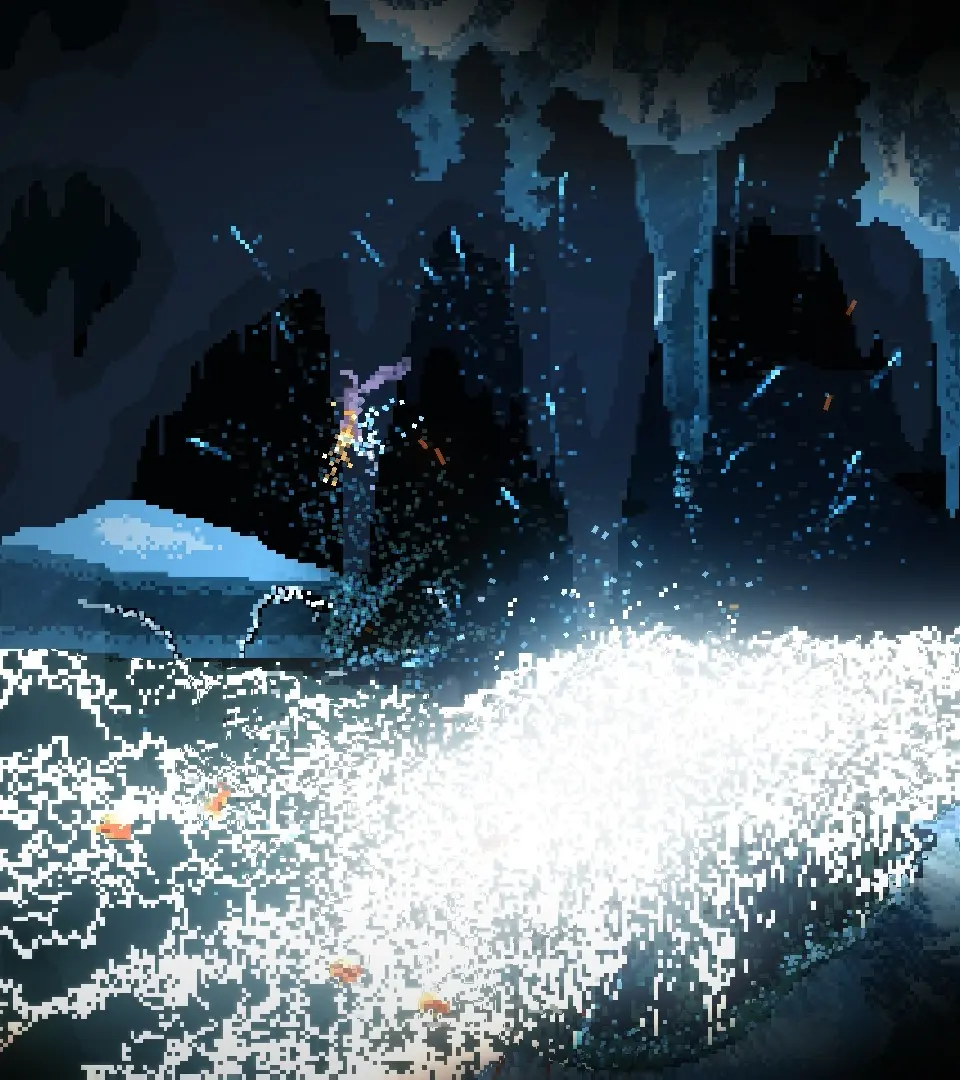
Mastering the controls is your first step to survival. The default controls are intuitive but can be customized in the options menu. The UI provides vital information about your health, mana, active spells, and inventory. Pay close attention to your health bar and mana regeneration, as these are your most critical resources. The minimap, once unlocked, will also be an invaluable tool for navigation.
Default Controls:
- Movement: WASD
- Jump: Spacebar
- Fly: Hold Spacebar (consumes stamina)
- Shoot/Cast: Left Mouse Button
- Switch Wand: Scroll Wheel / 1-5 keys
- Interact: E
- Inventory: I
- Map: M