Introduction
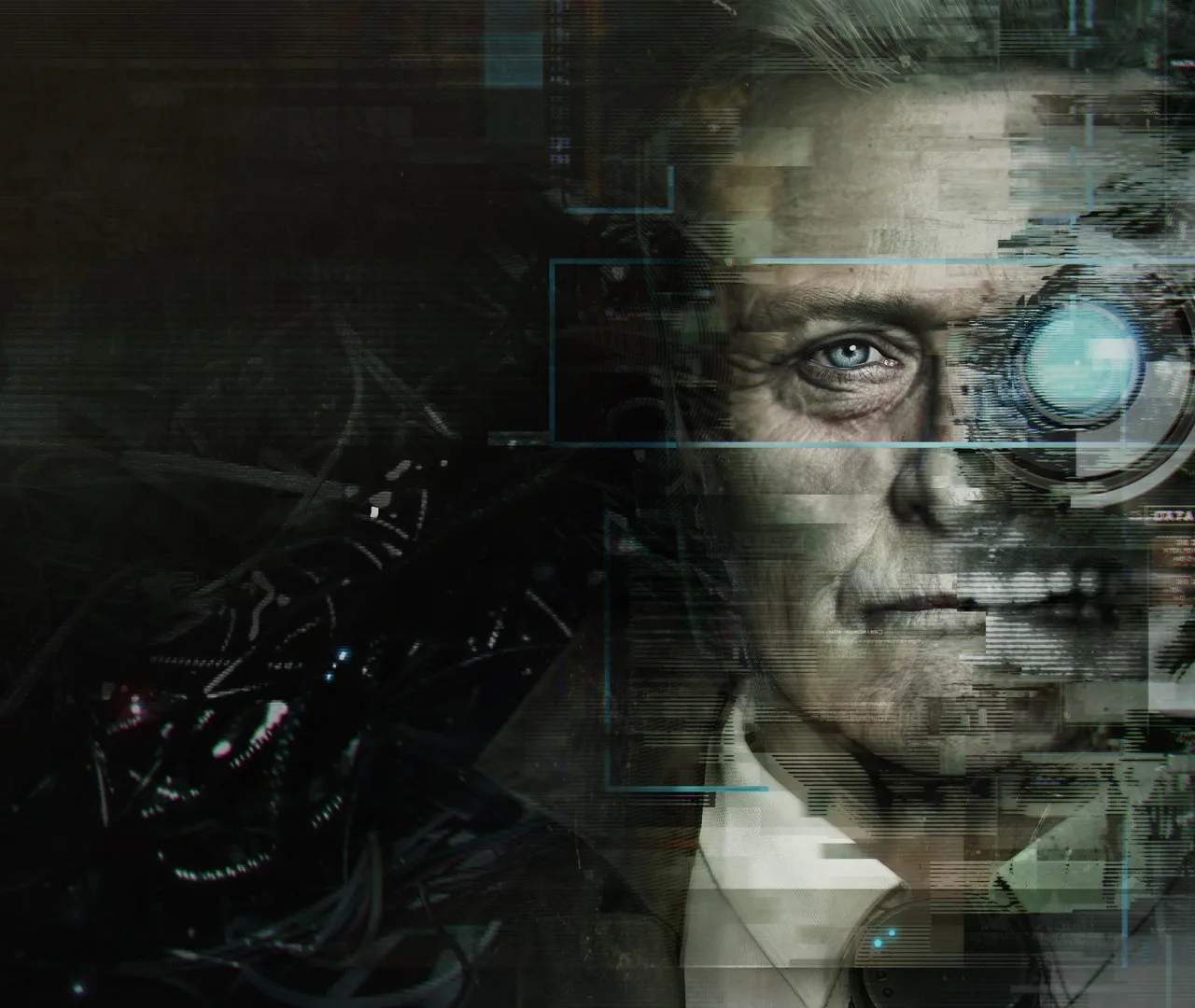
Welcome, Observer! Prepare to descend into the grim, neon-drenched future of 2084 Krakow, a city scarred by plague, war, and corporate greed. navigate the psychological horror and dystopian cyberpunk landscape of Observer (stylized as >observer_), a chilling first-person adventure developed by Bloober Team. You play as Daniel Lazarski, voiced by the late Rutger Hauer, an elite neural detective known as an "Observer." Your mission begins with a cryptic call from your estranged son, Adam, leading you to a dilapidated apartment complex in the heart of the city's Class C sector. What unfolds is a nightmarish investigation into a brutal murder, where the lines between reality and nightmare blur through the terrifying technology of dream-hacking.
This comprehensive guide will equip you with the knowledge and strategies needed to unravel the complex mysteries, survive the psychological torment, and make sense of the fragmented minds you'll be forced to invade. From understanding your unique investigative tools to navigating the labyrinthine corridors of the apartment building and deciphering the game's profound narrative, we've got you covered. Prepare to question everything you see, hear, and feel.
Getting Started: Your First Moments as Daniel Lazarski
Upon starting a new game, you are immediately thrust into Daniel Lazarski's world. The game opens with Daniel driving his futuristic police cruiser through the rain-slicked streets of Krakow, receiving a distressing call from his son. This initial sequence serves as a narrative hook and a gentle introduction to the game's atmosphere and basic movement controls.
- Initial Scene: You'll be in Daniel's car. While you can't control the vehicle, pay attention to the dialogue and the environmental details establishing the dystopian setting.
- Arrival at the Apartment Complex: After the call, Daniel arrives at the apartment building. This is where you gain full control of the character.
Basic Controls and Interaction
Observer is played from a first-person perspective, emphasizing exploration, interaction, and puzzle-solving. The controls are intuitive, designed to immerse you in Daniel's investigation.
- Movement: Use the Left Analog Stick (Controller) / W, A, S, D keys (PC) to move Daniel. He walks at a deliberate pace, reflecting his age and the game's atmospheric tension.
- Look Around: Use the Right Analog Stick (Controller) / Mouse (PC) to control Daniel's gaze and look around the environment. This is crucial for spotting clues and interactive objects.
- Interact: Press the A Button (Xbox One) / X Button (PS4) / B Button (Switch) / E Key (PC) to interact with objects, open doors, pick up items, or initiate dialogue. Interactive objects will often have a subtle glow or prompt when you look at them.
- Run/Sprint: Hold the Left Stick (Controller) / Left Shift Key (PC) to make Daniel sprint. Use this sparingly, as Daniel is an older man and prolonged sprinting can cause visual distortions, especially if his Synchronization (SYNCH) levels are low.
- Flashlight: Press the Right Stick (Controller) / F Key (PC) to toggle Daniel's flashlight on/off. Essential for navigating dark areas and revealing hidden details.
- Zoom/Focus: Press the Left Trigger (Controller) / Right Mouse Button (PC) to zoom in slightly. Useful for examining small details or reading text.
Your Observer Tools: Electromagnetic and Bio Vision
As an Observer, Daniel is equipped with advanced implants that allow him to scan environments in unique ways. These vision modes are your primary investigative tools.
- Toggle Vision Modes: Press the Y Button (Xbox One) / Triangle Button (PS4) / X Button (Switch) / Tab Key (PC) to cycle through Daniel's vision modes.
- Electromagnetic (EM) Vision:
- Purpose: Detects electronic devices, power sources, and digital traces.
- Visual Cue: The world takes on a blue-green hue, highlighting electronic signals.
- Usage: Use EM Vision to find hidden wires, power conduits, active computer terminals, and digital clues. It's often vital for solving environmental puzzles or tracking digital footprints.
- Bio Vision:
- Purpose: Detects organic matter, bloodstains, bodily fluids, and recent biological activity.
- Visual Cue: The world shifts to a red-orange palette, emphasizing biological traces.
- Usage: Crucial for crime scene investigation. Use Bio Vision to find blood trails, body parts, fingerprints, and other organic evidence that might be invisible to the naked eye.
Strategy Tip: Get into the habit of frequently switching between EM and Bio Vision in every new area, especially crime scenes. Many crucial clues are only visible in one of these modes. Overlooking them can lead to missed narrative details or stalled progress.
Understanding Your Interface (HUD)
Daniel's augmented reality HUD provides critical information about his health, objectives, and current status.
- Synchronization (SYNCH) Meter: Located in the bottom-left corner of the screen. This meter represents Daniel's mental stability. When it drops too low (due to prolonged exposure to disturbing sights, dream-hacking, or certain environmental hazards), Daniel will experience severe visual and auditory distortions, making navigation difficult and potentially leading to a game over if ignored.
- Replenishing SYNCH: Consume Synchrozine pills. These are found throughout the environment, often in medicine cabinets, on tables, or looted from bodies. Keep a healthy supply!
- Objective Tracker: Typically displayed in the top-left corner. This indicates your current primary objective. It's usually concise, guiding you to the next major step in your investigation.
- Inventory/Data Log: Accessible via the Menu Button (Controller) / Tab Key (PC). Here you can review collected documents, data logs, character profiles, and manage your inventory of Synchrozine. Regularly check the data logs for deeper lore, puzzle hints, and backstory.
- Mini-Map (Contextual): In certain areas, particularly during dream-hacks, a contextual mini-map might appear to help with navigation, though it's not a constant feature of the main game world.
The Apartment Complex: Your Initial Investigation
Your first major objective is to investigate the apartment complex where Adam's last known signal originated. The building is a character in itself – a decaying, multi-layered structure filled with reclusive tenants, hidden secrets, and a pervasive sense of dread.
Initial Steps Upon Entry:
- Security Gate: You'll need to bypass the main security gate. Look for a small security booth or panel nearby. This often involves using your EM Vision to find a power source or a faulty circuit.
- Janitor's Office: Early in the game, you'll gain access to the janitor's office. This is a crucial hub, providing access to the building's maintenance systems and a map of the complex.
- Building Map: Interact with the map in the janitor's office to familiarize yourself with the layout of the building. This map will update as you unlock new areas.
- Keycards/Access Codes: The janitor's office often holds keycards or clues to access restricted areas.
- Tenant Directory: Located near the main entrance or in the janitor's office, the tenant directory lists all residents. This is vital for cross-referencing information and identifying potential suspects or witnesses.
- Apartment 047 (Adam's Apartment): Your primary target. However, gaining access will require solving a series of environmental puzzles and interacting with other tenants.
Common Pitfalls and Missables
- Missed Clues: The game thrives on environmental storytelling. Many crucial details, lore snippets, and even puzzle solutions are hidden in plain sight. Always thoroughly explore every room, check under objects, and use both EM and Bio Vision.
- Running Low on Synchrozine: While not overly difficult, managing your SYNCH is important. If you find yourself frequently low, re-explore previously visited areas for missed pills or adjust your playstyle to avoid unnecessary mental strain.
- Ignoring Side Conversations: Many tenants will engage in optional dialogue. While not always critical to the main plot, these conversations flesh out the world, provide hints, and add to the game's atmosphere. Don't rush past them.
- Getting Lost: The apartment complex can be a maze. Refer to the janitor's map frequently and pay attention to apartment numbers and floor indicators.
- The "Monster" Encounters: During certain dream-hacks or psychological sequences, you will encounter grotesque entities. These are usually manifestations of the victim's trauma. Your best strategy is often to avoid detection or run, as direct confrontation is rarely an option. Stealth and environmental awareness are key.
This guide will break down each section of the game, starting with the initial investigation in the apartment complex, then moving into detailed sections covering each major dream-hack and the unraveling narrative. Good luck, Daniel. The truth is often more horrifying than the nightmare itself.
Compare introduction inAmnesia: The Dark Descent