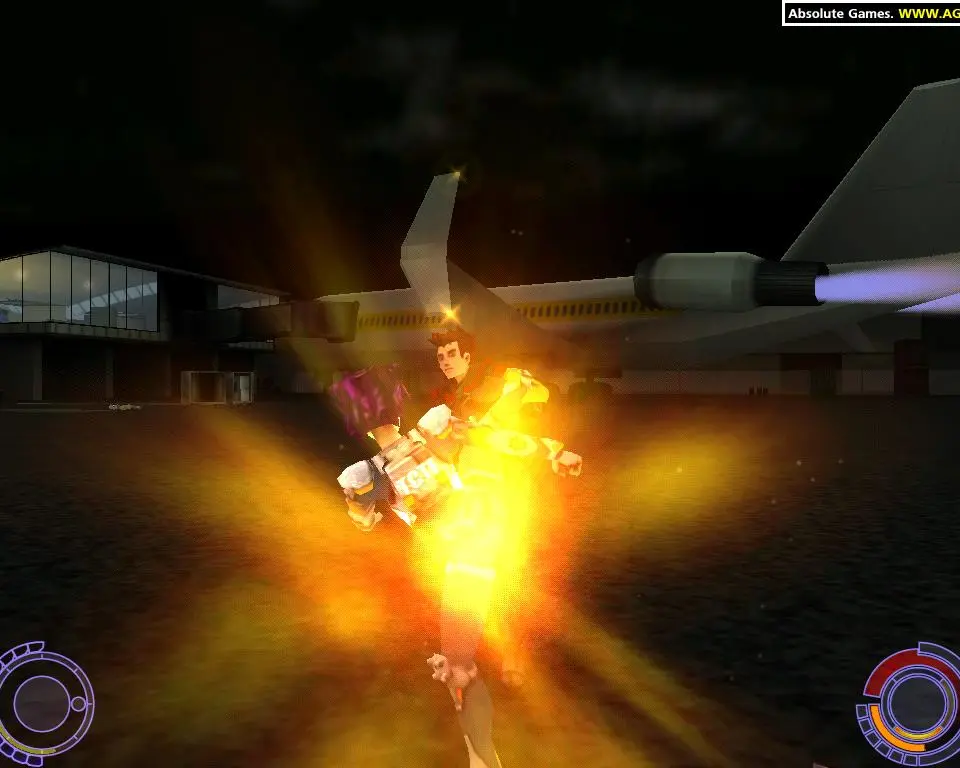
Before diving into the action, ensure your game is properly installed and configured. For PC players, check your graphics settings to match your system's capabilities. A stable frame rate is essential for precise combat. We recommend setting resolution to your monitor's native resolution and adjusting texture quality and anti-aliasing to find a balance between visual fidelity and performance. Ensure your audio drivers are up to date to fully experience the game's atmospheric sound design and crucial audio cues during combat. If you encounter any issues, consult the game's official support forums or community wikis for troubleshooting tips.