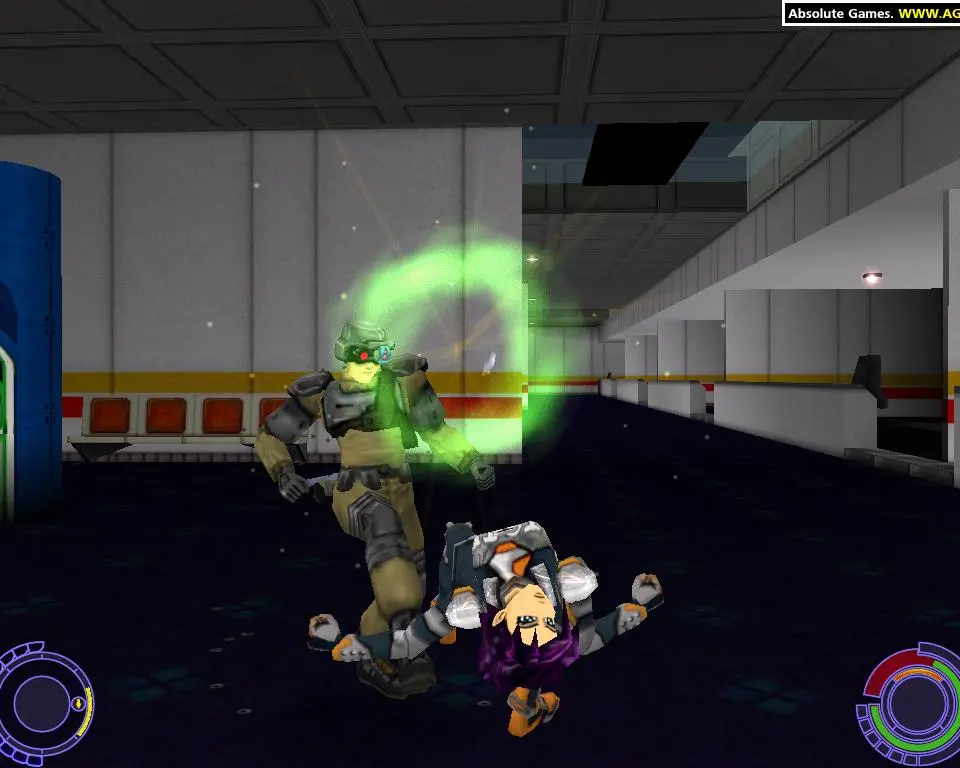
The UI in Oni is minimalistic but provides all the necessary information at a glance. In the top-left corner, you'll find Konoko's Health Bar (green) and Stamina Bar (blue). Stamina is consumed by sprinting, dodging, and performing special melee attacks, and regenerates over time. Below these, you'll see your currently equipped Weapon Icon and its remaining Ammunition Count. The bottom-right displays your Targeting Reticle, which changes color to indicate enemy status (e.g., red for hostile, green for friendly). Keep an eye on the small directional indicators around the reticle, which point towards nearby enemies or objectives. Understanding these elements will help you make informed decisions in the heat of battle.