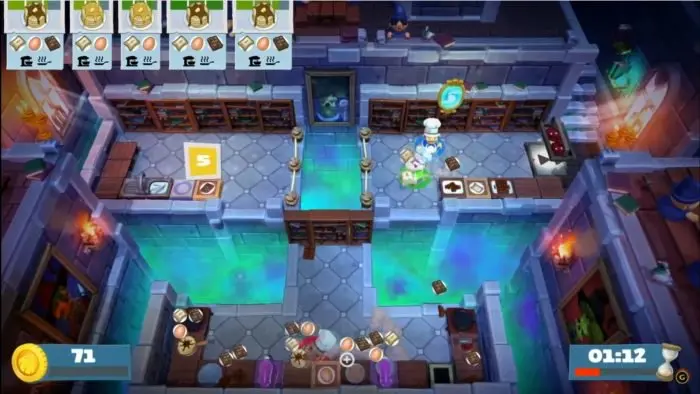
Understanding the controls is paramount to success. You'll primarily use the left stick for movement, allowing your chef to navigate the kitchen. The 'A' button (Xbox/Switch) or 'X' button (PlayStation) is your primary action button for picking up, putting down, and interacting with objects. The 'B' button (Xbox/Switch) or 'Circle' button (PlayStation) is used for throwing items, a crucial mechanic for efficiency. Remember to practice these movements to build muscle memory.