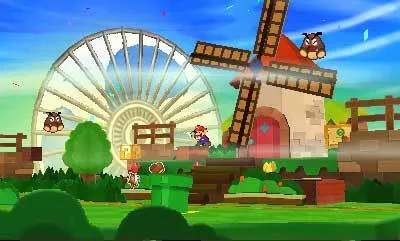
Combat in Paper Mario: Sticker Star is turn-based, but with a unique sticker twist. When you encounter an enemy, the battle screen appears. Here's how it works:
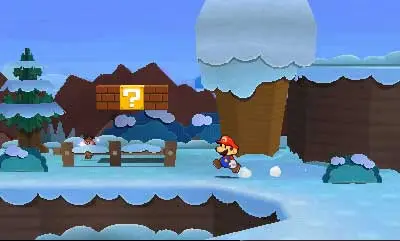
- Your Turn: You'll see your Sticker Album on the bottom screen. Select a sticker to use.
- Action Commands: After selecting a sticker, a prompt for an 'Action Command' will appear. This usually involves pressing 'A' at the right time or holding it down. Successfully executing Action Commands increases your attack power or reduces damage taken.
- Enemy Turn: After your turn, enemies will attack. You can often block or reduce damage by pressing 'A' just before an enemy's attack connects.
- Battle Spin: If you have enough coins, you can use the 'Battle Spin' before selecting a sticker. This allows you to use multiple stickers in one turn, or get a better selection of stickers. It's crucial for tougher battles!
Experiment with Action Commands for each sticker type. A perfectly timed jump or hammer swing can make a huge difference in battle outcomes. use your 'Battle Spin' strategically, especially against bosses or large groups of enemies.