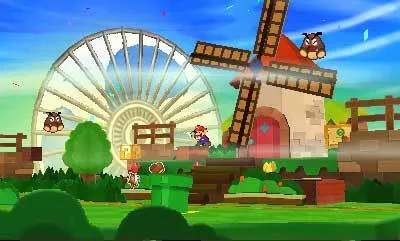
Mastering the controls in Paper Mario: Sticker Star is essential for smooth exploration and effective combat. Here's a breakdown of the basic controls:
- Circle Pad: Move Mario.
- A Button: Jump, confirm selections, interact with objects/NPCs.
- B Button: Hammer (when equipped), cancel selections.
- X Button: Open Sticker Album (in battle), open Menu (outside battle).
- Y Button: Use Thing Sticker (outside battle, when prompted).
- L/R Buttons: Scroll through Sticker Album (in battle), scroll through menu tabs (outside battle).
- Touch Screen: Navigate menus, select stickers in battle, peel stickers from the environment.
Remember to practice your jumps! Precise jumping can reveal hidden blocks, reach elevated areas, and even initiate first strikes in battle, giving you an advantage.