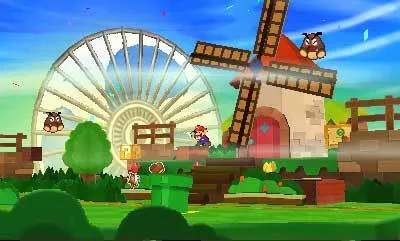
The user interface in Paper Mario: Sticker Star is designed to be intuitive, but understanding each element will enhance your gameplay experience. Here's a quick overview:
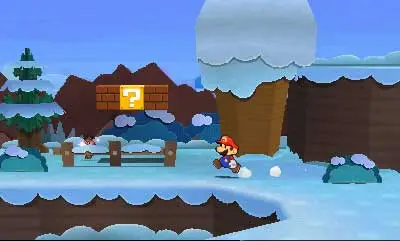
- Top Screen (Exploration): Displays Mario, the environment, and occasional dialogue boxes.
- Bottom Screen (Exploration): Shows your current HP, coin count, and the Sticker Album icon. Tapping the Sticker Album icon opens your inventory.
- Top Screen (Battle): Shows enemies, their HP (after a successful attack), and battle messages.
- Bottom Screen (Battle): Displays your Sticker Album, allowing you to select stickers for your turn. It also shows your current HP and the 'Battle Spin' icon.
Pay close attention to the bottom screen during battles, as this is where you'll make all your strategic decisions regarding sticker usage. The 'Battle Spin' can be a game-changer, so learn to use it effectively!