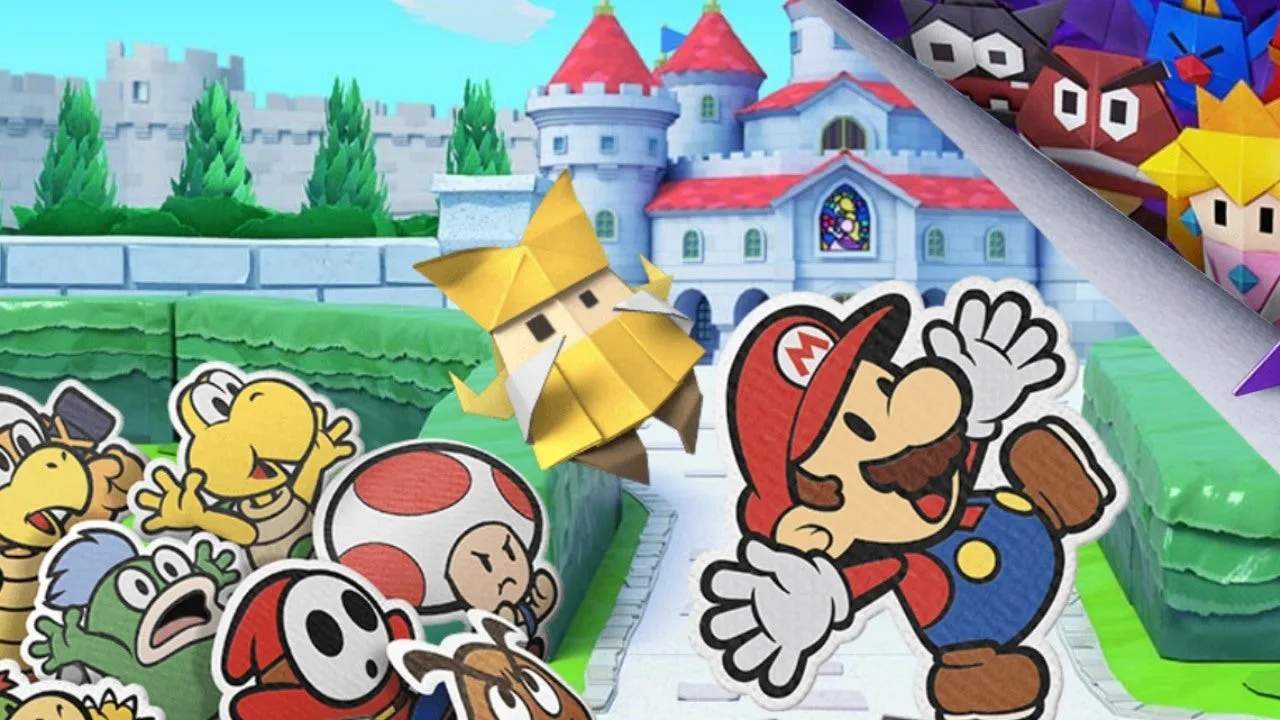
Mastering Mario's movement is key to exploring the vast world of Paper Mario: The Origami King. Use the Left Stick to move Mario around. Press B to jump, which is essential for traversing gaps, reaching higher platforms, and interacting with certain objects. A quick tap of Y will allow Mario to use his Hammer, useful for breaking blocks, revealing hidden Toads, and solving environmental puzzles. The A button is your primary interaction button; use it to talk to characters, open doors, and pick up items. Remember to experiment with these controls in safe areas to get a feel for Mario's agility and the responsiveness of the game world. Understanding these basic inputs will make your journey much more enjoyable and efficient.

While Mario uses traditional analog movement here, those accustomed to the drift-heavy steering of Mario Kart Tour will find his on-foot agility surprisingly precise by comparison.
While Mario jumps solo with the B button here, the mechanics differ from Mario & Luigi: Superstar Saga, where players must coordinate individual buttons for each brother.