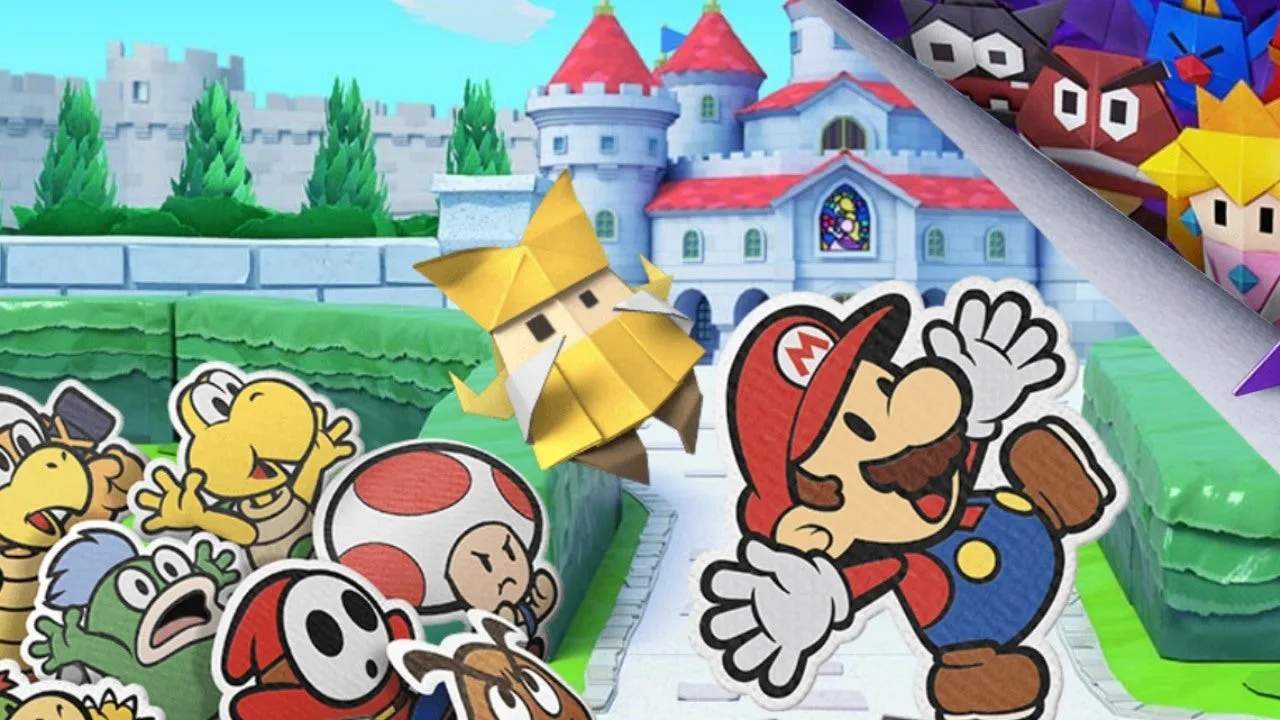
Saving your progress in Paper Mario: The Origami King is straightforward and crucial to avoid losing valuable playtime. The game features an autosave system that frequently saves your progress at key moments, such as entering new areas, completing objectives, or after battles. However, for manual saving, you'll need to locate Save Blocks, which are typically red blocks with a star on them. Hitting a Save Block with your hammer will instantly save your game. It's always a good idea to manually save before challenging boss battles or exploring particularly dangerous areas. Keep an eye out for these blocks, as they are your best friend for ensuring your adventure is preserved.